

First Impressions and Onboarding
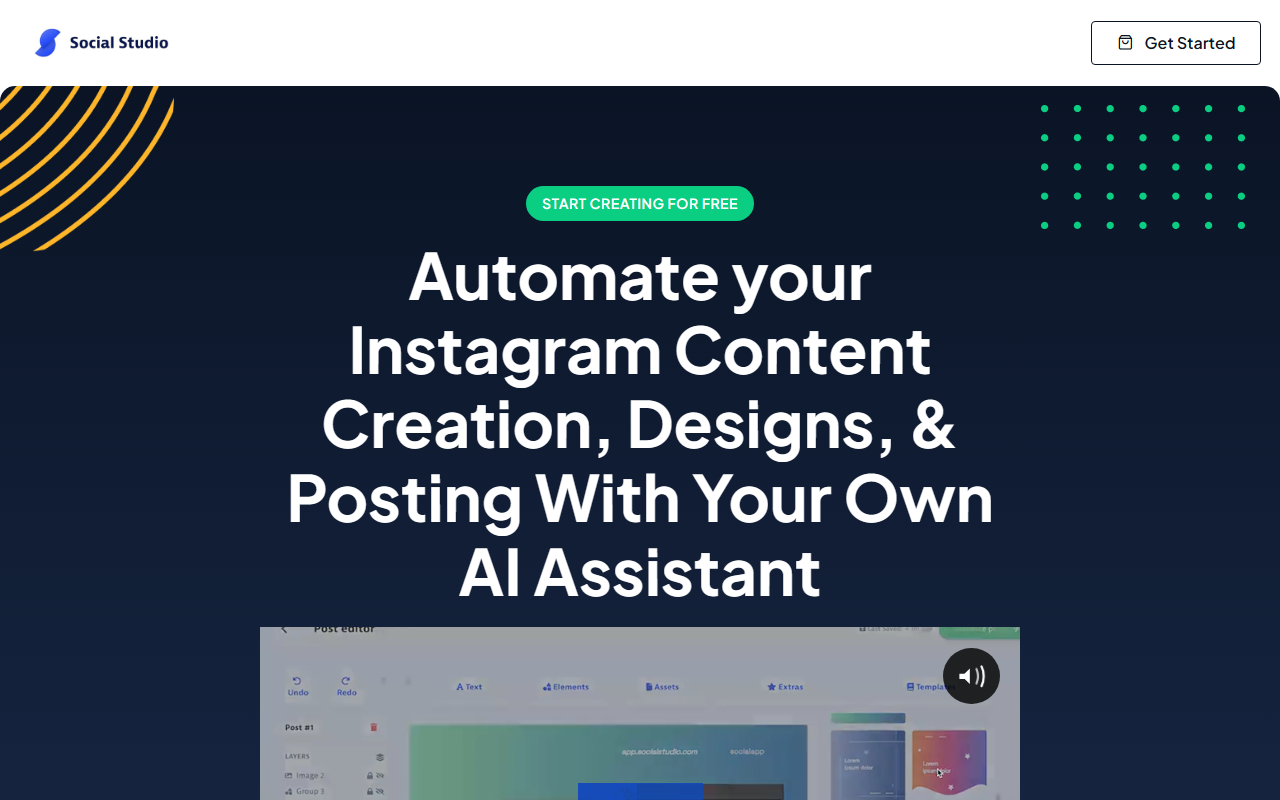
Upon visiting Social Studio, the landing page immediately sells the promise of automating Instagram content creation, design, and posting in minutes. The dashboard is clean and minimal, steering you toward a three-step workflow: generate, design, schedule. I signed up for the free trial, which requires no credit card for the first three days — a decent window to test the core features. The onboarding wizard asks for your Instagram niche or a few keywords, then presents a simple input field where you type a single word or phrase to kick off content creation. It felt almost too easy, but the UI is intuitive enough for beginners who might be overwhelmed by more complex tools like Canva or Adobe Express.
The platform claims to use a proprietary algorithm trained on thousands of hours of Instagram data to produce human-like copy. While I cannot verify the exact model, the generated captions and hashtags felt relevant and surprisingly natural for a one‑word prompt. The editor loads quickly and offers standard design controls — text, colors, shapes, and asset uploads — without the clutter of a full graphic suite. For someone who just wants consistent Instagram posts without fiddling with layers or templates, this is a solid start.
The Core Workflow: From Prompt to Post
When testing the free tier, I entered the keyword "coffee" and waited about 15 seconds. The AI returned a short caption, a set of trending hashtags, and a post layout with placeholder imagery. I could swap out the image with my own brand asset, adjust the font, and tweak the color palette to match my brand guidelines. The editor is not as powerful as dedicated design tools — you won’t find advanced masking or animation — but for most Instagram posts, it’s more than adequate. The real time‑saver is the bundled scheduler. After designing a post, I could queue it directly to my Instagram account. Social Studio supports multiple accounts on the Premium plan, which is essential for agencies or brands managing several profiles.
I also tested the caption generator separately by asking it to expand on the topic "work from home tips." The AI produced three variations, each with a different tone (professional, casual, humorous). The hashtag suggestion tool pulled about 30 tags, mixing high‑volume and niche options. One missing feature: there is no way to export the design as a Photoshop or SVG file — downloads are limited to PNGs. Also, the tool is tailored strictly to Instagram; you cannot repurpose the same design for Facebook or Twitter without re‑creating it. This single‑platform focus might frustrate multi‑channel marketers.
Pricing, Plans, and Market Positioning
Social Studio offers three tiers. The Personal plan at $9.99/month gives you 30 posts per month with AI content, captions, and hashtags but no scheduler. The Premium plan at $19.99/month bumps that to 100 posts and unlocks the scheduler, multiple accounts, and a feed visualizer. A third "Regular" plan is listed at $29/year with features that seem disjointed — 100GB cloud storage and 500 team members — which feels like a leftover template or an enterprise option that doesn’t align with the other plans. Pricing is not publicly consistent here, so I recommend reading the fine print before purchasing. Both paid plans include a 3-day free trial and a 30-day money-back guarantee.
Compared to competitors, Social Studio sits in a narrow niche. Canva offers AI design but lacks direct Instagram scheduling; tools like Later or Buffer provide scheduling but no AI design. Social Studio attempts to be an all-in-one solution for Instagram only. That singular focus is both its strength (simplified workflow) and its limitation (no cross‑platform support). The tool also lacks an API for custom integrations, which may deter advanced users. For solopreneurs, influencers, and small businesses focused purely on Instagram growth, the combo of AI generation, design, and scheduling in one dashboard is compelling. Teams needing multi‑platform publishing or enterprise‑grade analytics should look elsewhere.
The Verdict: Strengths and Honest Limitations
After spending time with Social Studio, I can see why it has earned 5‑star ratings from many early adopters. The speed of generating a month’s worth of posts is real — I created and scheduled seven days of content in about 20 minutes. The AI copy is unique and avoids the robotic tone common in many generators. However, the 3‑day trial is short; you’ll need to commit quickly to test scheduling across a full week. The biggest limitation is the platform lock‑in: no support for other social networks, no API, and export options limited to PNG. Also, the editor’s template library felt small, though you can upload your own designs. If you live and breathe Instagram and want to eliminate repetitive creation work, Social Studio is a worthwhile experiment. But if you manage a broader social strategy, you’ll still need additional tools. Visit Social Studio at https://socialstudio.ai/ to explore it yourself.




Comments