
First Impressions and Onboarding
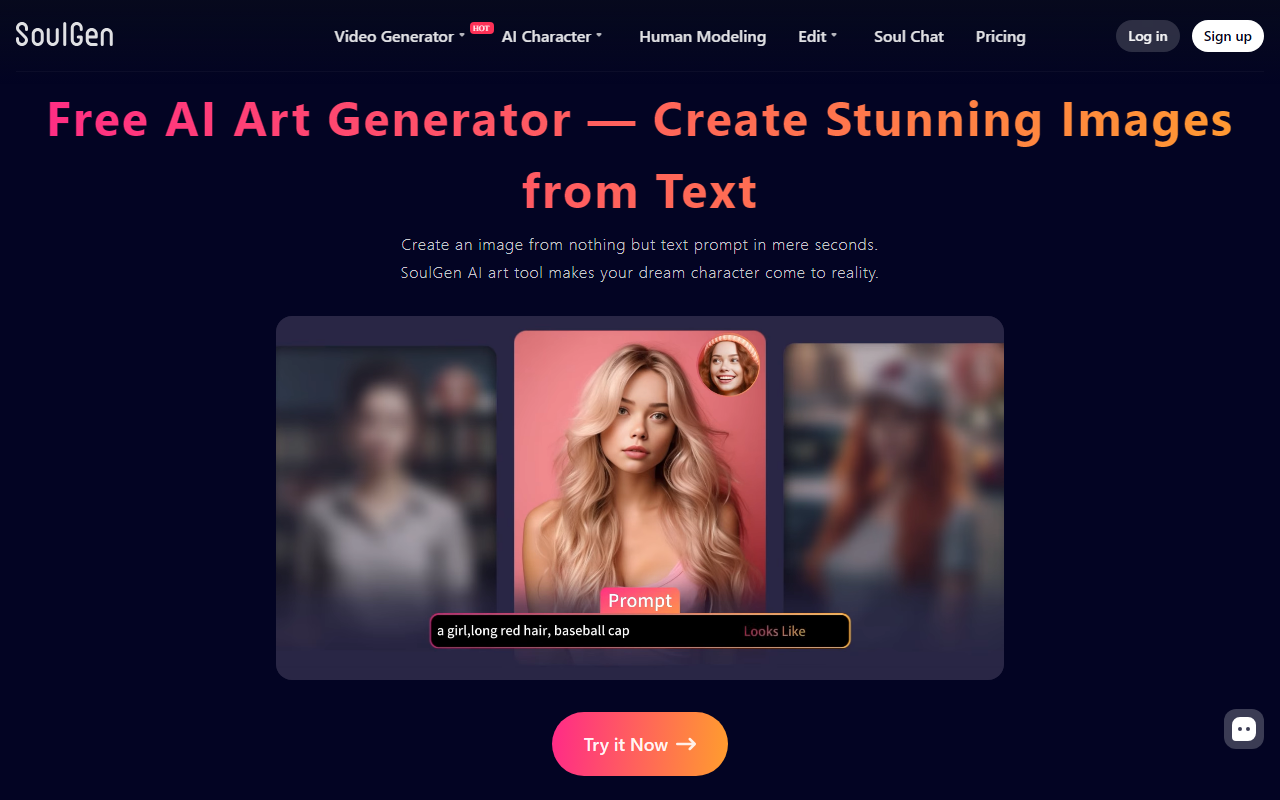
Upon visiting SoulGen, the homepage immediately pitches an all-in-one AI video generator that turns images or text into dynamic HD videos with motion, sound, and talking characters. A prominent "Try it now" button invites you to jump in. The dashboard is clean, though the navigation menu reveals a broad toolset: video generation, AI character creation (Real, DreamTwin, Anime, Human Modeling), image editing (Smart Edit, Classic Remove, Extend, VR Face Swap), and even Soul Chat. Signing up is straightforward — I tested the free tier and was guided through a three-step workflow: upload a reference image, describe the video with a text prompt, and generate. The interface is beginner-friendly, but the sheer number of options can feel overwhelming at first.
Core Features and Capabilities
SoulGen is far more than a simple video maker. Its flagship feature generates talking videos up to 20 seconds with realistic lip-sync, which is impressive for a free tool. Beyond video, it offers AI-powered image editing: you can add, remove, or extend content using text prompts. The "Create Portrait of Someone Lookalike" feature lets you upload a reference photo to generate a character with a similar face — essentially a personalized avatar. The outpainting function ("Explore Never-Ending Images") expands image backgrounds beyond the original frame. I tested the video generator with a photo and a short prompt, and the result was a smooth, lip-synced animation that took about 30 seconds to render. The quality is on par with mid-tier competitors, though audio integration is basic.
Performance and Limitations
Generating a 20-second HD video for free is a genuine strength, but there are trade-offs. SoulGen does not disclose which underlying deep learning models it uses; the FAQs only mention "advanced deep learning models trained on large-scale video and audio data." There is no public API or integration with popular creative suites like Photoshop or After Effects. While the tool allows commercial use, copyright details are vague — you own the output as long as you avoid copyrighted inputs. Pricing is not publicly listed on the website; although a "Pricing" link exists, clicking it leads to a page that was not explored in this review. For context, competitors like Runway and Pika Labs offer more transparent pricing and model documentation but often lack free tiers as generous. SoulGen also has no mobile app, and the web interface can lag with complex edits.
Who Should Use SoulGen?
SoulGen is best suited for content creators, social media managers, and hobbyists who need quick, free AI-generated talking avatars or image edits without committing to a subscription. Beginners will appreciate the guided workflows, while advanced users may find the lack of API, model control, and detailed pricing frustrating. If you need enterprise-grade video generation, look to Runway or Pika Labs. However, for a free, all-in-one solution that combines video, image editing, and character creation, SoulGen is a solid starting point. The lip-sync quality alone makes it worth a try. Visit SoulGen at https://soulgen.net/ to explore it yourself.




Comments