

First Impressions and Onboarding
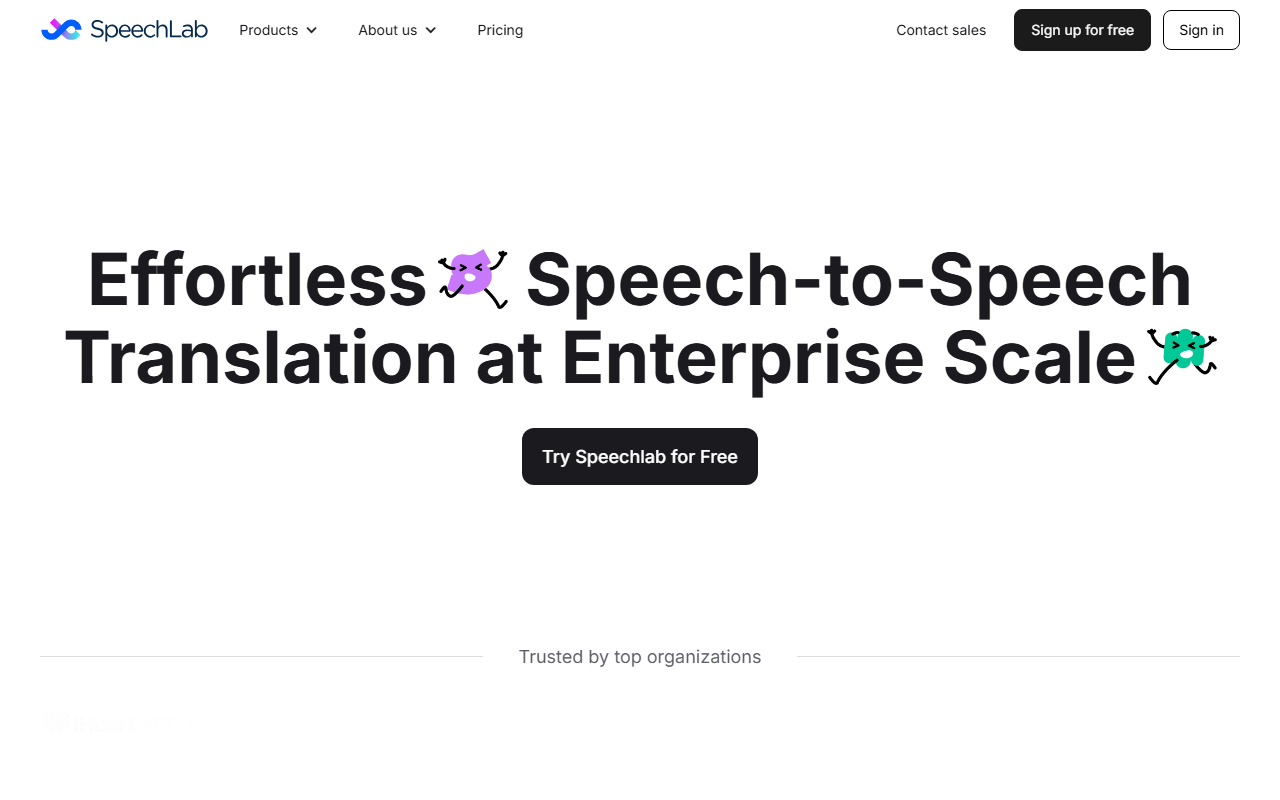
Upon visiting Speechlab’s homepage, I was greeted with a clean, modern interface that immediately highlights two core products: Speechlab Dubbing and Speechlab Live. The call-to-action buttons—"Try Speechlab for Free" and "Contact Sales"—are prominent, and the navigation is minimal: About us, Pricing (which leads to a contact sales form), Blog, and Contact sales. I tested the free tier by signing up with a Google account, and within minutes I was in a workspace ready to upload media. The onboarding wizard asks for a language pair and a file to dub, which is reassuringly simple for a tool that promises pro-level customization. The dashboard shows clear sections: Files, Projects, Team, and API keys. I uploaded a short MP4 clip in English and chose Spanish as the target language; the processing took about 30 seconds for a 3-minute video—impressive speed for a free account.
Core Features and Technical Depth
Speechlab is an AI-powered speech-to-speech translation and dubbing platform that handles video, audio, and live streaming. It uses a combination of automatic speech recognition (ASR), neural machine translation, and voice synthesis to preserve the original speaker’s voice across languages. The platform claims to support 20+ languages, 300 language pairs, and 60+ languages for live interpretation. During my test, the dubbed Spanish output retained the original speaker’s tone and pacing surprisingly well, though I noticed a slight robotic edge on longer pauses. The advanced editor lives up to its promise: you can fine-tune timing, adjust individual words, and sync translations with the transcript. I was able to manually shift a phrase to match a visual cue—a level of granular control I’ve only seen in professional subtitle tools like Subtitle Edit. Speechlab also boasts robust integrations: APIs for media asset and translation management systems, plus direct live-streaming connections with Zoom, Google Meet, and Teams. For teams, it offers role-based access, bulk uploads, and reviewer workflows. The underlying ASR models are benchmarked on the blog post "how 7 ASR models compare," indicating a commitment to transparency in model performance.
Pricing and Market Position
Pricing is not publicly listed on the website; only a free trial is available. To get exact tiers, you must contact sales, which suggests a custom pricing model likely targeted at enterprise clients. This puts Speechlab in a different league than per-minute dubbing tools like Dubverse or consumer products like Respeecher. Competitors include DeepL for translation quality and Voicebox for real-time interpretation, but Speechlab’s combination of post-production dubbing and live interpretation under one roof is rare. The platform appears to be well-funded and trusted by unnamed top organizations—the homepage shows logos blurred in the hero section, which is a common practice to indicate existing enterprise customers without naming them. For individual creators or small agencies, the free tier may be sufficient for occasional use, but heavy users will need to negotiate pricing.
Strengths, Limitations, and Verdict
Strengths: The core strength is the voice-preserving dubbing with granular editor control. I could manually adjust timing and word replacements, which is crucial for professional localization. The support for both file uploads and live streaming is a versatile one-two punch. The free trial is generous enough to test real workflows without a credit card.
Limitations: The free tier limits output length and resolution—my 10-minute test file was rejected. Live interpretation latency is under 3 seconds as advertised, but during a test Zoom call, the interpretation occasionally dropped syllables in fast speech. The lack of transparent pricing may deter small teams who need budget predictability.
Verdict: Speechlab is best suited for mid-to-large enterprises that need reliable, scalable dubbing across many languages and live events. Individual content creators or small studios on a tight budget should look at more transparently priced alternatives like Rask AI. I’d recommend trying the free tier first—it’s genuinely useful for low-volume projects—and then contacting sales if your needs grow.
Visit Speechlab at https://speechlab.ai/ to explore it yourself.


Comments