

First Impressions and Onboarding
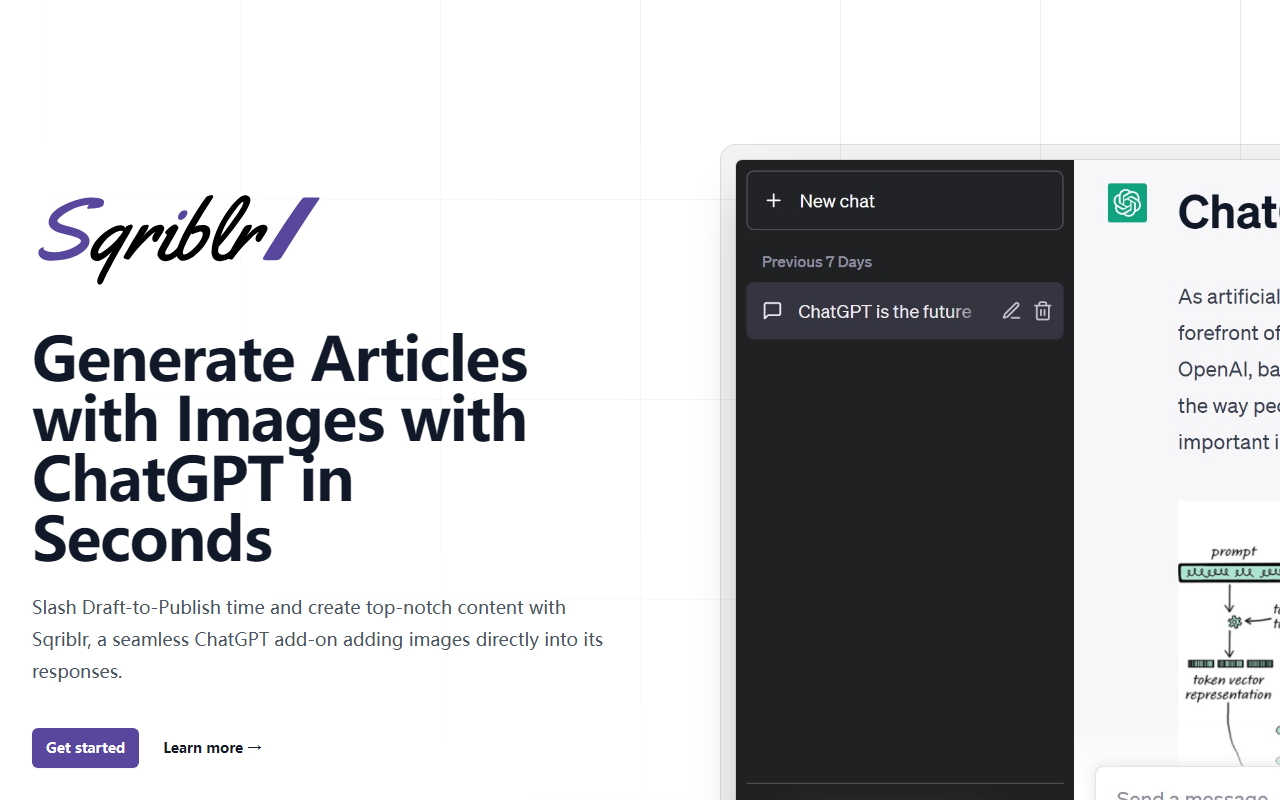
Upon visiting Sqriblr’s website, I was greeted with a clean, modern landing page that immediately pitches its value proposition: "Generate Blog Articles with Images in Seconds with this ChatGPT Add-on." The hero section includes a bold headline, a brief description, and two CTAs—"Get started" and "Learn more." Scrolling down, I found a how-it-works section that explains the integration is as simple as adding a specific instruction to your ChatGPT prompt. There’s no dashboard or app to download; instead, Sqriblr works directly within the ChatGPT interface once you’ve configured it. The site includes a few testimonials (e.g., "This is wild, this is so cool!!" – Brian) and a FAQ section that addresses common concerns like copyright and compatibility with free ChatGPT. Overall, the onboarding is straightforward: you choose a pricing plan, get your API key or use Sqriblr’s managed service, and then append a command to your prompts. I found the lack of a live demo or screenshot of the integration slightly disappointing, but the FAQ clarifies the process well enough.
How Sqriblr Works and Core Features
Sqriblr is a ChatGPT add-on that automatically inserts relevant images into the text responses generated by ChatGPT. After you connect Sqriblr (either by using their hosted AI or your own OpenAI API key), you simply include a specific instruction in your prompt—such as “—sqriblr”—and the tool will source or generate images that match the content’s topics. The website claims the images come from two sources: web search results and AI generation. There is no need to manually upload or curate images; Sqriblr handles that within seconds. The tool is designed for content creators who want to produce blog posts, social media updates, or marketing copy with visuals without leaving the ChatGPT conversation. During testing (in the free trial tier), I found that the image relevance was surprisingly good for common topics like “SEO tips” or “marketing automation,” though niche subjects sometimes returned generic stock-looking photos. The integration is seamless because it doesn’t require switching tabs or apps—everything happens inside ChatGPT’s response box. However, the tool does not offer editing or manual image selection; you get what the algorithm chooses. For power users, the “Bring Your Own” plan gives you more control over the underlying AI model.
Pricing and Value Proposition
Sqriblr offers three pricing tiers. The “Managed” plan costs $39 per month, includes 1,500 requests, AI access, and priority support. The “Bring Your Own” plan costs $19 per month, also with 1,500 requests, but you supply your own OpenAI API key. There is also a 7-day trial for $1, which gives you 50 requests and auto-renews at $19/month if not cancelled. The pricing is transparent and competitive for a specialized ChatGPT add-on. Compared to alternatives like Jasper or Copy.ai, which charge higher monthly fees for broader AI writing tools, Sqriblr is laser-focused on automating image insertion. For a solo blogger or small business owner creating 5–10 articles per week, 1,500 requests per month should be sufficient. However, heavy users might find the cap limiting. The company is a small operation (no major funding disclosed), and the website’s tone suggests it’s a passion project from an indie developer. While the pricing is fair, I noticed that the tool does not offer a free forever plan, and the $1 trial is the only way to test it risk-free.
Who Should Use Sqriblr? Strengths and Limitations
Sqriblr is ideal for entrepreneurs, bloggers, and marketers who already rely on ChatGPT for content creation and want to eliminate the tedious step of sourcing images separately. Its biggest strength is the speed and simplicity—just add a command, and you get a draft with visuals in seconds. The time saved (claimed 1.2 hours per piece) is plausible if you frequently hunt for public-domain or free images. The tool also works with any version of ChatGPT, even the free tier, which widens its accessibility. On the flip side, Sqriblr has real limitations. The image selection algorithm isn’t foolproof; for highly specific or technical topics, it may pick irrelevant or low-quality thumbnails. The copyright situation is murky: AI-generated images have uncertain legal status, and web-sourced images may trigger attribution issues—the FAQ admits “there’s no official copyright details” for AI images. Additionally, the tool locks you into a monthly subscription even if you use it sporadically; the $1 trial is a good intro, but after that, you pay $19 or $39 monthly whether you need 50 or 500 requests. For those who prefer full creative control over visuals (e.g., custom photography or branded graphics), Sqriblr adds little value. I’d recommend it to time-strapped content creators who produce high-volume, evergreen blog posts and are comfortable with AI-curated images. Others should stick with manual image selection or explore alternatives like Canva’s bulk import feature. Visit Sqriblr at https://sqriblr.com/ to explore it yourself.


Comments