

First Impressions and Onboarding
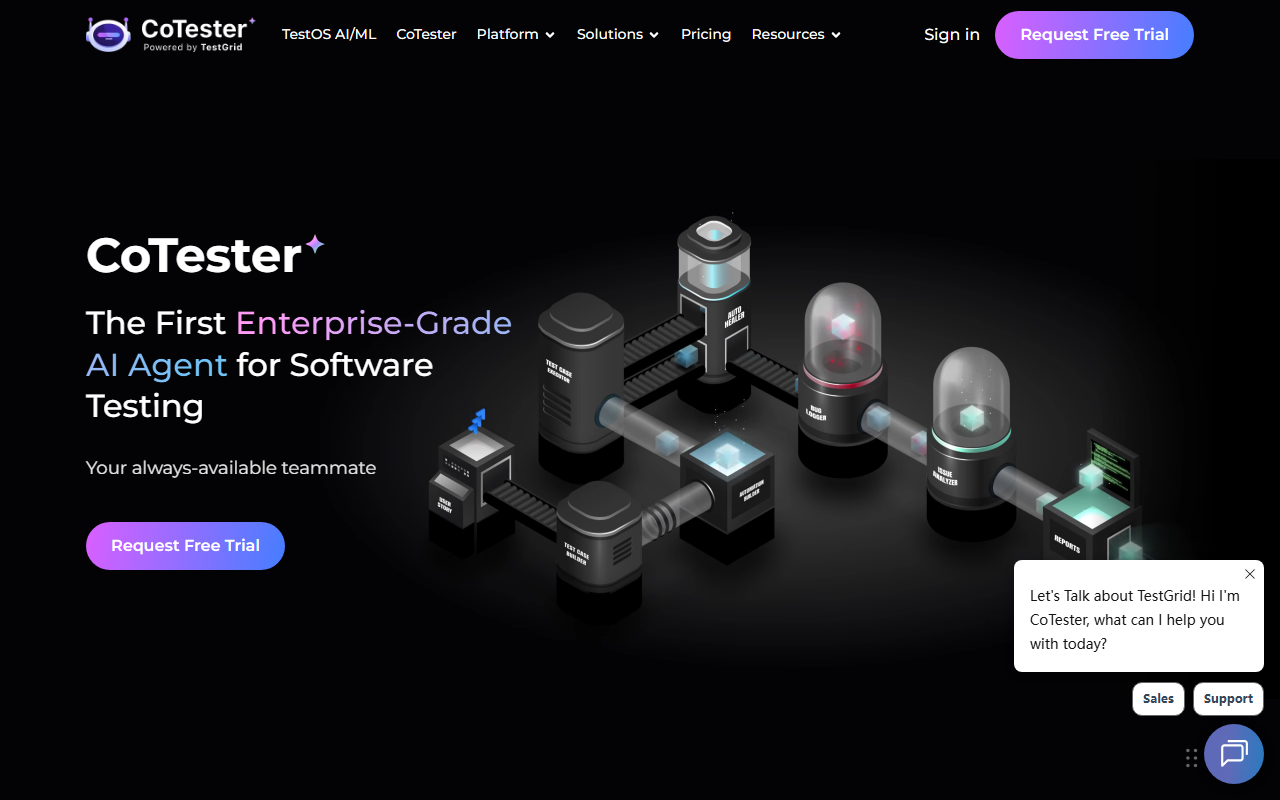
Upon visiting TestGrid’s website, the first thing I noticed was the prominent announcement of CoTester 2.0 – “Your Always-Available AI Teammate for Testing.” The landing page immediately pushes you toward a free trial request or a demo booking, with no self-serve sign-up visible. The dashboard, which I accessed after requesting a trial, features a clean left sidebar with modules like TestOS AI/ML, CoTester, Codeless Automation, and various testing types. The onboarding flow guided me to create a test project and choose a device from their real device lab. I tested a simple web app using the codeless recorder: the record-and-playback feature worked smoothly, generating a test script automatically. The AI aspect is most evident in CoTester, which can understand test scenarios in natural language and suggest test cases. The platform feels mature, aimed at teams that need to manage complex test infrastructures.
Core Features and AI Integration
TestGrid positions itself as a unified test infrastructure and software testing platform. Its standout feature is CoTester 2.0, an AI agent pre-trained on software testing fundamentals, architecture, and tools. During my evaluation, I asked CoTester to create a login test for a demo app; it generated a step-by-step test using the codeless IDE. The platform supports codeless testing via record-and-play, low-code scripting, and a modern web-based IDE. For teams with existing Selenium, Appium, or Cypress scripts, TestGrid can execute those on real devices and browsers in the cloud. I also explored the performance testing module, which integrates with JMeter, and the visual testing feature that captures pixel-level differences without extra SDKs. The platform offers manual testing on real iOS and Android devices, cross-browser testing across many versions, and even IoT testing. With over 100 integrations, including CI/CD tools, TestGrid fits into existing workflows. The underlying technology appears to be their proprietary TestOS AI/ML engine, which powers codeless generation and test intelligence.
Pricing and Market Positioning
Pricing is not publicly listed on the website. All calls to action lead to “Request Free Trial” or “Book Demo,” suggesting a sales-led model typical for enterprise platforms. Unlike competitors like BrowserStack or Sauce Labs, which offer transparent per-minute or per-session pricing, TestGrid leans heavily on custom quotes based on device access, AI features, and deployment options (public cloud, dedicated cloud, on-premise, or hybrid). This lack of transparency may frustrate smaller teams or individual developers looking to quickly evaluate costs. However, for large enterprises, the ability to negotiate enterprise agreements and get dedicated device labs (even a “Device Lab on Wheels” for up to 50 devices) is a differentiator. TestGrid also highlights success stories with Fortune 100 companies and a U.S. gas/electric giant, underscoring its enterprise credibility. The platform boasts “0 Million+ Tests, 0+ Enterprises” – though these figures seem inflated or placeholder, they indicate a sizable user base. Its AI-powered CoTester puts it ahead of traditional cloud testing platforms in terms of automation intelligence.
Who Should Use TestGrid?
TestGrid is best suited for enterprise QA teams that need a comprehensive, AI-augmented testing platform covering web, mobile, performance, visual, and IoT testing. The codeless feature is excellent for manual testers or business analysts wanting to automate without coding. The real device cloud and ability to run Selenium/Appium scripts make it a drop-in replacement for existing test infrastructure. Limitations include the lack of transparent pricing and a potentially steep learning curve given the sheer number of features. Smaller startups or individual developers may find BrowserStack or LambdaTest more accessible and cheaper. However, if your organization requires a single platform for both functional and non-functional testing, with an AI assistant that reduces test creation time, TestGrid is compelling. I recommend requesting a demo to test the AI capabilities on your actual workflows. Visit TestGrid at https://testgrid.io/ to explore it yourself.




Comments