
First Impressions and Onboarding
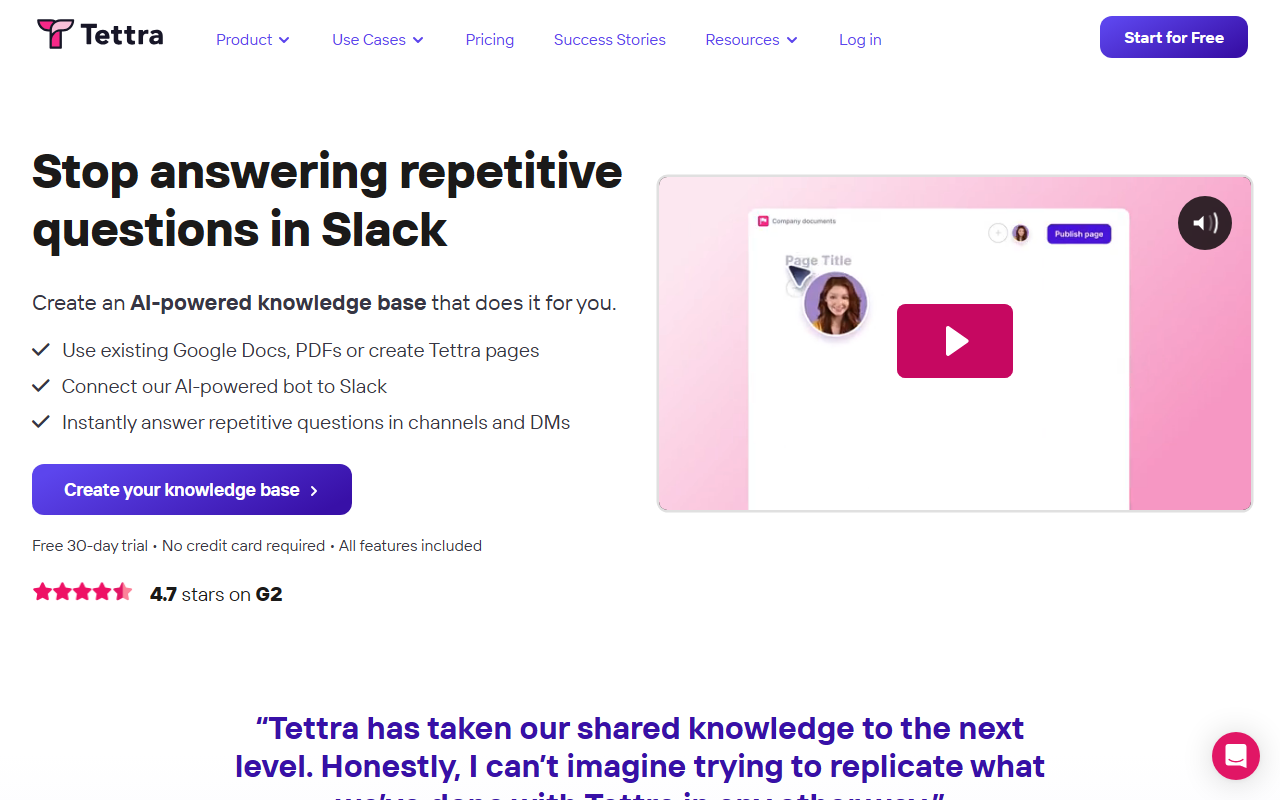
Upon visiting the Tettra site, I was immediately drawn to the bold promise: “Stop answering repetitive questions in Slack.” The dashboard is clean and action-oriented, with a prominent “Start for Free” button. I signed up for the 30-day trial without providing a credit card—a welcome frictionless start. The onboarding wizard prompted me to import existing documents from Google Docs, Notion, or local files. I imported a few Google Docs containing standard company policies and IT FAQs. The process took under two minutes. Tettra then automatically created pages from those docs, and I was able to organize them into categories right away. I then connected my Slack workspace; the integration was a single click with OAuth permission. The entire setup felt purpose-built for teams that already live in Slack and need a knowledge base without a steep learning curve.
Core Features and AI Capabilities
Tettra’s heart is the AI bot, named Kai, which lives inside Slack channels and direct messages. When a teammate asks a question, Kai scans your knowledge base and returns an answer with a citation. I tested this by asking “How do I request PTO?” in a test channel. Kai retrieved the relevant page from my imported policy document and answered with a direct quote plus a link to the full page. If Kai cannot find an answer, it prompts the user to ask a human expert and even suggests who that might be based on content ownership. That is a strong feature for avoiding dead ends. The knowledge base editor is simple but functional; you can write new pages, embed images, and create links. The true differentiator, however, is the knowledge management layer: Tettra automates requests for subject matter experts to review and verify pages at regular intervals. This keeps content from going stale. The dashboard shows a “verification status” for each page, so admins can see which pages are trusted and which need updates. For a team that relies heavily on Slack for daily communication, this tight integration feels natural and reduces context switching.
Pricing and Market Positioning
Tettra does not list its paid pricing on the public website. The site only advertises a free 30-day trial with all features included. This lack of transparent pricing is a common pain point for buyers who want to budget upfront. For context, competitors like Confluence offer clear per-user pricing, while Guru (another AI knowledge base) lists plans openly. Tettra appears to target mid-market teams (10–200 people) that are already married to Slack. The 4.7-star rating on G2, along with testimonials from marketing and support leaders, suggests strong user satisfaction. In my view, Tettra is best suited for organizations where Slack is the primary communication hub and where reducing repetitive questions is a high priority. Companies that need a broader document collaboration suite (like Confluence’s project management features) or that do not use Slack would likely be better served elsewhere.
Strengths, Limitations, and Final Verdict
Tettra’s greatest strength is its laser focus on eliminating repetitive Slack questions. The AI answer quality on common, well-documented queries is impressive. The verification workflow ensures information stays current, which is a major pain point for many internal wikis. However, the tool has limitations. For nuanced or multi-step questions, Kai may return an incomplete answer or fail to understand context—this is common for all AI knowledge bases but worth noting. Additionally, the platform is almost entirely centered on Slack; if your team uses Microsoft Teams or email for knowledge sharing, Tettra will not be very helpful. Pricing opacity also makes it harder to compare apples-to-apples with alternatives. For teams that live in Slack and want a simple, AI-driven knowledge base with strong content curation, Tettra is a solid choice. I recommend starting the free trial to test with a small set of real questions. If your team is not Slack-centric or needs heavy customization, look at Guru or Confluence. Visit Tettra at https://tettra.com/ to explore it yourself.


Comments