

First Impressions and Onboarding
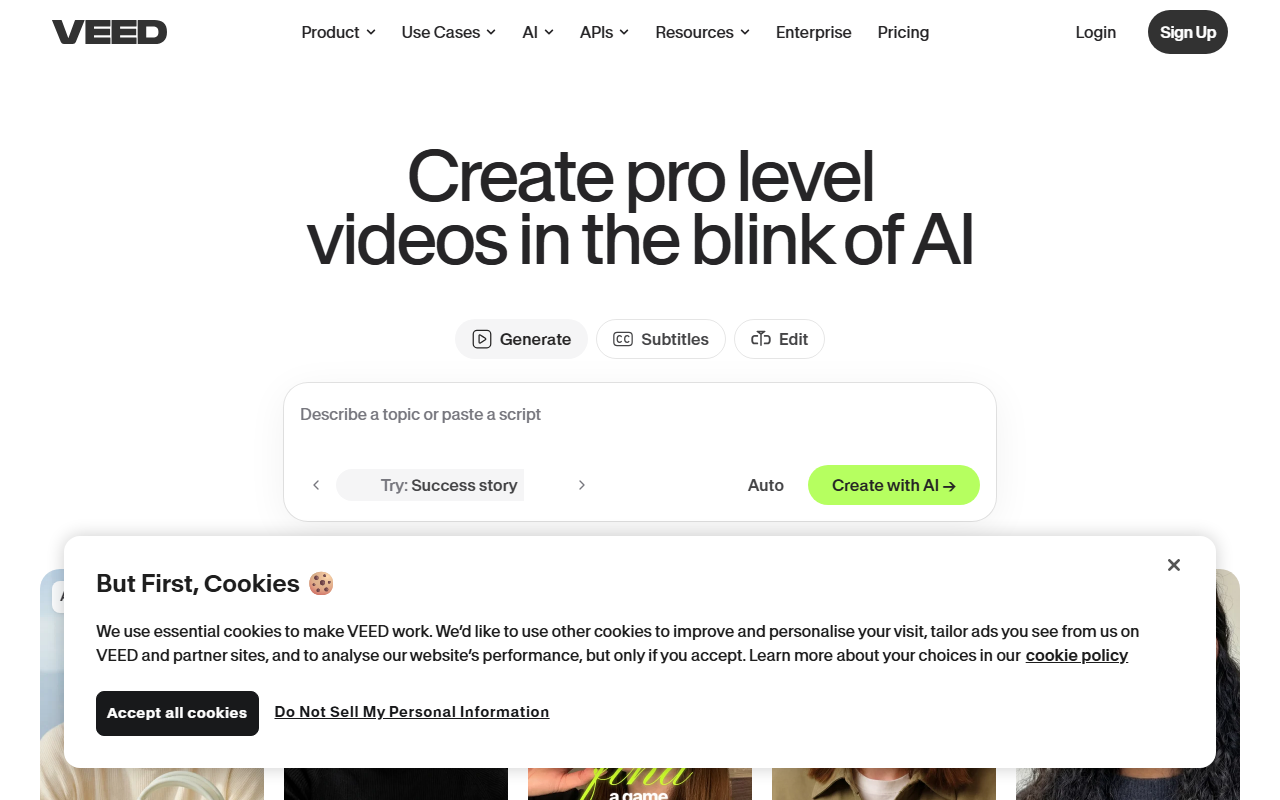
Upon visiting VEED.io, the interface immediately signals a focus on speed and social media output. The homepage presents a clean dashboard with prompts for common video types — Character, Explainer, Product Demo, Ad, Testimonials, and Thought Leadership. I clicked on "Explainer" and was greeted by a straightforward prompt field. Within seconds, the AI generated a short video with stock footage, synthesized voiceover, and auto-generated subtitles. The process took under a minute, and the result was surprisingly polished for a zero-effort creation. There is no steep learning curve; I did not need a single tutorial, just like the testimonial from Gwenne Wilcox suggests. The editor itself is browser-based and responsive, with a timeline that feels familiar to anyone who has used basic video tools. My first interaction was entirely frictionless, which is rare for AI video platforms.
Core Features and Workflow
VEED’s standout feature is its AI video generator, which can turn a text prompt into a complete video. But the platform goes far beyond that. The subtitle engine is genuinely best-in-class: it automatically detects speech, syncs captions with high accuracy, and offers dynamic styling that keeps viewers engaged. I tested it on a short clip with background noise, and the noise reduction worked well, though not perfectly. Another highlight is the Brand Kit — you can upload your brand’s colors, fonts, logos, and even a brand voice, and VEED applies them consistently across all videos. This is a huge timesaver for teams producing daily social content. The AI avatar feature allows you to generate a talking head without recording yourself; I generated a simple avatar that read a script, and the lip-sync was convincing enough for a quick ad. However, advanced features like eye contact correction and dubbing are locked behind higher-tier plans. The workflow is centered on speed: you go from idea to publish-able video in minutes, not hours. For teams that need volume, this is a clear advantage.
Pricing and Positioning
Detailed pricing is not explicitly listed on the homepage, but VEED typically offers a free tier with watermarked exports and limited features. Paid plans start around $10–$18 per month for individuals, with team plans scaling higher. This positions VEED as an accessible tool compared to more expensive alternatives like Descript (which focuses on podcast editing) or RunwayML (which targets professionals needing advanced AI effects). Unlike Canva’s video tools, VEED is purpose-built for video-first workflows, making it more efficient for heavy video users. The platform boasts a 4.6 rating from over 1,000 reviews, and testimonials from brands like PandaDoc and ConvertFlow add credibility. However, if you need granular timeline editing, multi-track audio, or complex effects, you will hit limits. VEED is optimized for simple, fast, branded videos — not for cinematic productions. That is not a flaw, but a clear design choice.
Final Verdict
VEED excels at removing the friction from social video creation. Its AI generation, subtitle accuracy, and brand consistency features are genuinely impressive. The platform is best suited for social media managers, small business owners, and content marketers who need to produce a high volume of short-form videos without hiring a professional editor. I would not recommend it for filmmakers or anyone requiring precise control over every frame. The free tier is generous enough to test core features, and paid plans are reasonable for the value. Compared to competitors, VEED wins on ease of use and brand integration. If your goal is to turn ideas into feed-ready videos in minutes, VEED is a strong choice. Visit VEED at https://veed.io/ to explore it yourself.


Comments