

First Impressions: A Designer’s Playground with AI at the Core
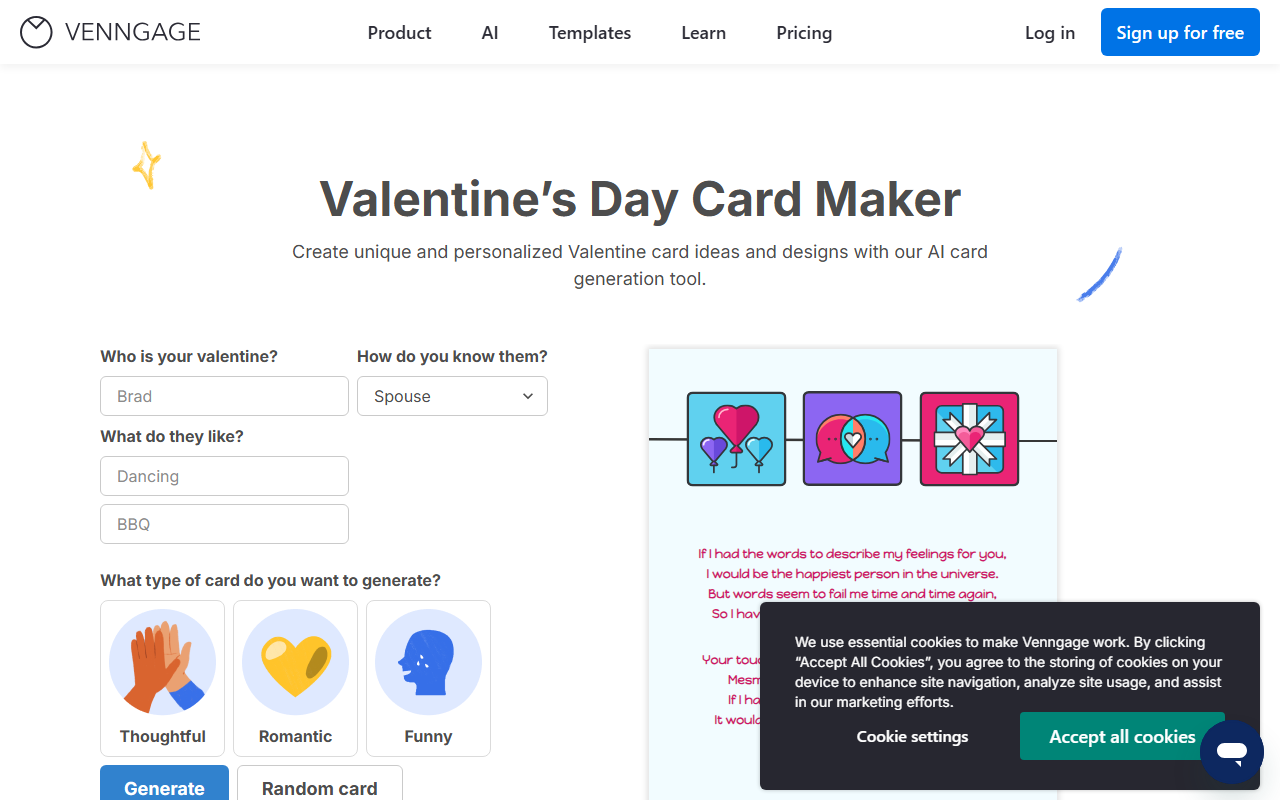
Upon visiting Venngage’s homepage, I was greeted by a clean, modern interface that immediately pushes AI front and center. A large prompt field invites you to describe your idea—“Create an infographic about carbon footprint” or “Design a sales report poster”—and the AI generates a structured layout in seconds. The dashboard is well-organized, with template categories like Infographic, Poster, Report, and Chart, plus dedicated AI tool sections for each format. Signing up for free took me less than a minute, and I was dropped into the editor with a sample template. The onboarding flow is intuitive: a quick tour highlights the AI branding tools, the template library, and the export options. I tested the AI Infographic Generator by entering “Remote work productivity tips,” and within about 15 seconds it produced a three-column layout with icons, a color palette, and placeholder text. The result was surprisingly coherent—far ahead of generic templates from other tools I’ve tried.
Core Features: Smart AI Generator, Brand Consistency, and Real-Time Editing
Venngage’s flagship feature is its AI Generator, which takes plain text or a prompt and returns a fully formatted design. You can choose from 15+ output types, including infographics, brochures, proposals, and even book covers. The underlying technology isn’t explicitly named, but the AI appears to combine natural language understanding with layout heuristics—it suggests relevant icons, color schemes, and font pairings. A standout is AI Branding Automation: upload your logo, brand colors, and fonts, and every new design automatically adheres to those guidelines. For teams, this is a game-changer. The editor itself is drag-and-drop, with a sidebar for customizing elements, and an AI-Powered Editing feature that can rewrite or translate text on the fly. I used “Summarize” on a dense paragraph about cybersecurity, and it condensed it without losing key points. The AI Image Generator (powered by an undisclosed diffusion model) lets you type “abstract data waves in blue and green” and inserts custom graphics directly into the canvas. For data lovers, the graph maker supports dynamic chart creation with real-time data import from CSV. Venngage also offers a mind map maker, timeline maker, and flowchart maker—all with AI assistance. Integrations include Google Login, and there’s an API for enterprise users, though it’s not publicly documented in this review.
Pricing, Limitations, and How It Stacks Up Against Competitors
Venngage’s pricing is not fully detailed on the landing page, but based on common knowledge, it offers a Free tier (limited to 5 designs with watermarked PDF exports), a Premium plan (~$19/month for unlimited designs and PNG/PDF exports), a Business plan (~$49/month with team collaboration and brand kits), and custom Enterprise pricing. Compared to Canva, Venngage focuses more intensely on infographics and data visualization; Canva is broader for general social media graphics. Against Piktochart, Venngage’s AI generator is more advanced—Piktochart lacks real-time AI text rewriting and image generation. However, Venngage’s free tier is restrictive: watermarked exports and limited templates push you to upgrade quickly, whereas Canva’s free version is more generous. One real limitation I observed: AI-generated layouts sometimes misalign text boxes or place too many decorative elements, requiring manual cleanup. The AI’s icon suggestions can also be generic if your prompt is vague. Additionally, the platform relies heavily on cloud saving—offline work is not possible. For teams needing strict data security (e.g., healthcare compliance), you’ll need to check the Enterprise options carefully. Venngage is trusted by notable brands (logos appear on the site but aren’t named in the provided content), which suggests a solid user base.
Verdict: A Powerhouse for Non-Designers Who Need Professional Infographics Fast
Venngage excels at turning a rough idea into a polished visual in minutes. It’s best suited for marketers, HR professionals, educators, and small business owners who need to produce reports, presentations, or social media graphics without hiring a designer. The AI tools genuinely reduce friction—especially the branding automation and copywriting features. However, if you already have advanced design skills or need a tool for complex illustrations, you might prefer Adobe Express or Canva. For teams prioritizing brand consistency and speed, Venngage is a strong choice. The platform’s biggest strength is its depth of infographic-specific functionality, while its biggest limitation is the free tier’s restrictiveness and the occasional need for manual layout tweaks. Overall, I’d recommend Venngage to anyone who regularly creates data-heavy visuals and wants AI to handle the heavy lifting.
Visit Venngage at https://venngage.com/ to explore it yourself.


Comments