

First Impressions and Onboarding Experience
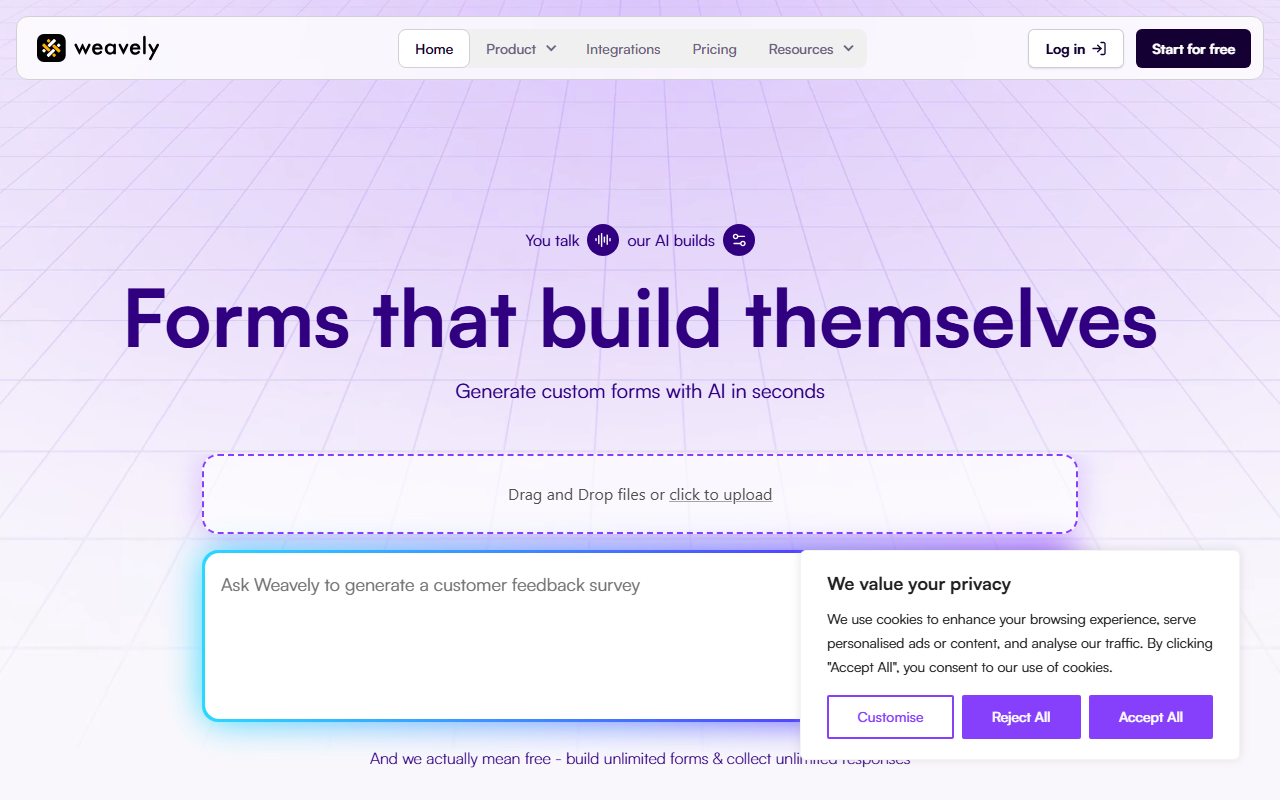
Upon visiting the Weavely website, I was struck by the simplicity of the message: “Your talk, our AI builds forms.” The dashboard is clean and minimal, with a single call-to-action to generate a form. I clicked “Start for free” and was immediately taken to an input screen where I could type a prompt, upload a PDF, or record a voice note. I typed “I need a feedback form for new users for my fitness coaching app” and pressed enter. Within seconds, the AI generated a multi-step form with sections like overall satisfaction, ease of use, and open feedback. Each field was automatically labeled and ordered logically. The interface let me preview the form immediately, and I could tweak questions using the AI Copilot that appears on the right side. The onboarding took less than two minutes from start to a working form—impressively fast.
Core Features and AI Capabilities
Weavely’s main strength is its AI-driven form creation. It supports three input methods: text prompt, voice note, and document upload. I tested the voice input by speaking “Create a survey about remote work habits,” and the AI accurately transcribed and structured the response into form fields. The AI Copilot is always available to rephrase questions, adjust tone, or apply brand styling. I asked it to “make the tone more professional,” and it updated the text immediately. The tool includes essential features like multistep flows, conditional logic (show or hide fields based on previous answers), answer piping, and a wide range of field types (text, radio, checkbox, date, rating). Team functionality is also present, allowing multiple users to collaborate on forms. The AI even extracts colors and fonts from uploaded brand images, applying them consistently—a feature that normally requires manual hex-code entry in competitors like Typeform.
Pricing, Integrations, and Market Position
Weavely offers a genuinely unlimited free tier: unlimited forms and unlimited responses. Pricing for advanced features is not publicly listed on the website, which suggests the free tier may be the primary offer for now, or that paid plans are customized. The tool integrates with over 6,000 apps via Zapier, connecting to CRMs like Salesforce, data tools like Google Sheets, and automation platforms like Slack. In the market, Weavely competes with Typeform and Jotform. Unlike Typeform, which emphasizes visual design and templates, Weavely focuses on speed and AI-generated structure. It lacks the extensive template library of Jotform but makes up for it with rapid creation from a simple prompt. The tool is best suited for customer success, marketing, founders, and UX teams that need to deploy feedback forms or surveys quickly without wrestling with form-building interfaces. Those who require highly customized design or complex branching logic beyond what the AI suggests may find Weavely limiting.
Who Should Use Weavely?
Weavely is ideal for teams that value speed and simplicity. If you often find yourself spending hours setting up forms or wish you could just describe what you need and have it built, this tool delivers. The free tier is generous and fully functional for most use cases. However, power users who rely on advanced customization, A/B testing, or detailed analytics may need to look at more mature platforms. I also noticed that the AI occasionally misinterprets ambiguous prompts—my “fitness coaching app” form included a field for “when were you born?” which seemed out of place. Still, the Copilot makes it trivial to correct such errors. Overall, Weavely is a strong contender in the AI-assisted form builder space, especially for small to medium teams looking to reduce friction. Visit Weavely at https://weavely.ai/ to explore it yourself.


Comments