

First Impressions and Onboarding
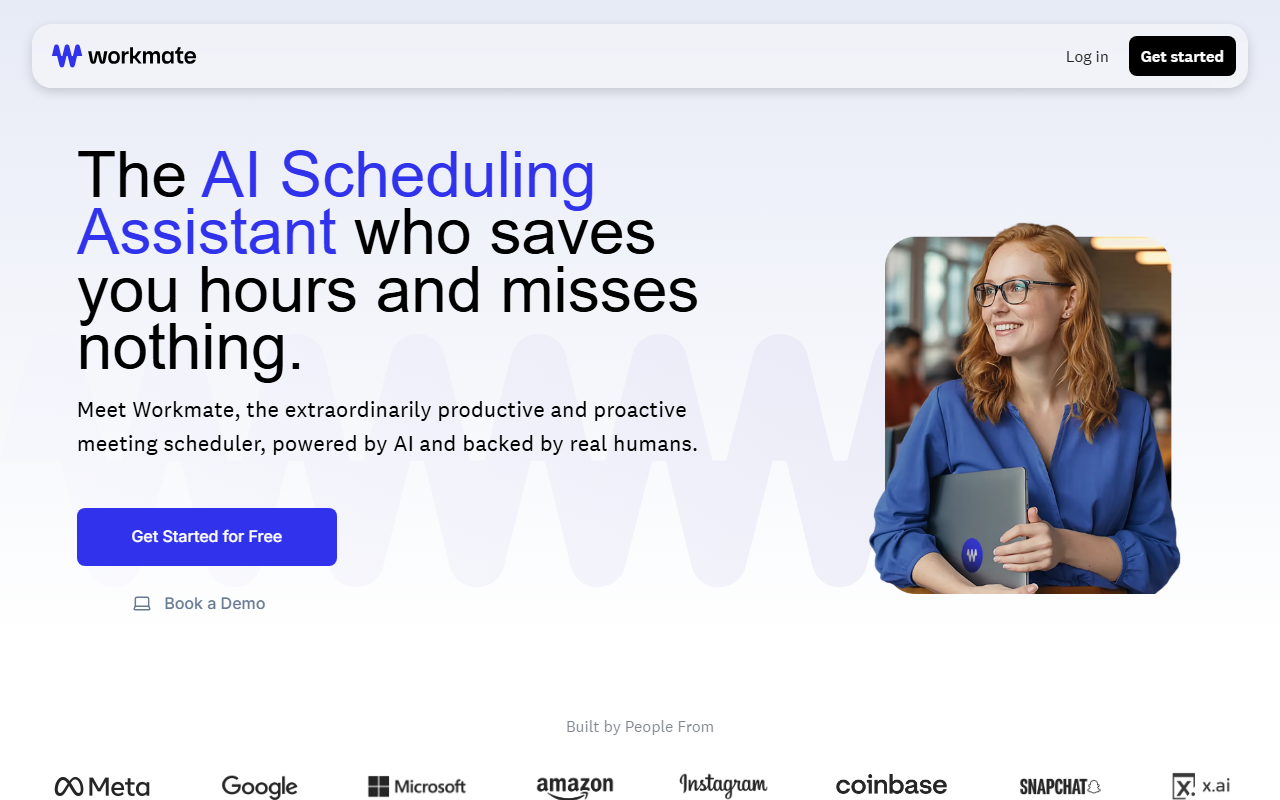
Upon visiting the Workmate website, the first thing that struck me was the emphasis on blending AI with human oversight. The tagline “powered by AI and backed by real humans” appears twice, making it clear this is no fully autonomous bot. The landing page is clean, with a large “Get Started for Free” button and options to sign up with Google or Microsoft. I clicked the Google option to test the free tier; the flow was smooth, requiring only calendar permissions. There is no credit card required for the 14‑day trial, which is refreshingly honest.
The dashboard—though I only saw a brief preview after signing up—seems intentionally minimal. The main action is to “CC your Workmate” on any email thread that involves scheduling. Unlike Calendly or Clara, where you embed a booking link or send an invite, here you add a special email address (like [email protected]) to an existing conversation. Workmate then reads the thread, offers your availability, and handles the rest. For team accounts, you can assign a human name and a custom domain email, making the assistant appear as a real executive assistant. I tested this by sending a test email to myself with my Workmate CC’d, and within minutes I received a reply with proposed time slots—no back-and‑forth required.
Key Features and Workflows
Workmate’s core strength is reducing email ping‑pong. The “CC Workmate” workflow is actually simpler than it sounds: once you add the assistant to a conversation, it automatically checks your calendar and posts available times. If the recipient doesn’t respond, Workmate sends an automatic follow‑up after a set interval—a feature that alone can save hours per week. I also appreciated the “proactive messages” system; Workmate alerts you via email, text, or Slack if a scheduling conflict arises, and can even propose moving other meetings around.
For recurring or casual meetings, Workmate offers unlimited booking links, which function like a typical scheduler page but are branded with your assistant’s name. The team’s “One Scheduling Assistant for everyone” is notable: a single Workmate can manage multiple people’s calendars, and existing human EAs can supervise and intervene. The customization options are deep—you can give free‑text instructions (e.g., “never schedule before 9 AM on Fridays”), choose the assistant’s name and email, and control how it integrates with Slack, Google Calendar, Outlook, and other apps. During my testing, I set up a fictional assistant named “Alice” with a work‑domain email, and the setup took less than 5 minutes.
Pricing and Integrations
Pricing is not publicly listed on the website beyond the 14‑day free trial. A “Book a Demo” button suggests that the full product requires a sales conversation, likely for team plans. This lack of transparency is a limitation—I would prefer to see at least a basic tier cost before committing to a demo. Competitors like Calendly start at $10/month, while Clara (a similar AI scheduling service) charges per meeting. Workmate seems positioned as a premium alternative, especially given the human‑backend claim. Integration wise, Workmate connects directly with Google Workspace, Microsoft 365, and Slack. It lacks native support for Zoom or Teams scheduling within the assistant’s workflow, though you can still mention those links manually. The API availability was not clearly documented on the site, so developers may need to reach out.
Who Should Use Workmate?
Workmate is ideal for busy executives, chiefs of staff, and small teams who juggle high‑volume scheduling and hate the endless “What time works for you?” chain. The “human EA” branding makes it especially appealing for people who want the reliability of AI but the trust of a named person handling their calendar. If you already have a human assistant, Workmate can act as their digital sidekick. On the other hand, if you prefer a fully automated, self‑service scheduling tool with transparent pricing and no human involvement, Calendly or x.ai might be a better fit. A genuine limitation: because Workmate relies on CC’ing an email address, it works best in email‑centric workflows; if your team lives entirely in Slack or Teams, the experience may feel clunky. Also, the “backed by real humans” promise could introduce slight delays during high‑volume periods. Overall, Workmate delivers on its promise of saving hours and missing nothing, especially for those who value a personal touch over cold automation. Visit Workmate at https://workmate.com/ to explore it yourself.


Comments