

First Impressions and Onboarding
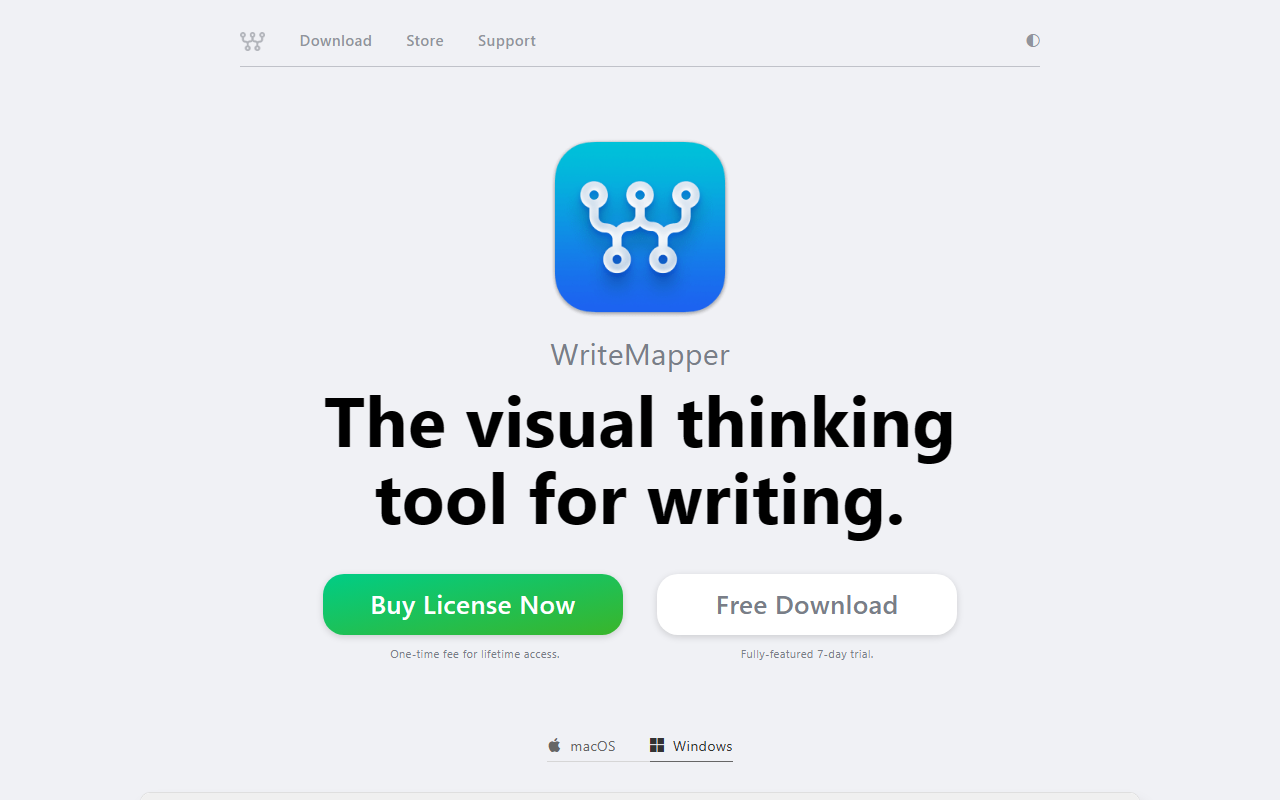
Upon visiting the WriteMapper website, the promise of a visual thinking tool for writing immediately caught my attention. The design is sleek and focused, with clear calls to download a free trial. I opted for the 7-day fully-featured trial on macOS. Installation was seamless, and the app launched to a concise intro tutorial that guided me through creating my first WriteMap. Within five minutes, I had a central idea node and several child nodes expanding into subtopics. The interface is minimalistic, stripping away unnecessary visual clutter. I was particularly impressed by the fluid drag-and-drop: I could reorder branches with ease. To test the AI assistance, I right-clicked a node and selected "Ask AI." The feature quickly generated a short outline based on my prompt—not as advanced as dedicated AI writing tools, but enough to overcome initial blank-page paralysis.
Core Features and Workflow
WriteMapper’s core strength lies in replacing traditional linear outlines with mind maps. Each node acts as a writing chunk; double-clicking opens a distraction-free editor with rich text and markdown support. I could assign color tags, track task status (e.g., "done"), and switch between radial and tree layouts. The workflow is simple: start with a central idea, branch out to organize thoughts, then expand each node with content. The "Document View" compiles all text linearly for proofreading. Export options are comprehensive: DOCX, PDF, HTML, MD, OPML, TXT, RTF, and even PNG of the mind map. I exported a test draft to DOCX, and the formatting was clean. The app includes autosave, snapshots (automatic backups), and a quick search function that indexes all node contents. Dark mode is beautifully implemented. The spellcheck and autocorrect work reliably. However, the AI feature is limited to outline suggestions; it does not generate full paragraphs or blog posts. This is a deliberate design choice—the tool focuses on structuring your own thinking, not outsourcing it.
Pricing and Platform
WriteMapper is a desktop-only application (macOS and Windows). The pricing model is a one-time fee for lifetime access, with a 7-day free trial. The exact price is not listed on the landing page, but the website directs to a dedicated store with education and upgrade pricing. This one-time purchase is refreshing in an era of subscriptions, though it lacks cloud sync or collaboration features. WriteMapper competes with tools like Scrivener (also one-time fee but more complex) and mind mapping apps such as MindNode. Unlike those, WriteMapper is uniquely positioned for writers who want to visually brainstorm and then export to formatted documents. For teams or those who need real-time collaboration, this is not the right tool. For individual writers, researchers, or students who think visually, it’s a solid investment.
Strengths, Limitations, and Final Verdict
WriteMapper’s strengths are clear: it effectively combats writer’s block by externalizing ideas on a mind map; the distraction-free editor promotes deep focus; export flexibility covers most needs; and the one-time fee is budget-friendly. However, it has several limitations: no web or mobile app, no collaboration, and the AI assistance is basic (only for idea generation, not drafting or rewriting). The user base appears small, which may impact long-term support and community resources. Additionally, while the free trial is generous, the lack of a visible price point on the homepage might frustrate some users. WriteMapper is best suited for solo writers who prefer nonlinear thinking and need a lightweight tool to move from ideas to drafts. If you require team workflows, advanced AI generation, or cloud accessibility, look elsewhere. For its intended purpose, WriteMapper delivers a polished and intuitive experience.
Visit WriteMapper at https://writemapper.com/ to explore it yourself.


Comments