

First Impressions and Onboarding
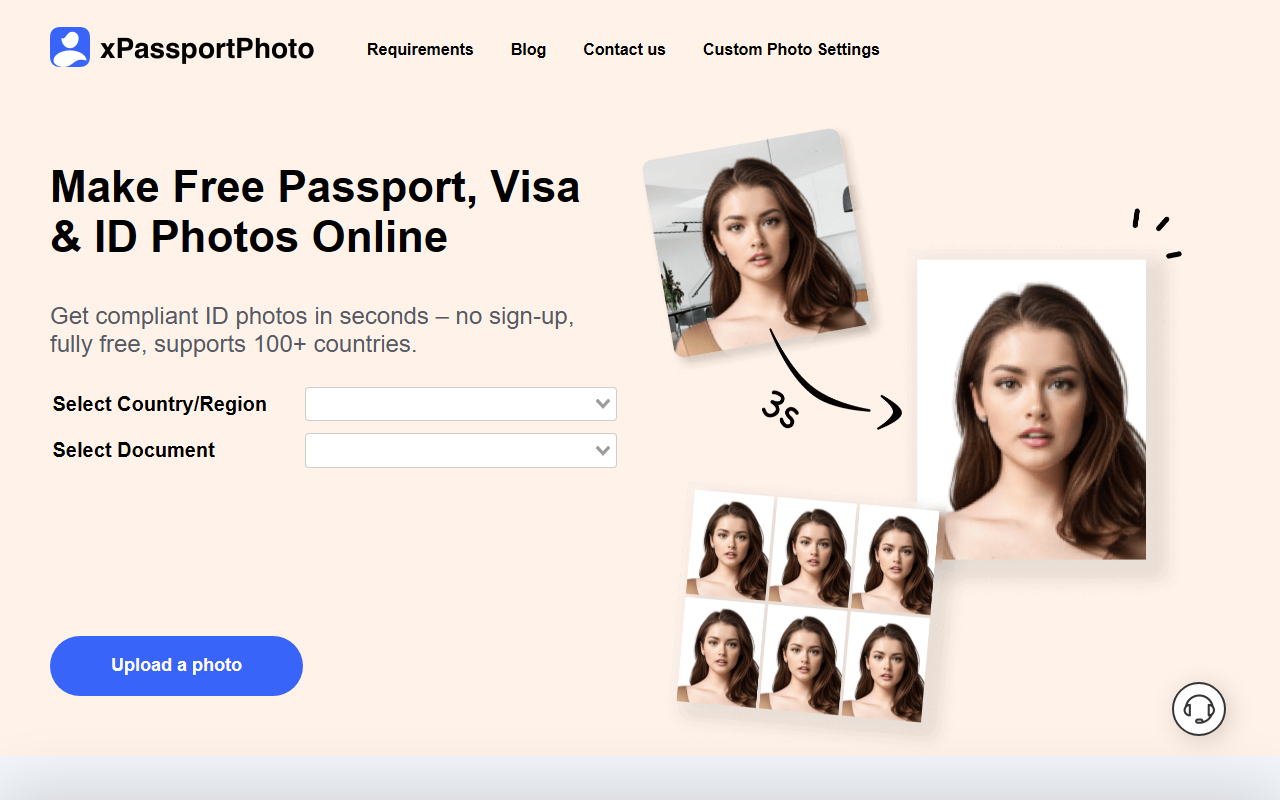
Upon visiting XPassportPhoto, I was struck by how minimal the interface is. The homepage presents two dropdown menus: one for selecting a country or region, and another for the specific document type. These load dynamically — I saw a loading spinner for a split second before the options appeared. After choosing the United States and “US Passport Photo”, the tool prompted me to upload a photo. There’s also a “Custom Photo Settings” link, but I stayed with the guided flow. Uploading was straightforward: I used a standard front-facing smartphone portrait in JPG format. No sign-up, no email request — the process felt refreshingly frictionless.
Accuracy and Compliance Testing
Once my photo was uploaded, the tool processed it in about three seconds. A message appeared: “Your photo does not meet the criteria.” It highlighted issues such as incorrect background color and head size. This feedback was clear, though it didn’t specify exact measurements. After I uploaded a better-lit photo with a white wall behind me, the tool quickly cropped the image to the correct 2x2 inch dimensions, removed the background, and centered my face. The result was a compliant US passport photo ready for download. I downloaded both the digital version and a printable layout with four copies. The whole workflow was impressively fast and accurate for a free tool.
Pricing, Features, and Limitations
XPassportPhoto is completely free — no hidden tiers, no watermark on the output, and no subscription reminders. This is a rare find in the ID photo space. The tool supports over 100 countries and many document types (visas, passports, ID cards). It also offers multiple language options, including Arabic, Chinese, and Hindi. However, there are limitations. The tool does not allow manual adjustments; you must rely entirely on its automated detection. I tried a photo with a non-white background, and the AI struggled to separate me from the backdrop. Additionally, there’s no API or batch processing — this is strictly a web-based one-at-a-time service. For comparison, Passport Photo Online offers more robust editing features but requires payment, while IDPhotoDIY.com is also free but has a smaller country list and slower processing.
Who Should Use XPassportPhoto?
XPassportPhoto is best suited for individuals who need a quick, compliant ID photo for an online application or home printing — especially if they already have a decent photo on hand. It’s perfect for students, travelers, or anyone renewing a passport on a budget. Those who require precise manual cropping, batch processing, or advanced editing should look elsewhere, as this tool is intentionally minimal. Given its zero-cost, no-sign-up model, it’s an excellent first stop before turning to paid alternatives. I recommend it for straightforward photo compliance checks and generation.
Visit XPassportPhoto at https://xpassportphoto.com/ to explore it yourself.


Comments