

First Impressions: A Focused Concept
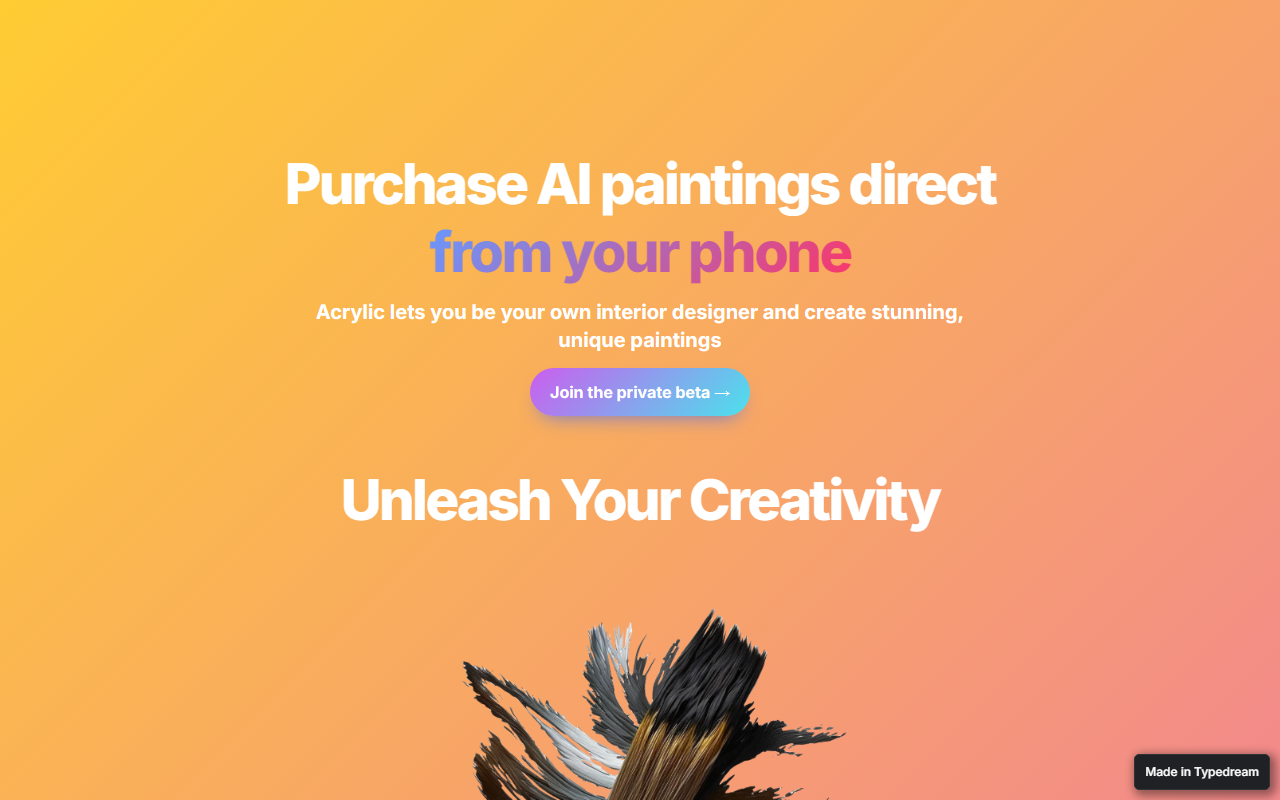
Upon visiting the Acrylic website, I immediately noticed a clean, minimal landing page that centers on a single promise: turning AI-generated art into physical canvas prints. The call-to-action is simple — “Join the private beta” — with no overwhelming feature lists or demo videos. Acrylic, developed by Sandell Enterprises, LLC, positions itself as an interior design tool for non-designers. Unlike general-purpose AI art generators such as Midjourney or DALL-E, Acrylic narrows its scope to home decor paintings. The page highlights three core features: AI generation, augmented reality staging, and canvas ordering. While the site is sparse, the concept is clear. I tapped the “Join the private beta” link, which opened an email draft — no interactive demo or dashboard available yet. The lack of a public app or trial makes it hard to fully evaluate the user experience at this stage.
Key Features and Workflow
Acrylic promises an end-to-end flow from creation to delivery. According to the site, users can generate “beautiful, high quality images in seconds” using preset selections or free experimentation. The AR staging feature lets you preview the painting on your own wall before purchasing. This is a smart twist: most AI art tools stop at digital output, but Acrylic adds a physical commerce layer. Purchasing is handled via Apple Pay directly within the app — a frictionless checkout. However, the site does not specify which AI model or technology powers the image generation. Given the target audience, it likely uses a fine-tuned diffusion model optimized for decorative styles like abstract, landscape, or modern art. The interface is designed for mobile use, which aligns with the “direct from your phone” tagline. I would have liked to see sample outputs or a gallery, but the site relies on generic stock imagery of a living room with a canvas. This leaves questions about actual image quality and diversity of styles.
Pricing and Market Positioning
Pricing is not publicly listed on the website. There are no mentions of cost per print, subscription plans, or generation limits. Acrylic is still in a private beta stage, so pricing may be finalized after testing. This is a significant gap for anyone evaluating the tool’s affordability compared to commissioning a local artist or buying from online print stores. For context, competitors like CanvasPop or Art.com allow custom photo prints, but they don’t offer AI generation. Meanwhile, AI art platforms like Leonardo.ai or DreamStudio provide digital art but no direct canvas printing. Acrylic sits at the intersection, but the lack of transparent pricing makes it hard to judge value. The website also doesn’t mention shipping regions, canvas sizes, or print quality guarantees. The brand is very early-stage (Copyright 2021, but likely updated recently), with no user count or social proof visible. Until the beta opens widely, Acrylic remains a promising concept with unproven execution.
Who Should Try Acrylic?
Acrylic is best suited for interior design enthusiasts who want affordable, unique wall art without spending hours on prompt engineering or dealing with separate print services. If you value convenience and novelty, this tool could save you from generic decor. However, it is not for those who need precise control over the AI output, advanced editing features, or immediate access — the private beta may take time. Professionals like interior designers might find the AR staging useful, but the lack of bulk ordering or commercial licensing info is a hurdle. A real limitation is the exclusive use of Apple Pay — Android users are left out entirely. Also, without seeing sample results, I cannot verify if the “beautiful” claim holds up. My recommendation: If you are an iPhone user willing to join a waitlist for a new app, give Acrylic a shot. For anyone else, watch for public launch and reviews before committing. Visit Acrylic at https://acrylic.typedream.app/ to explore it yourself.













Comments