

First Impressions and Onboarding
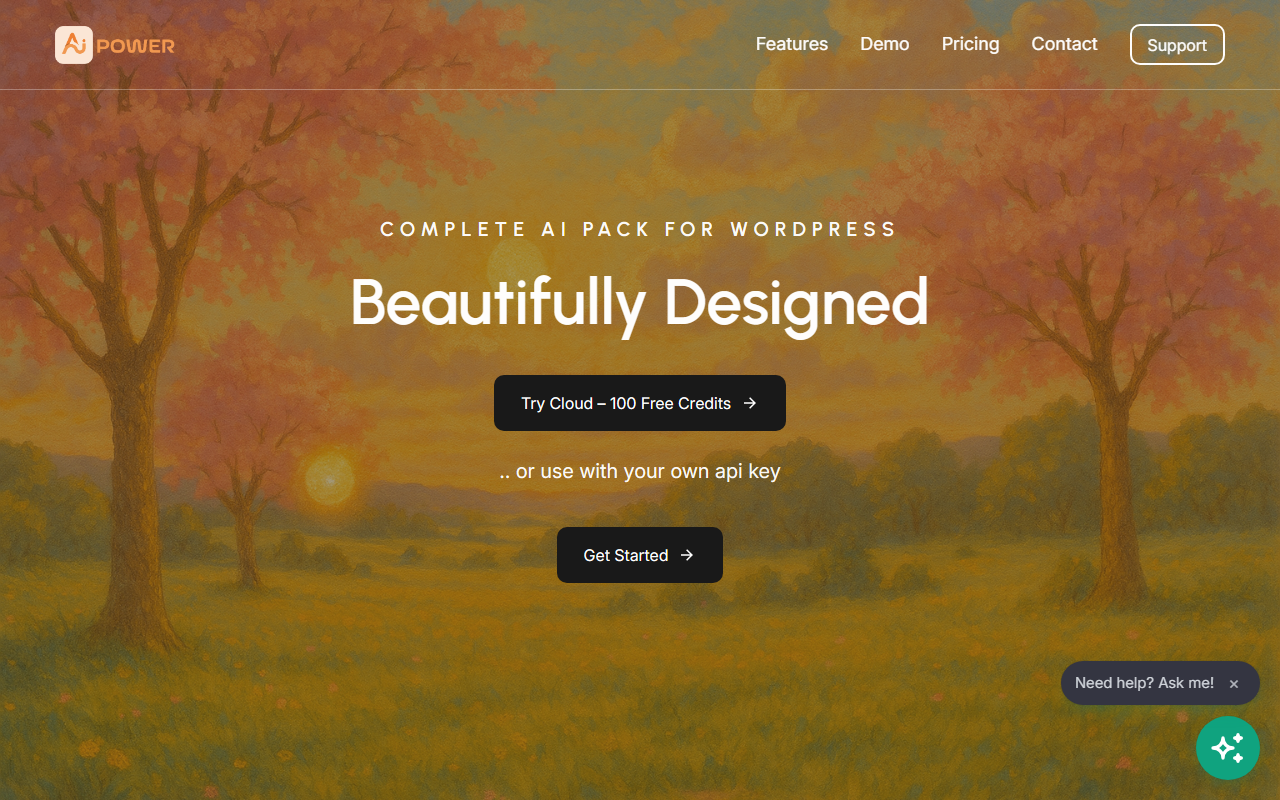
Upon visiting aipower.org, I found a clean landing page that immediately positions AI Puffer as a WordPress plugin rather than a standalone service. The tagline "Your AI engine for WordPress" sets clear expectations. After downloading and installing the free plugin from the WordPress repository, activation is straightforward. The dashboard shows four main tabs: Chat, Write, Capture, and Automate, plus a Control section for usage tracking. The interface feels familiar to anyone who has worked with WordPress admin panels, though the density of options might overwhelm new users initially. I tested the free tier by connecting my own OpenAI API key; the content writer module generated a 500-word blog post draft within seconds. The chatbot module, when configured with site knowledge via Pinecone integration, answered simple FAQs correctly. The onboarding wizard prompts you to select AI providers first, which is a smart move to avoid confusion later.
Core Modules and Integrations
AI Puffer is essentially a Swiss Army knife for AI tasks in WordPress. The Content Writer module supports bulk topic generation from CSV, RSS, Google Sheets, and WooCommerce product pages. It writes SEO meta descriptions and focus keywords that populate fields in Yoast SEO, Rank Math, All in One SEO, and The SEO Framework. During testing, I found the Rank Math integration seamless—after generating content, the plugin automatically filled the description and focus keyword fields. The Chatbot module can answer visitors using site knowledge, web search, and voice output via ElevenLabs. I enabled the Slack integration to receive alerts when a visitor asked a specific question. AI Forms turn standard contact forms into lead generators or calculators, and Image Generator supports text-to-image and editing using Replicate or OpenAI. Behind the scenes, the plugin supports providers like OpenAI, Google (Gemini/Imagen), Azure, OpenRouter, DeepSeek, Ollama (self-hosted), and Claude. For vector search, it integrates Pinecone and Qdrant. This level of flexibility means you can choose your preferred model and cost structure, but you must supply your own API keys—no built-in credits are provided.
Pricing and Market Positioning
Pricing is not publicly listed on the website, which is a minor frustration. The plugin itself is free from the WordPress repository, but advanced features like usage controls, credit selling, and premium integrations likely require a paid plan. I suspect the monetization follows a freemium model similar to Uncanny Automator or WPCode. Unlike standalone writing tools like Jasper or Copy.ai, AI Puffer is tightly coupled with WordPress, making it ideal for site owners who want an all-in-one solution rather than juggling multiple services. Competitors in the WordPress AI space include Jetpack AI Assistant and Divi AI, but AI Puffer offers far more provider choices and deeper integration with SEO plugins and CRMs. For teams already managing multiple sites, the ability to set usage limits and track costs per user is a clear advantage—especially if you sell AI access to clients. However, because you must bring your own API keys, the total cost depends on your usage and chosen models. This may not appeal to beginners who prefer a simple subscription with no configuration.
Strengths, Limitations, and Verdict
The genuine strengths are versatility and control. You can mix and match providers per module—for example, use Claude for long-form writing and OpenAI for image generation. The usage tracking is granular: you can see who consumed how many words or images and even sell credits to users. The Zapier, Make, and n8n integrations extend automation possibilities beyond WordPress. On the limitation side, the interface feels crowded for a first-time user; documentation could be more detailed. Some modules, like AI Forms, require shortcode placement manually, which might trip up less technical site owners. Also, since you manage your own API keys, rate limits and outages depend on your provider. Who should use AI Puffer? WordPress developers, agencies managing client sites, and power users who want to centralize multiple AI tasks. Who should look elsewhere? Casual bloggers who want a one-click AI writer with no configuration overhead. Overall, AI Puffer is a robust tool that delivers on its promise of being an AI engine for WordPress. Visit AI Puffer at aipower.org to explore it yourself.









Comments