

First Impressions and Onboarding
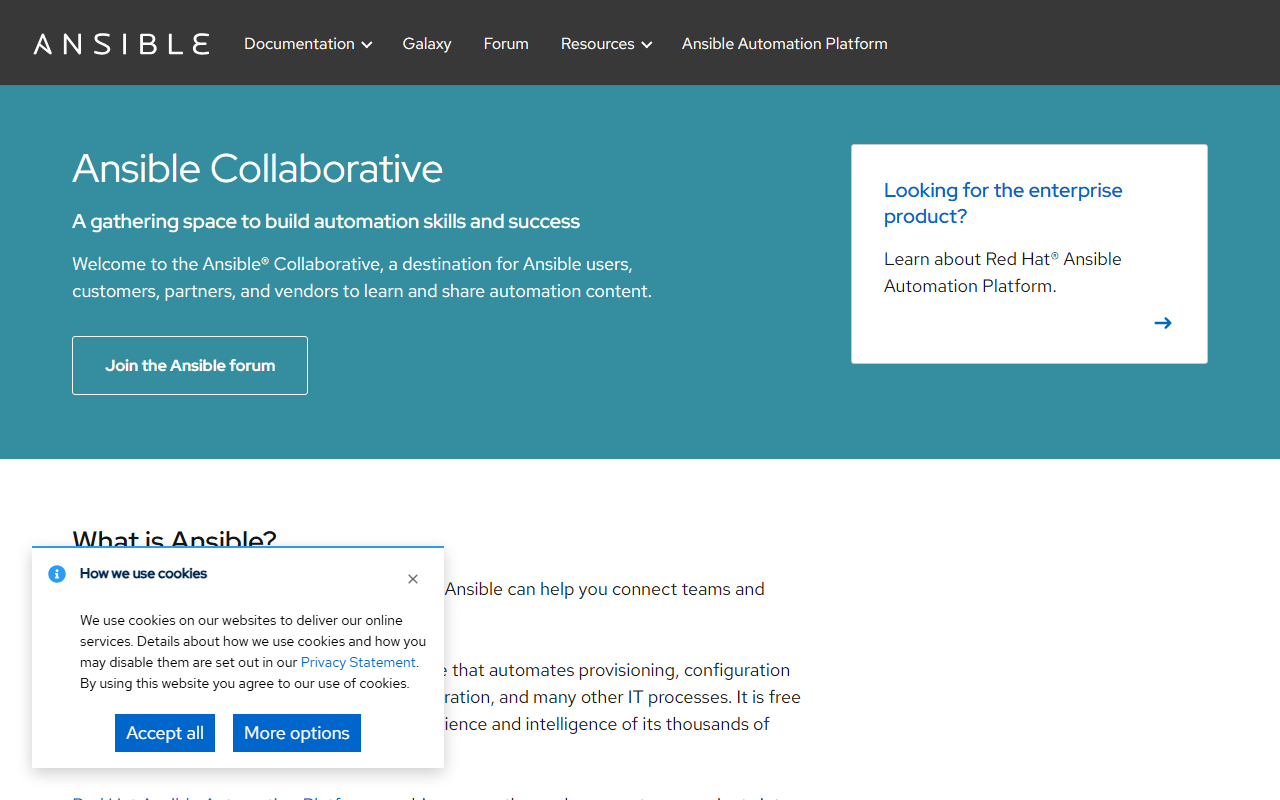
Upon visiting ansible.com, I landed on the Ansible Collaborative page. The layout is clean but heavily directed toward Red Hat's enterprise product. The navigation offers quick links to documentation, Galaxy (the content hub), and a forum. I clicked through to the open-source project docs immediately. The getting-started guide walks you through installing Ansible Core via pip, creating an inventory file, and writing your first playbook. I followed along, installing Ansible on a local Ubuntu VM. The 'ansible' command was available in minutes. The free-tier experience—no registration needed—is refreshing for an automation tool of this scale. The interactive labs are a nice touch, though I preferred the direct documentation.
Core Features and Workflow
Ansible is an open-source IT automation engine that handles provisioning, configuration management, application deployment, and orchestration. Its agentless architecture uses SSH or WinRM to push modules, avoiding the overhead of installed agents. I tested writing a simple playbook to install Nginx on a remote server. The YAML syntax is intuitive: define hosts, tasks, and modules. The ecosystem includes Ansible Galaxy, where pre-built roles and collections—like kubernetes.core or community.vmware—speed up common workflows. Event-Driven Ansible, previewed on the site, adds rulebook-based automation triggers. For more complex use cases, Red Hat Ansible Automation Platform wraps in a GUI controller, analytics, and support. The open-source project, however, relies on CLI and files, which is fine for experienced users.
Pricing and Ecosystem
The open-source Ansible is completely free, licensed under GPLv3. Red Hat Ansible Automation Platform, the enterprise version, has paid tiers starting at roughly $13,000 per 100 nodes annually (standard support). Pricing is not explicitly listed on the public website; you have to contact sales. The ecosystem includes hundreds of collections on Galaxy, community forums, and training materials. Competitors like Puppet and Chef use a different master-agent model, while Terraform focuses on infrastructure provisioning. Ansible differentiates with its simple YAML syntax and agentless approach. The community is large—thousands of contributors—and Red Hat's backing ensures long-term stability. For teams needing a free, flexible automation tool, the upstream project is excellent. The enterprise platform adds SSO, RBAC, and automation controller for scale.
Who Should Use Ansible?
Strengths include a shallow learning curve, vast module library, and seamless integration with cloud and network devices. The agentless design is a major win for security-conscious environments. However, I noticed limitations: complex state management often requires careful playbook design, and the open-source version lacks a built-in web interface. For ad-hoc tasks and simple orchestration, Ansible shines. It's best suited for DevOps engineers, system administrators, and SREs who prefer declarative YAML over scripting. Those needing a full-featured GUI or strict compliance enforcement should evaluate the enterprise platform. While the open-source project is incredibly powerful, the learning curve steepens for large-scale, multi-team automation. Overall, Ansible is a must-try for any IT team starting or scaling automation.
Visit Ansible at https://ansible.com/ to explore it yourself.













Comments