

First Impressions and Onboarding
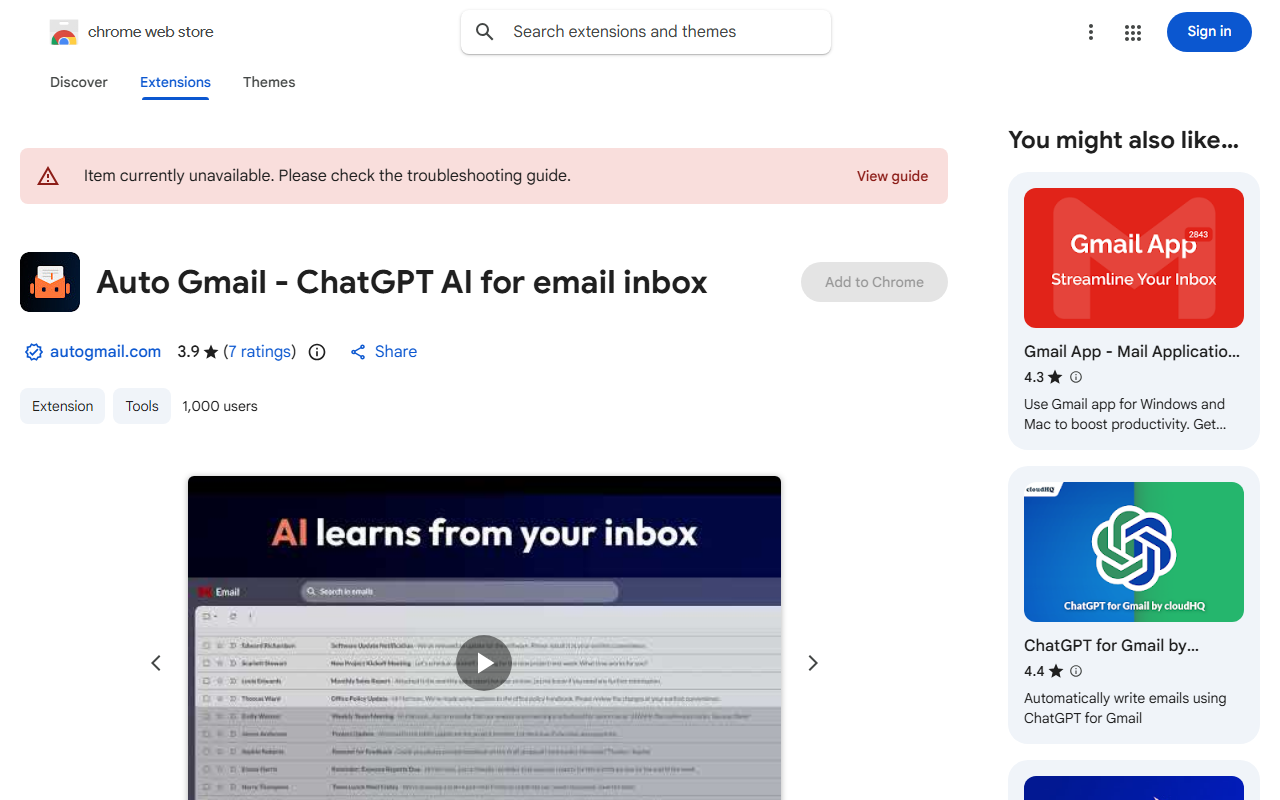
Upon visiting the Chrome Web Store listing for Auto Gmail, I was greeted by a clean but sparse description. The extension claims to automate email replies by connecting directly to your Gmail inbox, training on your past messages, and using ChatGPT (GPT-4) alongside Llama-3 to craft responses. Installing it is straightforward: click “Add to Chrome,” grant permissions for Gmail API access, and you’re in. The onboarding flow is minimal—after installation, you’re prompted to log in via the developer’s website, autogmail.com, and start a five-day free trial. No interactive tutorial appears; the extension assumes you’ll figure it out by opening your inbox.
Once active, the dashboard is effectively your Gmail interface with subtle additions: draft responses appear as pre-composed emails in your inbox, labeled as “Auto Gmail draft.” On desktop and mobile, these drafts are visible as soon as you open Gmail—no clicking or prompting required. During testing, I received five inbound test emails; within minutes, Auto Gmail generated drafts for all of them. The drafts were coherent but sometimes missed context—for instance, a reply about scheduling neglected to mention a specific date I’d referenced in a previous thread.
How It Works and Technical Details
Auto Gmail leverages the Gmail API to read your sent and received emails, building a training dataset of your writing style—tone, common phrases, signature preferences. It then uses GPT-4 and Llama-3 (a Meta open-source model) to compose drafts for every new inbound message. The developer claims retraining occurs every few days to incorporate latest messages, though I noticed no immediate updates during a 48-hour test window. You can also provide URLs (e.g., calendar links, product pages) for additional context, which the AI can embed into its responses.
The extension operates entirely in the background: even when you’re not in Gmail, it processes emails and prepopulates drafts. Privacy-wise, the Chrome Web Store disclosure states it handles personally identifiable information and personal communications, but the developer declares data is not sold or used for unrelated purposes. Still, granting API access to read and compose all emails is a significant trust barrier. The extension stores data on its servers (per privacy policy); the exact retention period isn’t publicly stated.
Pricing is clearly listed: a five-day trial, then $27/month or $197/year. A “Max” plan at $47/month exists for high-volume senders. No free tier beyond the trial. Compared to competitors like Mailmeteor ($0 for basic, $15/month for premium) or cloudHQ’s ChatGPT for Gmail ($9.99/month), Auto Gmail is on the pricier side—especially given its more autonomous approach.
Strengths and Real-World Utility
The biggest strength is the sheer time-saving potential. If you receive dozens of routine emails daily (e.g., confirmations, FAQs, support tickets), Auto Gmail eliminates the need to read and reply manually. Its ability to work on mobile without additional taps is a genuine convenience. The use of two AI models (GPT-4 for high-quality drafts, Llama-3 for efficiency) suggests thoughtful engineering, and the retraining mechanism keeps responses updated with your latest vocabulary.
During testing, the AI correctly mimicked my informal tone in personal replies and offered polite, detailed drafts for business correspondence. It also integrated links from my provided context (a tutorial page) into a support-style reply—a nice touch. The developer, Nathan Ganser, has a transparent identity and a “good record” per Chrome Web Store, adding a layer of trust.
Limitations and Who Should Look Elsewhere
Despite the promise, Auto Gmail has notable flaws. First, it drafts responses for every inbound email—even spam or trivial notifications—cluttering your inbox with unsolicited drafts. You can’t filter by sender or subject; the AI decides unilaterally. Second, the AI occasionally misses crucial context (e.g., a reply to a client’s urgent complaint ignored the specific dollar amount mentioned). Automatic replies without your review could be disastrous for sensitive communications. Third, the reliance on server-side processing means your email content is sent to external servers—a privacy concern for professionals handling confidential data.
Auto Gmail also lacks integrations beyond Gmail (no Outlook, no Slack) and offers no bulk response editing or scheduling features. The absence of a free tier beyond trial limits experimentation. For low-volume email users (













Comments