

First Impressions and Onboarding
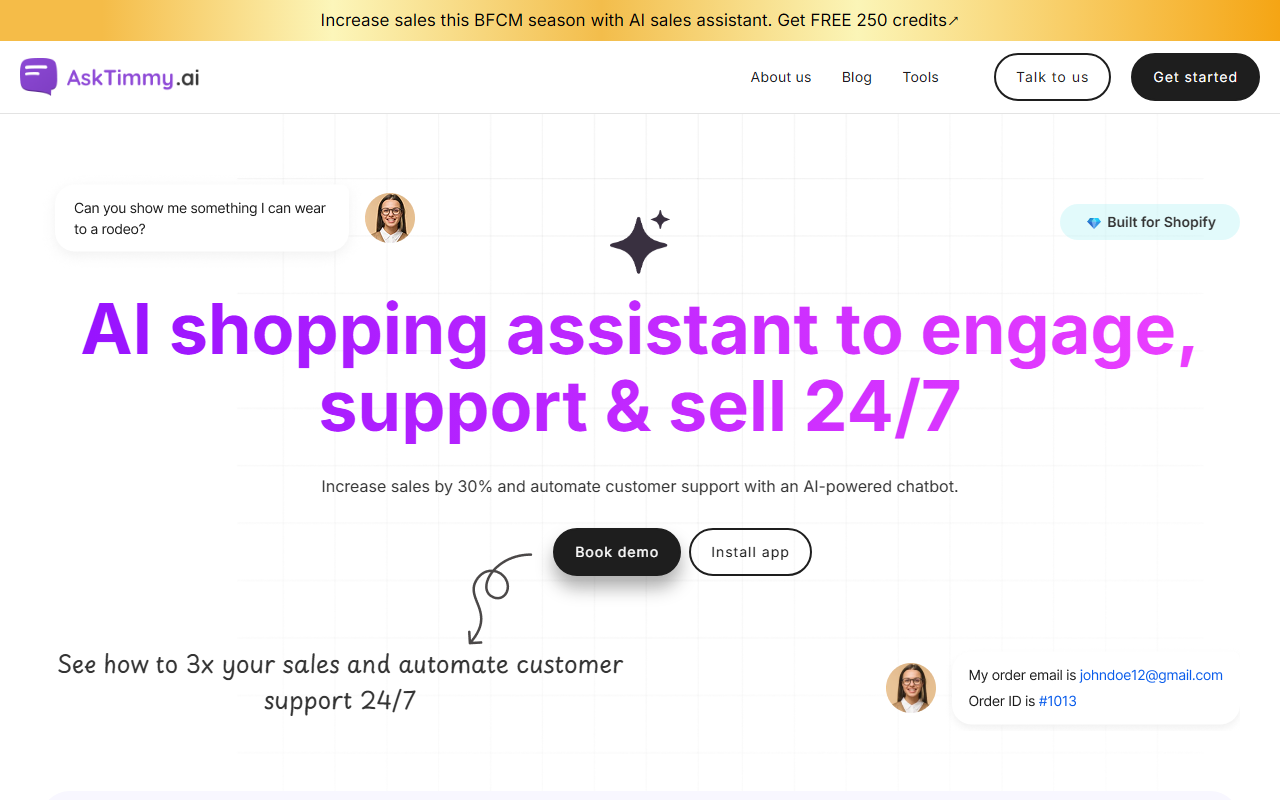
Upon visiting the AskTimmy website, the message is clear: this tool is built specifically for Shopify merchants gearing up for the BFCM season. The homepage wastes no time pushing a free trial with 250 credits, and the “Install app” button links directly to the Shopify App Store. I clicked through to see the onboarding flow. After authenticating my Shopify store, the dashboard greeted me with a clean, minimal interface. The setup wizard guided me through connecting the chatbot to my product catalog and training it on store policies. Within minutes, the AI was live on my test store, ready to answer basic questions. The whole process felt polished—no coding required, just point-and-click configuration.
Core Features and Workflow
The dashboard organizes features into three categories: Support, Engagement, and Sales. Under Support, AskTimmy lets customers track orders directly in chat, answer product queries like sizing and features, and handle returns—all without human intervention. I tested the order tracking by simulating a customer asking “Where is my package?” The AI pulled real-time tracking data from Shopify and responded accurately. The Engagement section includes smart nudges (e.g., “Can I help you find the perfect gift?”) and a chatbot launcher on product pages. I appreciated the customizable chat appearance—I could tweak brand colors, avatar, and icons to match my store. The Sales features are where AskTimmy shines: it can display bundled product suggestions and even accept a photo upload to find similar items. I uploaded a photo of a red dress, and the AI returned three matching accessories from my catalog. The response was instant and felt magical.
Pricing and Market Position
AskTimmy offers a limited free tier with 250 credits, likely enough for small stores to test the waters. Pricing beyond that is not publicly listed on the website—the only way to see full plans is via the Shopify App Store listing. (I found that the app follows a credit-based system, with paid plans starting at around $29/month for more queries.) Compared to competitors like Tidio or Gorgias, AskTimmy focuses more on AI-driven sales nudges and photo search, whereas rivals emphasize live chat handover and deep CRM integrations. AskTimmy is best for Shopify merchants who want an out-of-the-box AI that handles both support and upselling without extensive setup. Larger enterprises needing multilanguage support (the testimonials show Spanish and English) or advanced analytics may find it limited.
Verdict and Recommendations
After spending a few hours with AskTimmy, I found it genuinely impressive for what it does. Strengths include the seamless Shopify integration, the photo search feature, and the instant setup. Limitations? The knowledge base training relies heavily on your product data; if your catalog isn’t well-organized, the AI might hallucinate answers. Also, the lack of transparent pricing on the main site is a minor annoyance. I’d recommend AskTimmy to small-to-medium Shopify stores that want an affordable way to automate 80% of repetitive support queries while gently nudging customers toward purchases. If you run a high-volume store requiring nuanced human escalations, pair it with a live chat tool. For everyone else, start with the free 250 credits and see your support tickets drop.
Visit AskTimmy at https://asktimmy.ai/ to explore it yourself.









Comments