

First Impressions: AI That Fits Into Your Mac Workflow
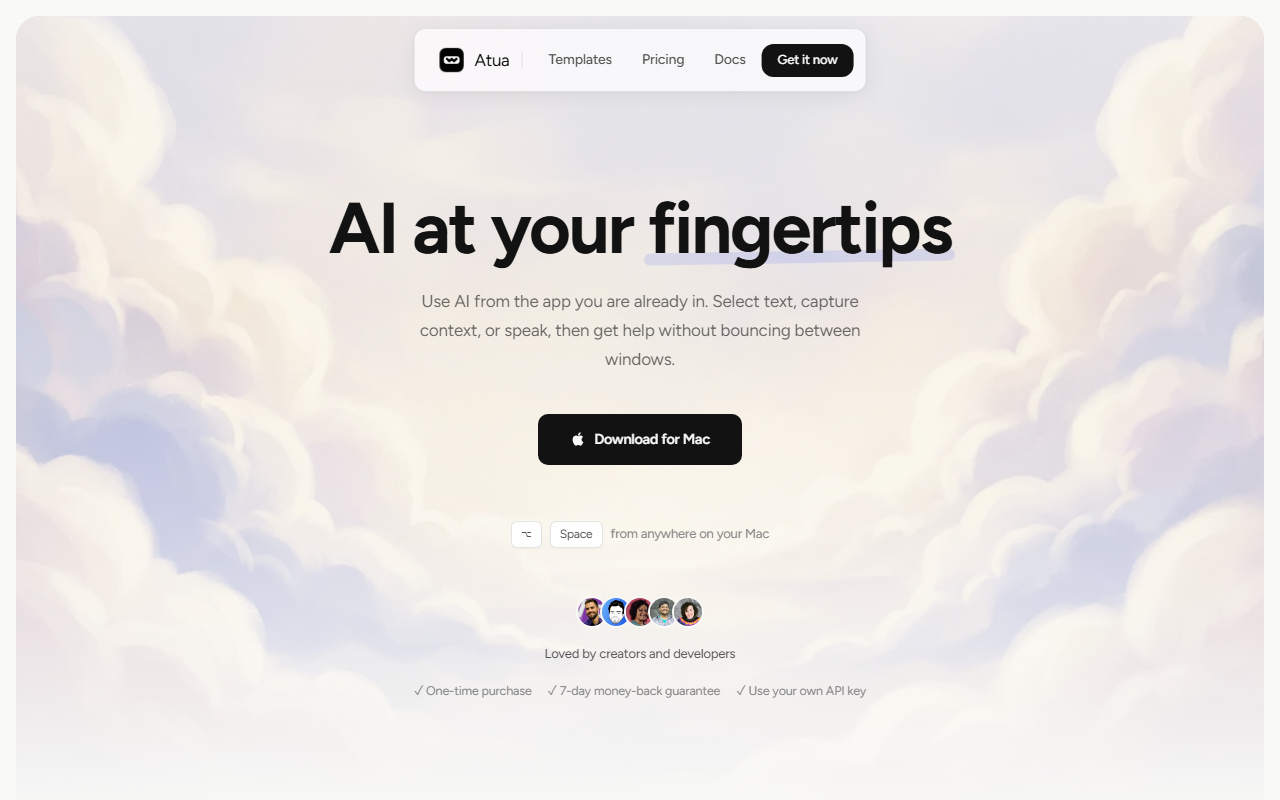
Upon visiting the Atua website, the pitch is clear: “AI at your fingertips.” Atua is a macOS app that lets you summon an AI assistant from any app using a system-wide hotkey (⌥ Space by default). What sets it apart from typical chatbot wrappers is how deeply it integrates with your Mac. You don't just type a prompt; you pull in live context — selected text, a screenshot of your current window, clipboard contents, or even a voice transcript. During testing, I found the onboarding straightforward: download the app, set your own API key from any of the supported providers (OpenAI, Anthropic, Groq, Mistral, DeepSeek, xAI, Perplexity, Together AI, Fireworks, Cerebras, DeepInfra, Hugging Face, Cohere, OpenRouter, LLM Gateway, Ollama, LM Studio, or any OpenAI-compatible endpoint), and start creating custom commands. The dashboard is minimal: a search bar, a list of pre-built commands, and a button to create new ones. No clutter, just a bar that slides in when you need it.
Core Features: Custom Commands, Context Awareness, and MCP Integration
The heart of Atua is its command system. You create a named command with a prompt that can reference dynamic context using placeholders like {{selectedText}}, {{screenshot}}, {{voiceTranscript}}, and so on. For example, you can build a command called “Review PR” that takes the selected text and sends it to a GitHub MCP server to post comments. Atua supports MCP (Model Context Protocol) servers, letting you connect to external tools like GitHub, Postgres, Slack, and filesystem — and you can add more. Built-in system tools include Calendar, Reminders, Notes, Finder, Shortcuts, Shell, and HTTP requests. This means Atua isn’t just a chatbot; it can execute actions. You can trigger a command via a hotkey, voice, or from the bar. Output modes include text, run in background, or use connected tools. Voice input runs locally on your Mac, which is a nice privacy touch. I tested a quick command: I selected a paragraph of text, hit ⌥S for a pre-made “Summarize” command, and within seconds, Atua returned a clean summary. The response speed depends on the model you connect, but with a fast endpoint like Groq or OpenAI, it feels near-instant.
Pricing, Privacy, and Who It’s For
Atua is a one-time purchase — there are no subscriptions. The website states “One-time purchase” and offers a 7-day money-back guarantee. Pricing is not publicly listed on the website (you must download to see the exact cost), but from social proof quotes, it seems to be a modest fee. Privacy is a strong selling point: no accounts, no analytics, and all data stays on your Mac. Network requests only happen for AI API calls and updates. Since you bring your own API key, you’re not locked into a specific provider. This makes Atua ideal for developers, creators, and power users who already have API keys and want a privacy-respecting, customizable AI assistant that works across all apps. Casual users who want a plug-and-play chatbot might prefer simpler tools like MacGPT or BoltAI, but those typically lack Atua’s deep context gathering and MCP integration. Atua is best for tech‑savvy Mac users who need AI to interact with their tools and data directly.
Strengths, Limitations, and Final Verdict
Strengths: The biggest strength is how Atua respects your existing tools and preferences. BYO API key means you can use the cheapest or most capable model for each task. The MCP server integration takes it beyond a chatbot into a real automation tool. Voice input runs offline, and the command system is flexible and reusable. The one-time purchase model is refreshing in a market full of $20/month subscriptions.
Limitations: Atua is macOS-only, so Windows or Linux users are out of luck. The app’s power comes from configuring Commands and MCP servers, which requires some technical know-how. There’s no built-in AI model — you must have API access, which can be a barrier for non-developers. The website doesn’t show pricing upfront, which may cause friction. Also, the social proof on the site includes some unverified tweets, though the tool does appear to have a real user base.
Recommendation: If you’re a Mac user who lives in multiple apps and wants AI to work the way you work, Atua is a fantastic investment. It’s private, powerful, and one-time purchase. Give it a try — you can always refund within 7 days. If you prefer a cloud‑based subscription or need cross‑platform support, look elsewhere.
Visit Atua at https://atua.app/ to explore it yourself.










Comments