

First Impressions and Onboarding
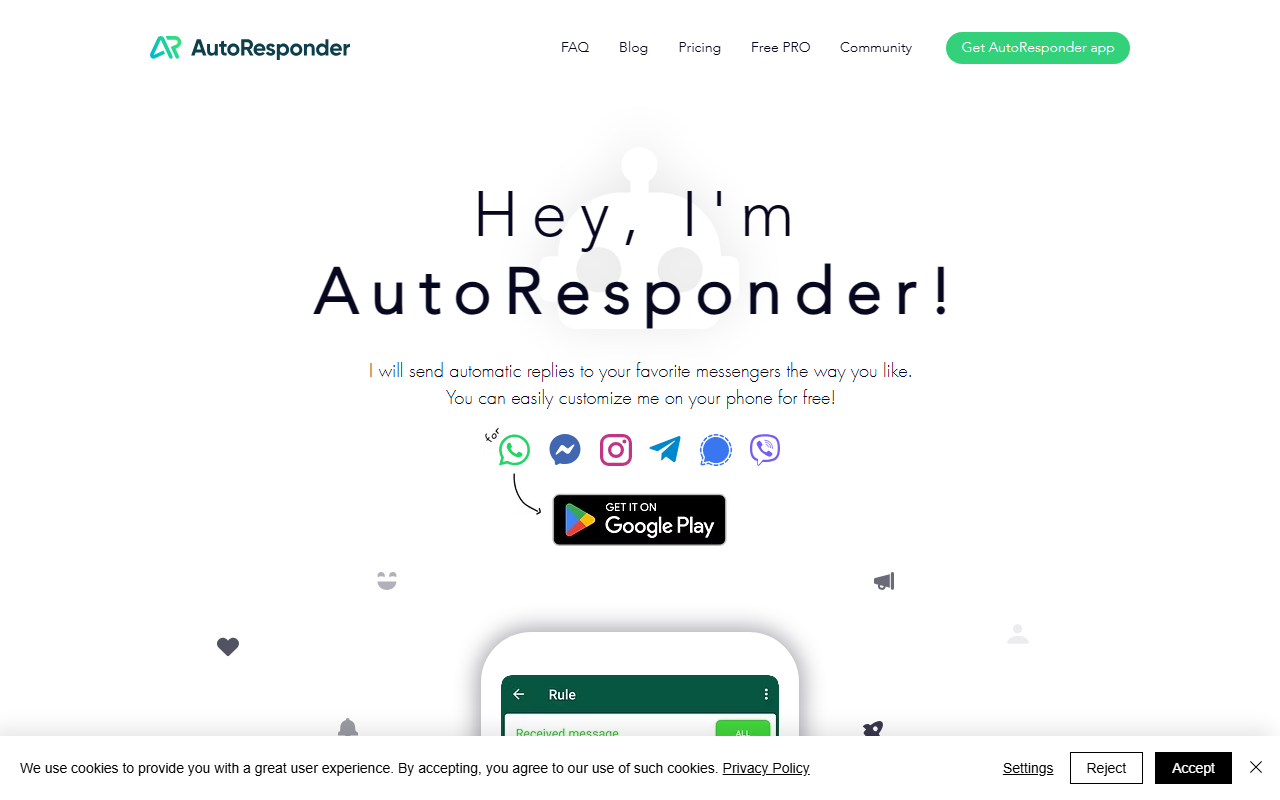
Upon visiting AutoResponder.ai, I was greeted by a clean, single-page site that immediately pushes the app download. The hero image shows a smartphone with a chat interface and the tagline “Hey, I’m AutoResponder!” The navigation is minimal, with links to features, messengers, and a download button. The site does not offer a web-based demo; it’s purely a mobile-first experience. I clicked through to the Google Play store and installed the free version on my Android phone. The onboarding flow asked me to grant notification access and set a primary messenger—I chose WhatsApp. The interface is straightforward: a simple toggle to enable the bot and a list of rules you can create. The free tier lets you test basic autoresponses, but I quickly noticed the app relies on accessibility services to read incoming messages, which is common for this type of tool.
Core Features and Workflow
The main dashboard shows a rules list, a plus button to add new auto-replies, and a settings gear. You can create rules based on keywords, sender names, or even message regex patterns. For each rule, you define a response—either static text or a dynamic one using placeholders like %name% or %time%. I created a rule that replies “Thanks for your message! I’ll get back to you shortly” to any incoming WhatsApp text. The app replied instantly during my test. Beyond simple autoresponses, AutoResponder.ai offers advanced connections: it can forward messages to your own web server, integrate with ChatGPT, Gemini, or Dialogflow for AI-generated replies, and trigger custom actions via Tasker on Android. This turns the app into a flexible automation hub. Notably, the app supports six major messengers: WhatsApp, Facebook Messenger, Instagram, Telegram, Signal, and Viber. The WhatsApp version alone claims over 7 million downloads, suggesting a large user base.
Pricing and Market Position
Pricing is not explicitly listed on the website or during the initial download. After poking around the app, I found a “Pro” upgrade inside the settings. Pro costs around $3.99 per month or $19.99 per year (prices may vary by region) and removes ads, enables unlimited rule creation, and unlocks the web server and AI integrations. The free tier is ad-supported and limits you to a handful of rules. Compared to dedicated business chatbot platforms like ManyChat or MobileMonkey, AutoResponder.ai focuses on personal use and small businesses that want a lightweight solution without a web dashboard. It lacks a visual chatbot builder or omnichannel analytics, but its simplicity is its strength. It is best suited for solopreneurs, freelancers, or anyone tired of typing repetitive replies on their phone. Power users needing advanced flows or team collaboration should look elsewhere.
Final Verdict
AutoResponder.ai excels at one thing: automatically replying to messenger chats with minimal setup. Its strengths include broad messenger support, easy integration with AI models like ChatGPT, and a generous free tier to try before you buy. However, it has real limitations: no web or desktop version, reliance on Android accessibility services (which can be battery-draining), and a lack of detailed analytics or reporting. I also noticed that the app’s interface feels dated compared to modern chatbot builders. Despite these caveats, if you run a small business on WhatsApp and need a quick autoresponder app, AutoResponder.ai is a reliable choice. I recommend downloading the free version first to see if it fits your workflow. Visit AutoResponder.ai at https://autoresponder.ai/ to explore it yourself.









Comments