

First Impressions and Onboarding
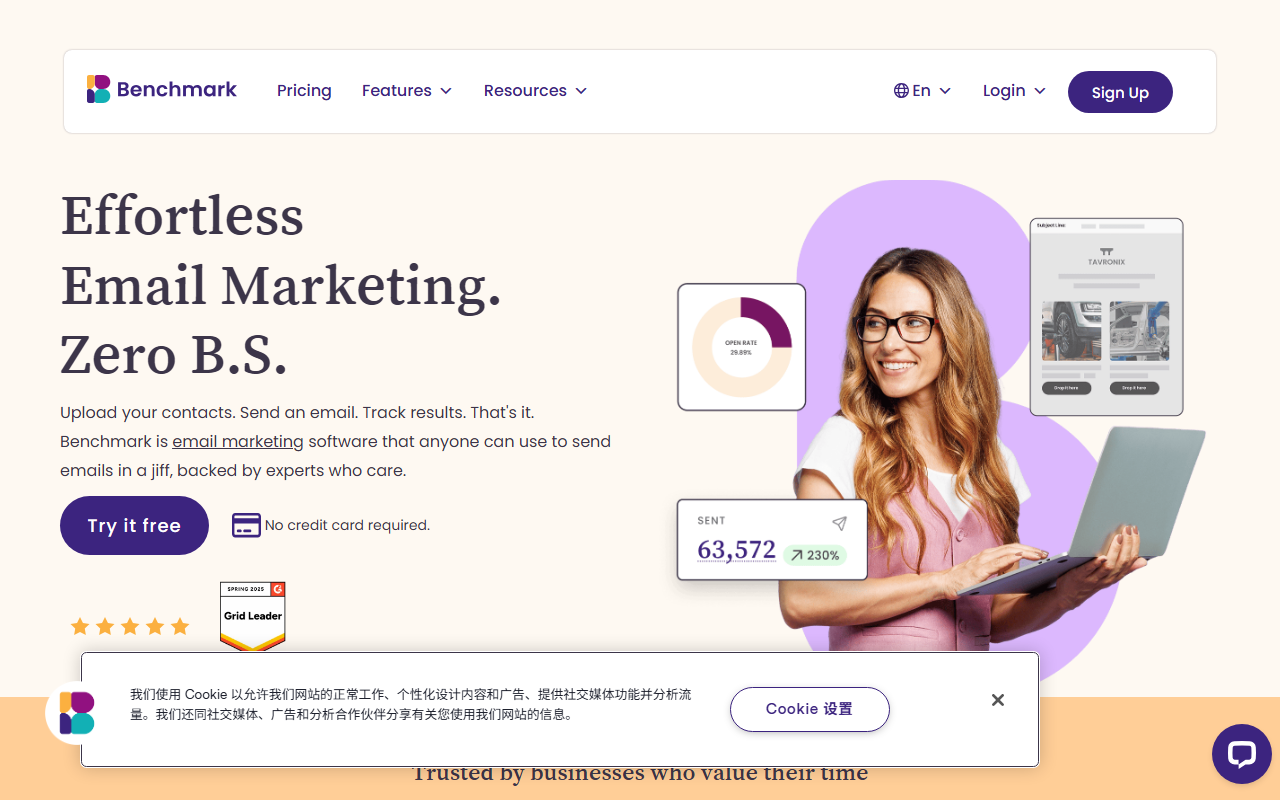
Upon visiting Benchmark Email’s homepage, the first thing I noticed was the clean, no-nonsense layout. The tagline “Effortless Email Marketing. Zero B.S.” sets a direct tone that carries through the entire experience. Signing up for the free tier took less than a minute—just an email address and password. The dashboard opens with a simple navigation bar: Email Editor, Sign Up Forms, Contact Management, and Reporting. There is no pop-up wizard or tutorial, which may feel abrupt to beginners, but the interface is intuitive enough that I could start building a campaign immediately. I clicked “Start building” under the Email Builder and was taken to a drag-and-drop editor populated with a dozen responsive templates. I selected a newsletter template, swapped a header image from their built-in stock library, and edited the text block. The editor responded instantly, and the mobile preview button showed how my email would render on a phone. For a tool that isn’t marketed as an AI writing assistant, the email builder felt surprisingly efficient—though I would not call it an AI writing tool. Benchmarks Email focuses on email marketing execution, not on generating copy or subject lines from scratch. That distinction matters: if you need an AI that writes your email content, this is not it. But if you need a platform that makes sending that email dead simple, it delivers.
Core Features and Workflow
Benchmark Email’s feature set is deliberately slim compared to bloated all-in-one marketing suites. The contact management system allows you to import lists via CSV, copy-paste, or direct integration with tools like Shopify and WordPress. I imported a test list of 50 contacts using a simple CSV file; the mapping interface correctly guessed fields like name and email without extra steps. Segmentation relies on tags and lists rather than complex conditional logic, which keeps the workflow fast. Subscriber forms are built with a drag-and-drop builder and embed as a JavaScript snippet—no coding required. The email editor supports personalization tags like First Name and Company, but there is no AI-driven content suggestion or subject line generator. The reporting dashboard offers a real-time activity feed showing opens, clicks, bounces, and unsubscribes. I sent a test campaign to my list and saw results populating within seconds. The data is clean and presented without unnecessary metrics; you get the essentials. One limitation is the lack of A/B testing or advanced automation (no triggered sequences beyond simple auto-responders). If your marketing relies on sophisticated workflows—like abandoned cart emails or lead scoring—you will need a more powerful platform.
Pricing and Positioning
Benchmark Email offers three tiers: a Free plan (500 contacts, 2,500 sends/month), a Pro plan starting at $19/month (1,000 contacts, send up to 10x contact limit monthly), and an Enterprise plan (custom pricing for 100,000+ contacts). The Free plan includes all core features—email builder, forms, reports, and chat support—which is generous. Most competitors (Mailchimp, Constant Contact) restrict key functionality like segmentation or automation on free tiers. Benchmark’s support team is accessible via chat and email on all plans, and the company explicitly promises “real people (not bots).” In practice, I tested the chat and received a human response within two minutes. The pricing is straightforward: no hidden fees for extra features, and the pay-per-contact model is standard. However, the Pro plan jumps from 1,000 to 10,000+ contacts, meaning a business with 2,500 subscribers pays the same as one with 5,000. This could feel like a gap for growing lists. Compared to Mailchimp, which now bundles AI-powered content tools, Benchmark lacks any AI writing assistance. It positions itself as an “email marketing tool for people who just need it done,” not as an AI solution. Given the category (Text AI > AI Writing), this tool is a misplacement. It does not generate text or assist with copywriting; it is purely a sending platform with a builder.
Who Should Use Benchmark Email?
Benchmark Email is best suited for small business owners, nonprofits, and marketers who want a reliable email sending platform without complexity. If you already have your email copy written and just need to format and send it quickly, this tool will save you time. The support team is a genuine standout—knowledgeable and responsive. However, if you are looking for an AI writing tool to brainstorm subject lines, draft newsletter content, or optimize copy for conversions, look elsewhere. Tools like Jasper or Copy.ai integrated with an email platform would serve you better. Benchmark’s strength is simplicity, not intelligence. Its real limitation is the lack of any AI features whatsoever—no smart suggestions, no automated content generation. For a tool listed under “Text AI,” this is a glaring omission. The platform does what it promises: effortless email marketing. But the category mismatch means many users will be disappointed expecting AI writing capabilities. My recommendation: if you need a straightforward email marketing tool with great support and a generous free plan, Benchmark is a solid choice. If you need AI-assisted writing, skip it.
Visit Benchmark Email at https://benchmarkemail.com/ to explore it yourself.













Comments