

First Impressions and Onboarding
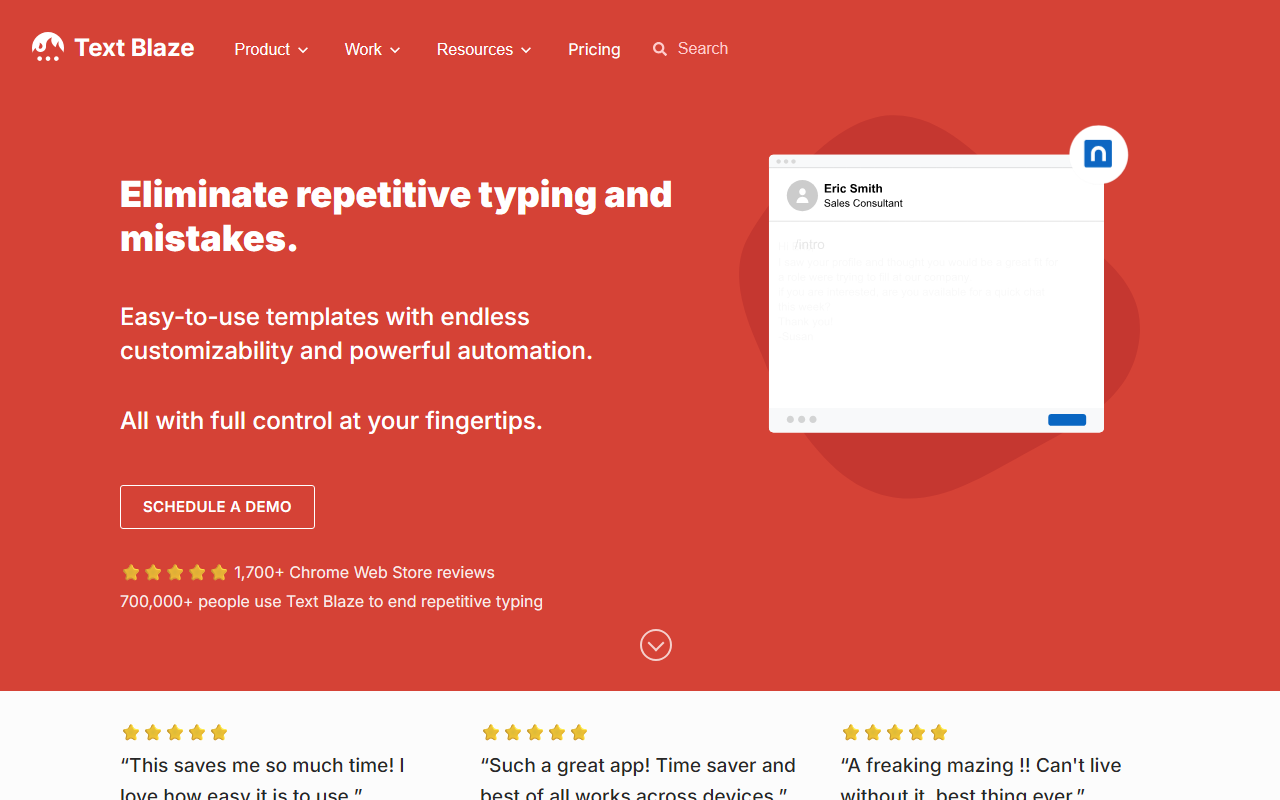
Upon visiting the Text Blaze website at blaze.today, I was greeted by a clean, action-oriented landing page. The call to "Add to Chrome – It's Free!" is prominent, and within two clicks I had the extension installed. The onboarding process is straightforward: Text Blaze opens a dashboard that shows a default snippet library and a quick tutorial. I immediately created my first snippet by typing a keyword shortcut like /ty and pasting a thank-you message. The extension automatically detected the shortcut and saved the snippet. The interface is minimal but powerful, with tabs for “My Snippets”, “Shared Folders”, and “Form Templates”. The Chrome extension badge appears in the toolbar, and I could access my snippets from any text field on Gmail, Google Docs, or LinkedIn.
Core Functionality and a Test Drive
I put Text Blaze through its paces by simulating a customer support workflow. I created a snippet for a common refund policy explanation, using Text Blaze’s dynamic template feature. I inserted a form field for the customer’s name and a dynamic formula to calculate the days elapsed since purchase. The syntax is intuitive: curly braces for placeholders and simple operators for math. When I typed /refund in a Gmail compose window, a pop-up form appeared asking for the customer name and order date. After filling in the fields, the snippet expanded into a complete, personalized email. The real magic happened with shared folders – I invited a colleague, and they could immediately use and edit the snippets I created, with changes syncing in real time. I also tested the extension in Google Docs and Salesforce; it worked seamlessly. The response time was near-instant, and the snippet expansion felt natural, as if I was typing normally.
Strengths and Limitations
Text Blaze’s greatest strength is its versatility. Unlike simpler text expanders like aText or TextExpander, Text Blaze offers dynamic formulas, form fields, and web integrations that automate complex workflows. The ability to share folders and collaborate in real time makes it a standout for teams. The company claims 700,000+ users and an 11x productivity increase when using snippets. I can confirm that after just one day of use, I felt noticeably faster. However, there are limitations. The tool is heavily Chrome-centric; while it offers macOS and Windows apps, the core experience relies on the browser. Non-web applications (e.g., native desktop software like Microsoft Word for desktop) are not supported. Also, the free tier likely has a limit on the number of snippets or shared folders – the website does not publicly list detailed pricing tiers, only a “Schedule a demo” button for enterprise. This lack of transparent pricing may frustrate curious users.
Pricing, Market Position, and Verdict
Pricing is not publicly listed on the website, which suggests a freemium model with paid plans for advanced features or team usage. Competitors like TextExpander offer clear per-user pricing, while PhraseExpress has a one-time purchase. Text Blaze differentiates itself with its Chrome-first approach and collaborative sharing. It is best suited for customer support agents, sales professionals, and healthcare workers who type repetitive responses in browsers. Solo power users will love the free tier, but teams should schedule a demo to understand costs. If you rely on native apps (e.g., Outlook desktop, Word), look elsewhere. Otherwise, Text Blaze is a time-saving gem that I now use daily. Visit Text Blaze to explore it yourself.













Comments