
First Impressions and Onboarding
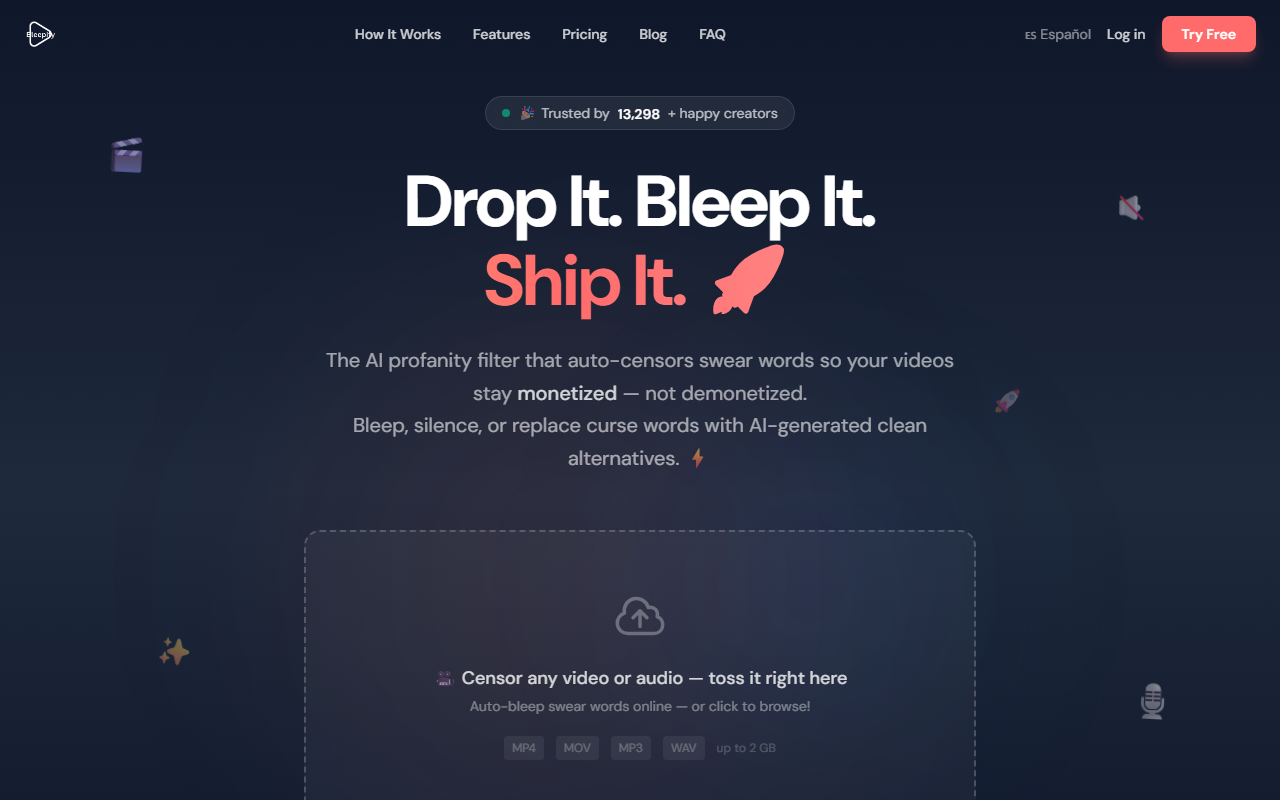
Upon visiting Bleepify's website, the message is clear: drop a file, bleep it, and ship it. The landing page immediately showcases a drag-and-drop zone, and I decided to test the free tier by uploading a short MP4 clip containing a few mild expletives. The process was refreshingly frictionless—no account required initially. The interface is minimal and uncluttered, with a single upload area and a prominent "Clean My File — It's Free" button. The entire onboarding takes seconds, and the tool begins processing as soon as the file is accepted.
I noticed a status message reading "Working our magic..." while the AI analyzed the audio. Within about 15 seconds for a 2-minute clip, a transcript appeared with every detected swear word highlighted, complete with timestamps. This immediate visual feedback builds trust: you see exactly what the AI picked up. The transcript viewer lets you toggle censor on/off for each individual word, which gives you full manual override. I toggled one word off to test—the reprocessing was instant. The whole workflow feels like a pro editing panel, but without the learning curve.
How It Works and Key Features
Bleepify uses an AI profanity detector that processes audio tracks to locate curse words with millisecond precision. The tool supports over 40 languages—English, Spanish, French, German, Japanese, and more—making it suitable for global creators. After detection, you have three censor styles: classic bleep tone, silence (complete removal of sound), or an AI-generated word replacement that uses text-to-speech to swap "f***" with a clean alternative like "fudge." I tested the AI replacement on a single word, and the result was surprisingly natural; the timing aligned perfectly, and the voice sounded consistent with the original speaker's tone.
Additional features include batch uploads (for multiple files at once, available on paid plans), custom censor sounds (upload your own sound effect), and SRT subtitle export. The tool also supports a variety of formats: MP4, MOV, MP3, WAV, and over 20 others. Files up to 2 GB are accepted. The "Transcript Viewer" is a standout—it shows each detected swear word with start and end times, and you can click to jump to that moment in the video preview. This level of control is rare in consumer-level censoring tools. For comparison, manual editing in Premiere Pro is tedious, while competitor Cleanvoice focuses more on filler words and silence removal, not profanity-specific filtering.
Pricing and Limitations
Bleepify offers a genuinely useful free tier: $0 per month gives you 10 minutes of processing time and 3 re-edits per video. That's enough for short clips, intros, or testing. Paid plans start at $9/month (Starter) for 150 minutes, batch uploads, and SRT export. The Creator plan at $29/month ups that to 600 minutes with lower overage rates. The Studio plan at $99/month grants 2,400 minutes, unlimited re-edits, and priority support. Annual billing saves up to 25%, and no credit card is required to begin.
A clear limitation is the 10-minute cap on the free plan. If you produce longer-form content, even a single video might exceed that limit. Also, while the AI word replacement works well on simple expletives, I noticed occasional odd phrasing when replacing more context-dependent slang. The file size limit of 2 GB is generous for typical 1080p clips, but 4K long-form video could bump against it. The tool does not offer real-time live streaming censorship, so it's strictly a post-production solution. The pricing page mentions "No gotchas" but you should also note that re-edits count each time you modify the censor settings—something heavy editors should factor in.
Verdict and Recommendations
Bleepify excels at its core promise: making profanity censorship dead simple without sacrificing precision. For solo YouTube creators, podcasters, and small studios, the combination of auto-detection, transcript review, and flexible censor styles saves hours of manual editing. The support for 40+ languages and custom word addition makes it versatile for niche content. The free tier is genuinely usable, not just a teaser. I would, however, caution heavy editors who need unlimited re-edits or work with very long files—the lower-tier plans may not suffice, and the Studio plan is better suited for teams. Bleepify is also not designed for live streaming.
If you manually bleep out every swear word in DaVinci Resolve or rely on YouTube's automated system (which can be inconsistent), Bleepify is a worthwhile upgrade. The AI word replacement feature alone is a differentiator—it lets you maintain natural-sounding dialogue without the jarring beep. Trusted by over 11,000 creators, the tool has proven reliability. For anyone seeking to demonetization-proof their content effortlessly, Bleepify is a strong contender. Visit Bleepify at https://bleepify.me/ to explore it yourself.













Comments