

First Impressions and Onboarding
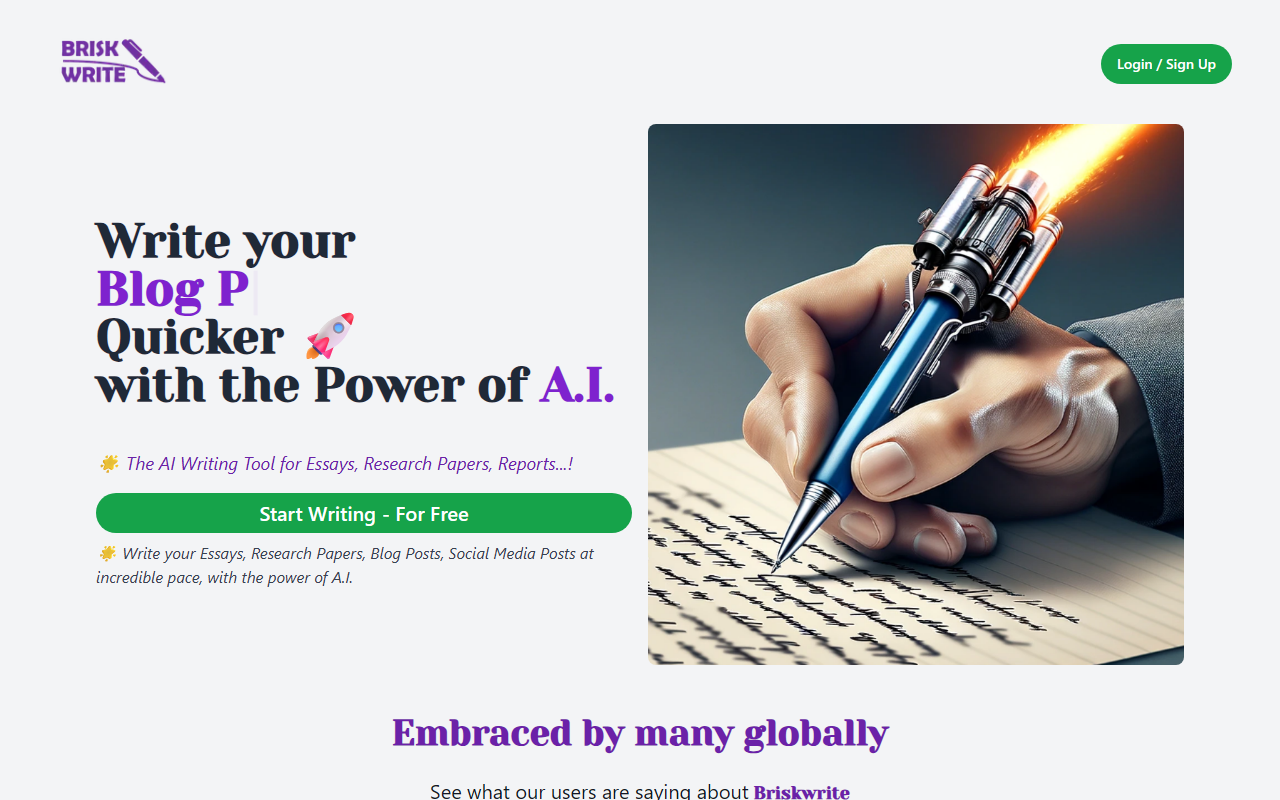
Upon visiting the BriskWrite website, I was greeted by a clean, modern landing page with a prominent call-to-action: Start Writing - For Free. The headline promises to write essays, research papers, and reports at an incredible pace using AI. Scrolling down, I found three glowing testimonials from a university student, a blogger, and a marketing director—all praising the tool for speeding up their writing and improving clarity.
The sign-up flow is straightforward. I clicked the Sign Up - For Free button, which led to a simple registration form requiring only an email and password. No credit card was requested for the free tier, which is a plus. After verifying my email, I was taken to the main dashboard. The interface is minimal: a text editor with a sidebar for document types and an input area where you describe what you want to write. The onboarding pop-up suggests starting with a new essay or blog post, so I selected Essay.
Core Features and Writing Workflow
The tool asks for a topic, a few keywords, and a desired tone (academic, professional, casual, etc.). I tested it with a prompt: "Explain the impact of quantum computing on cryptography" in academic tone. Within about 15 seconds, BriskWrite generated a 500-word essay with an introduction, three body paragraphs, and a conclusion. The structure was logical—each paragraph addressed a separate point (Shor's algorithm, post-quantum cryptography, current limitations). The language was formal and citation-ready, though no actual citations were provided. I could then edit the text directly in the editor, which supports bold, italic, lists, and heading formatting. A Download button lets you export the document as a .docx or .txt file, which matches the FAQ promise that finished work is yours to keep.
One notable limitation: the free tier only allows a limited number of generations per day—after three, I received a prompt to upgrade. The AI model isn't named on the site, but based on output quality, it appears to be a fine-tuned GPT variant. No API is mentioned, and there are no integrations with Google Docs or Microsoft Word. For longer research papers, the tool lacks a bibliography generator; you'd need to add references manually. The FAQ mentions subscription plans for unlimited access and advanced features, but exact pricing is not publicly listed—only "subscription plans" are referenced. This lack of transparency can be frustrating for budget-conscious users.
Pricing, Limitations, and Market Position
BriskWrite operates on a freemium model: a free tier with basic features and limited uses, and paid subscriptions for unlimited access. However, the website does not display specific prices or feature breakdowns for paid plans. You have to sign up to see them—or perhaps they are not shown at all until you attempt to upgrade. This is a significant drawback for potential users who want to evaluate the value proposition upfront.
Compared to alternatives like Jasper or Writesonic, BriskWrite lacks advanced features such as brand voice customization, SEO tools, or integration with Surfer SEO. It also doesn't offer a long-form document editor like Google Docs collaboration. Another competitor, Grammarly, focuses more on grammar correction than generation. BriskWrite's strength is its simplicity: it targets students and non-technical writers who need a quick first draft for essays or reports. The three testimonials suggest it has found a niche among university students and small marketing teams.
On the downside, the AI can sometimes produce generic content. For example, my generated essay on quantum cryptography used a very standard template and lacked nuanced analysis of recent breakthroughs. The tool also struggles with very long documents; I tried a request for a 2,000-word paper, and it generated only 800 words before stopping with a note to upgrade. The FAQ states the platform is suitable for all levels, but advanced researchers may find the depth insufficient.
Who Should Use BriskWrite?
BriskWrite is best suited for university students facing tight deadlines on essays or research papers, and for bloggers or small business owners who need quick drafts for social media or blog posts. It's also a reasonable choice for anyone who experiences writer's block and needs a structured starting point. The free tier is generous enough to test the quality before committing.
However, if you require advanced AI features like multilingual output, real-time collaboration, or deep research integration, look elsewhere. Professional content marketers or technical writers will likely outgrow BriskWrite quickly. The lack of transparent pricing and limited output length in the free version are notable limitations. I recommend trying the free tier to see if its simplicity aligns with your workflow—just be aware that you'll likely need a paid plan for serious, daily use. Strengths: intuitive interface, fast generation, multiple output formats. Weaknesses: no disclosed pricing on site, limited free usage, no API or integrations. Visit BriskWrite at https://briskwrite.com/ to explore it yourself.









Comments