

First Impressions: A Workspace That Aims to Replace Everything
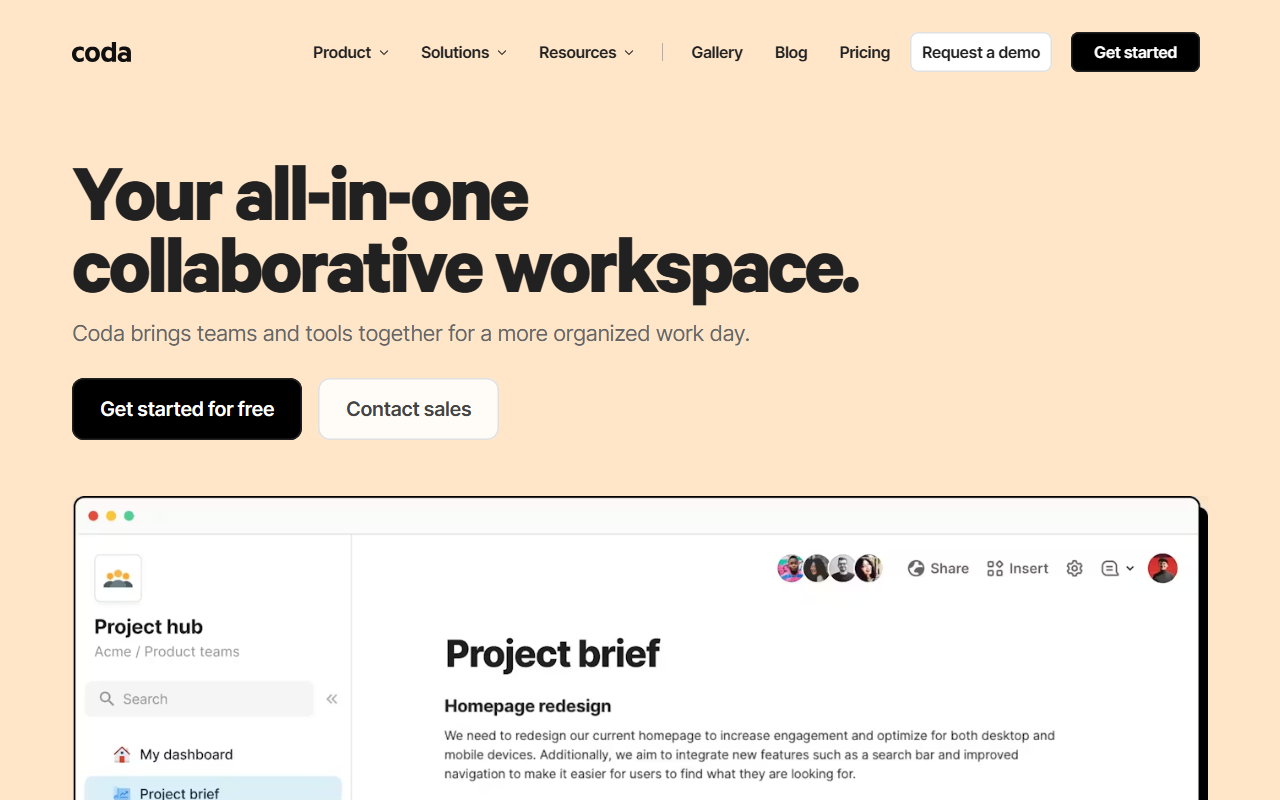
Upon visiting Coda.io, the homepage immediately sells you on the vision: a single collaborative workspace that replaces docs, spreadsheets, and niche apps. The header shouts, “Your all-in-one collaborative workspace,” and the page is packed with customer logos—Qualtrics, Zoom, Figma, Google—and a quote from Fast Company claiming Coda is “more powerful than Google Docs and more flexible than Airtable or Notion.” That’s a bold promise. I signed up for the free tier to see if it holds up.
The dashboard greets you with a clean, side-bar layout: a list of your docs on the left, a central canvas, and a top toolbar. Creating a new doc starts with a choice of blank page or one of dozens of templates. I noticed templates for product teams, sales hubs, engineering dashboards, and even design sprints. Each template is pre-filled with sample data and interconnected tables—a sign of the tool’s DNA: it’s as much a database as it is a word processor.
Core Features and Coda AI: Beyond the Hype
Coda’s true innovation is its ability to turn a doc into an app. You can embed tables that talk to each other, add buttons that trigger automations, and use formulas to calculate on the fly. But the headline feature now is Coda AI, which the site calls “the connected work assistant that knows your team.” It comes in three flavors: an AI chat that answers questions about your doc’s content, an AI assistant that generates tables or summaries, and an AI column that auto-fills data from other columns—think of it as smart spreadsheets.
Testing the free tier, I created a mock product roadmap. The AI chat was responsive: I asked “What are the top priorities?” and it scanned the table and gave a bullet list. The AI column is genuinely useful—for example, I had a column for “Status” and another for “Next Step,” and the AI column could generate a suggested next step based on the status. However, the AI sometimes hallucinated or gave generic advice when the doc had sparse data. Coda AI runs on proprietary models, but the site doesn’t specify which underlying LLM is used. The free tier includes a limited number of AI actions per month; for unlimited use you need a paid plan.
Integrations are a major selling point: Coda offers over 600 “Packs” (plugins) connecting to Slack, Jira, Figma, Google Calendar, and more. I connected a Google Calendar and saw live events appear inside a doc—useful for meeting agendas that automatically update. The flexibility is impressive, but managing dozens of integrations can make a doc feel bloated.
Pricing, Alternatives, and Who Should Use It
Pricing is not publicly listed on the website—you have to click “Contact sales” or start a free trial to see plans. From memory, Coda offers a free tier (limited docs and AI actions), Team ($10/user/month), Business ($30/user/month), and Enterprise (custom). That places it slightly above Notion’s free offering but below Airtable’s enterprise tiers. If you’re comparison shopping, Notion is the closest competitor, with a similar doc+wiki+table approach but fewer automation capabilities. Airtable excels at structured databases and reporting, while Coda leans toward narrative docs that embed data. Coda also competes with Confluence, but Coda’s real-time collaborative feel is more modern.
The tool is best suited for teams that need to merge writing and data—product managers, marketers, and sales ops who live in spreadsheets but also need to share narratives. It’s less ideal for pure project management (stick with Asana) or simple note-taking (Apple Notes suffices). The learning curve is real: building a custom app from scratch takes time, and the formula language is more complex than Notion’s.
Strengths, Limitations, and Final Verdict
Strengths: The flexibility to create anything from a meeting notes doc to a lightweight CRM is unmatched. The template gallery is extensive and well-designed. Coda AI genuinely saves time on repetitive data entry—the AI column is a standout. Integrations are deep and bidirectional.
Limitations: Performance can lag when a doc grows to hundreds of rows with multiple linked tables. The mobile app is functional but cramped for complex edits. AI features are great but have a usage cap on free and lower-paid plans. New users often hit a wall trying to understand “how to think in Coda”—it’s not as intuitive as Google Docs.
Overall, Coda is a powerful tool for teams that outgrow basic docs and want to build purpose-built solutions without code. Try the free tier with a small project; if your workflows involve constant table updates and cross-team coordination, it’s worth the investment. Visit Coda at https://coda.io/ to explore it yourself.













Comments