

First Impressions and Onboarding
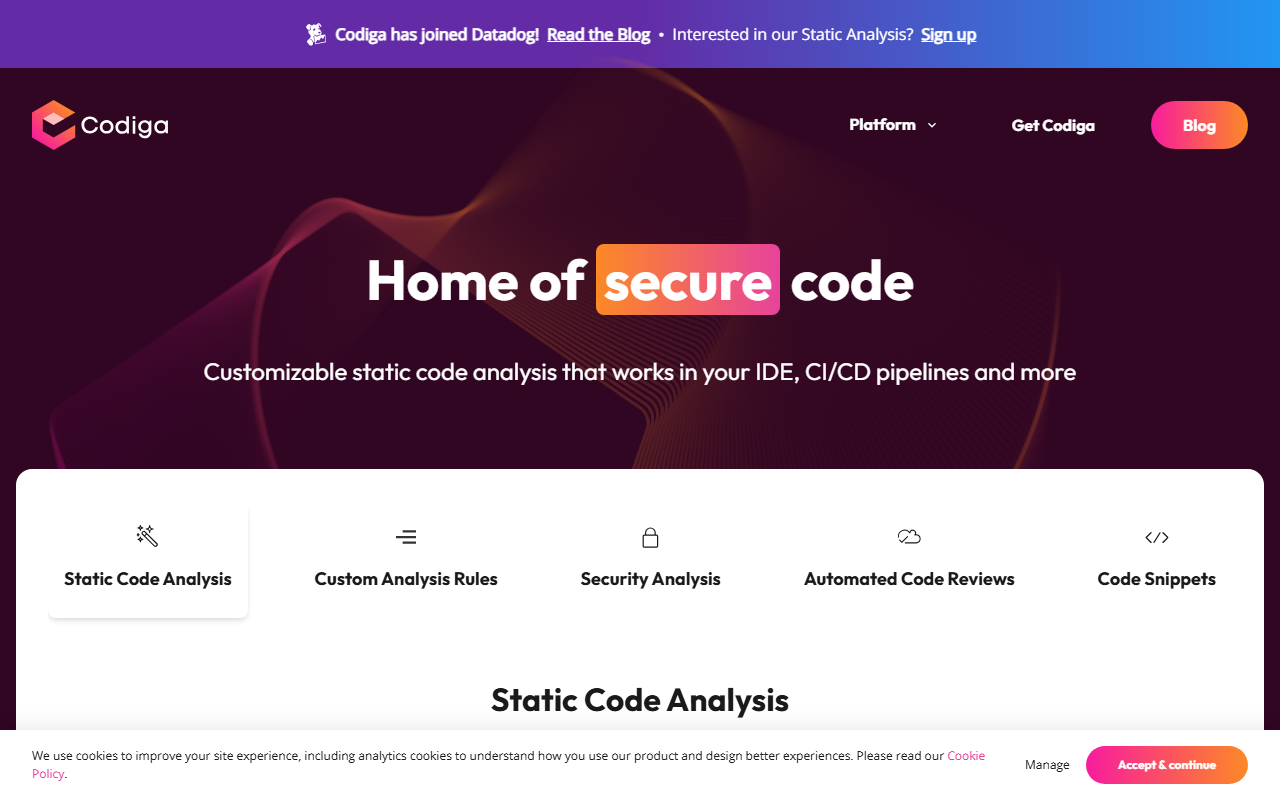
Upon visiting Codiga's website, I was immediately struck by the clean, developer-centric layout. The top banner announces its acquisition by Datadog, but the core product remains accessible. I opted for the free tier, which required only a GitHub login. Within minutes, I had the Codiga plugin installed in VS Code. The dashboard greeted me with a summary of code violations, duplicates, and complex functions across my repositories. The onboarding flow is guided but not overwhelming: it suggests adding a ruleset from the Codiga Hub or creating your own custom rules. I chose the default Python security ruleset and opened a test file. Almost instantly, a underlined warning appeared next to a bare except clause, with a tooltip explaining the issue and a one-click autofix option. That responsiveness is Codiga's strongest selling point—the analysis feels near-instantaneous.
Core Capabilities and Technical Depth
Codiga combines static code analysis, custom rules, security scanning, automated code reviews, and a code snippet manager into one unified platform. The static analysis engine supports over 1,800 rules across 12+ languages including Python, JavaScript, Java, and Go. It covers OWASP Top 10, MITRE CWE, and SANS/CWE Top 25 vulnerabilities. What sets Codiga apart is the ability to write custom analysis rules in a YAML-like syntax from the browser, test them live on the playground, and share them via the Codiga Hub. The tool works natively inside VS Code, JetBrains, and Visual Studio, and integrates with GitHub, GitLab, and Bitbucket in both IDE and CI/CD contexts. During my test, I pushed a branch with a deliberate SQL injection vulnerability in a Python script. The pre-commit git hook blocked the push, and the dashboard flagged the exact line with a severity rating. The autofix feature replaced the unsafe f-string query with a parameterized one—a genuinely useful assist. Codiga also performs infrastructure as code analysis for Terraform and Docker files, which is less common among competitors.
Market Position and Pricing
Codiga occupies a niche somewhere between SonarQube's enterprise-grade depth and linters like ESLint or Pylint. Unlike SonarQube, which can be heavy to set up, Codiga offers a lighter, SaaS-based model that requires zero configuration beyond installing the IDE extension. Compared to GitHub's built-in CodeQL, Codiga provides more real-time feedback inside the editor and automates fixes, not just detections. Pricing is not publicly listed on the website; instead, Codiga now directs users to Datadog's Static Analysis product for enterprise plans. The free tier includes unlimited public repositories and access to the community ruleset, making it accessible for individual developers and open-source projects. However, teams needing private repo analysis or custom rule sets will likely need to engage Datadog's sales team. Given the Datadog acquisition, long-term pricing and product independence may evolve, which is worth monitoring.
Strengths, Limitations, and Verdict
Strengths: Real-time analysis with one-click autofix is genuinely productive. Custom rules are easy to create and share, and the multi-IDE/CI support is broad. The security focus with OWASP coverage and secret detection adds depth. The code snippet hub is a bonus for team collaboration. Limitations: The free tier only supports public repositories, which limits its use for private work without committing to a paid plan. The heavy integration with Datadog may concern teams that want a standalone tool. Also, while the ruleset is broad, some niche languages (e.g., Rust, Swift) lack deep support. The git hooks feature requires a local CLI tool installation, adding a slight friction point. Codiga is best suited for small to medium-sized development teams that want fast, automated code quality checks without extensive configuration. Individual developers and open-source maintainers will also find the free tier valuable. Teams already invested in SonarQube or code review tools may find Codiga redundant unless they prioritise real-time IDE feedback. Overall, Codiga delivers on its promise of clean, safe, and secure code with minimal overhead. Visit Codiga at https://codiga.io to explore it yourself.













Comments