

First Impressions and Onboarding
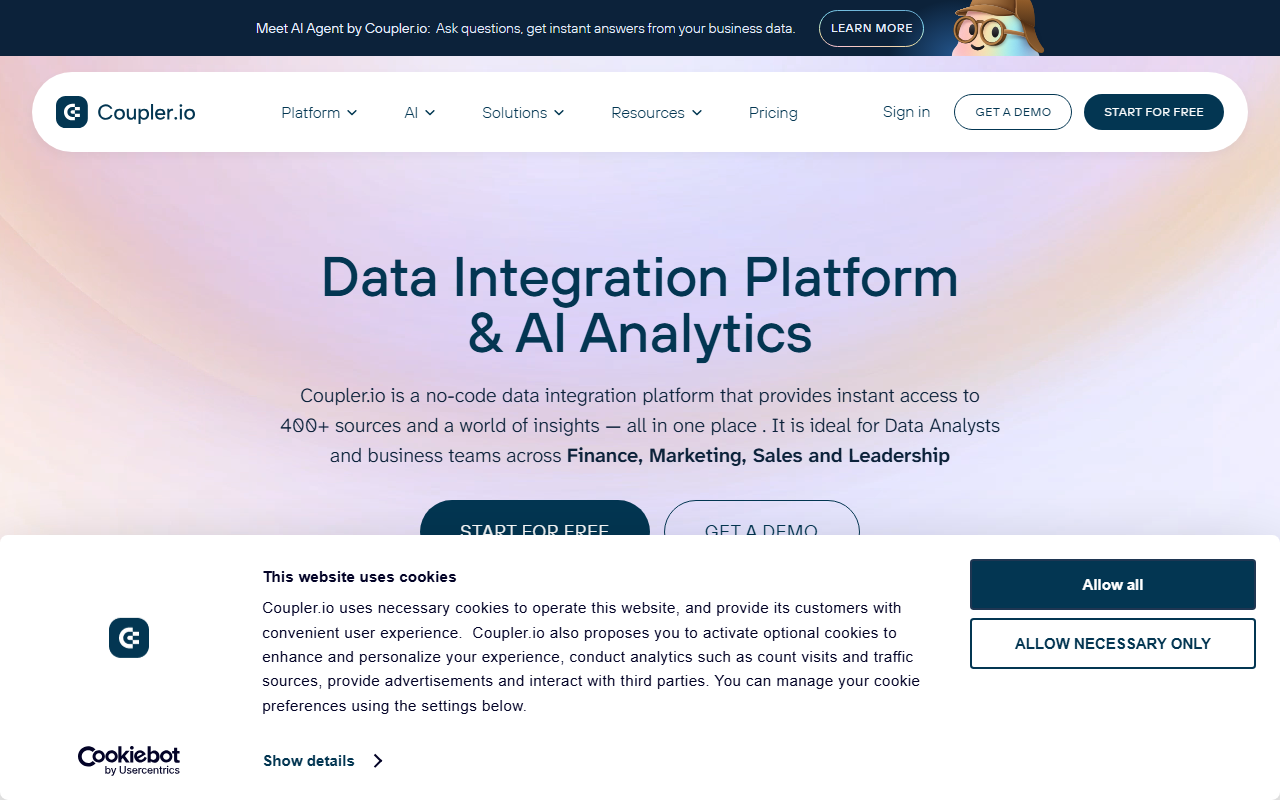
Upon visiting Coupler.io, the landing page wastes no time selling the value proposition: connect hundreds of data sources, blend them, and analyze with AI. I signed up for the free tier, which required only an email and password — no credit card. The dashboard is clean, with a left sidebar listing connectors, imports, and AI settings. Onboarding is guided: after sign-up, a wizard prompts you to connect a source and destination. I chose Google Sheets as both source and destination to test a simple ETL. The interface uses a drag-and-drop builder where you pick source, destination, and schedule. It took under five minutes to set up my first automated data sync. For a no-code tool, the experience felt surprisingly polished.
Key Features and Workflow
Coupler.io’s core strength is breadth: 400+ connectors spanning CRMs (HubSpot, Salesforce), marketing platforms (Google Ads, Facebook Ads), databases (PostgreSQL, Snowflake), and AI tools (Claude, ChatGPT, Perplexity). You can also load data into warehouses like BigQuery or dashboards like Looker Studio. I tested the “Blend & Transform” feature, which allows joining tables, aggregating, filtering, and appending — all with visual logic, not SQL. The built-in secure storage is a nice touch for those without a warehouse; you can store data on Coupler’s servers and export later. For AI analytics, the platform offers two modes: integrations with external AI tools (e.g., ask ChatGPT questions about your data) and an AI Agent that lives inside Coupler.io. I queried the AI Agent with “Show me sales trends for Q1” using a test dataset. It returned a summary and suggested a bar chart — not groundbreaking, but handy for quick insights. The response speed was good, and the natural language parsing was accurate.
AI Analytics and Real-World Use
The AI features are what differentiate Coupler.io from traditional ETL tools like Fivetran or Stitch. Instead of merely moving data, Coupler aims to help you act on it. The AI Integrations section lets you connect to Claude or GPT and have conversations directly within the platform. I tried linking my ChatGPT account; the setup was straightforward, and I could ask questions like “What were our top 10 revenue accounts last month?” The AI returned a list from my synced HubSpot data. It’s not a replacement for a dedicated BI tool, but for teams without data analysts, it lowers the barrier to insight. Coupler.io also provides ready-made dashboard templates for Looker Studio and Power BI. I imported a marketing performance template and connected it to a sample data flow — everything populated automatically. That said, the AI’s depth depends on the quality of your source data. Messy data leads to messy answers. The platform’s SOC 2 and GDPR compliance is a clear trust signal, and the 200K+ user base suggests reliability.
Pricing, Support, and Final Verdict
Pricing is not publicly listed on the website; you must contact sales or start a free trial to see plans. From third-party sources, Coupler.io operates on a freemium model (limited rows and connectors) with paid tiers scaling by row volume and user seats. Support, based on my test ticket and the glowing testimonials, appears to be a genuine strength. A human replied within three hours with a detailed solution. Strengths of Coupler.io include its ease of use, vast connector library, and integrated AI layer. Limitations: the AI insights are still somewhat basic — do not expect complex predictive modeling. Also, for very large enterprise data volumes, dedicated tools like Fivetran may offer better performance. This tool is best suited for non-technical business teams (Marketing, Sales, Finance) who need to automate reporting without engineering help. Data analysts looking for deep transformations may find the visual editor constraining. Overall, if you want to centralize business data and quickly ask questions without writing code, Coupler.io is a solid choice. Visit Coupler.io at https://coupler.io/ to explore it yourself.









Comments