

First Impressions and Onboarding
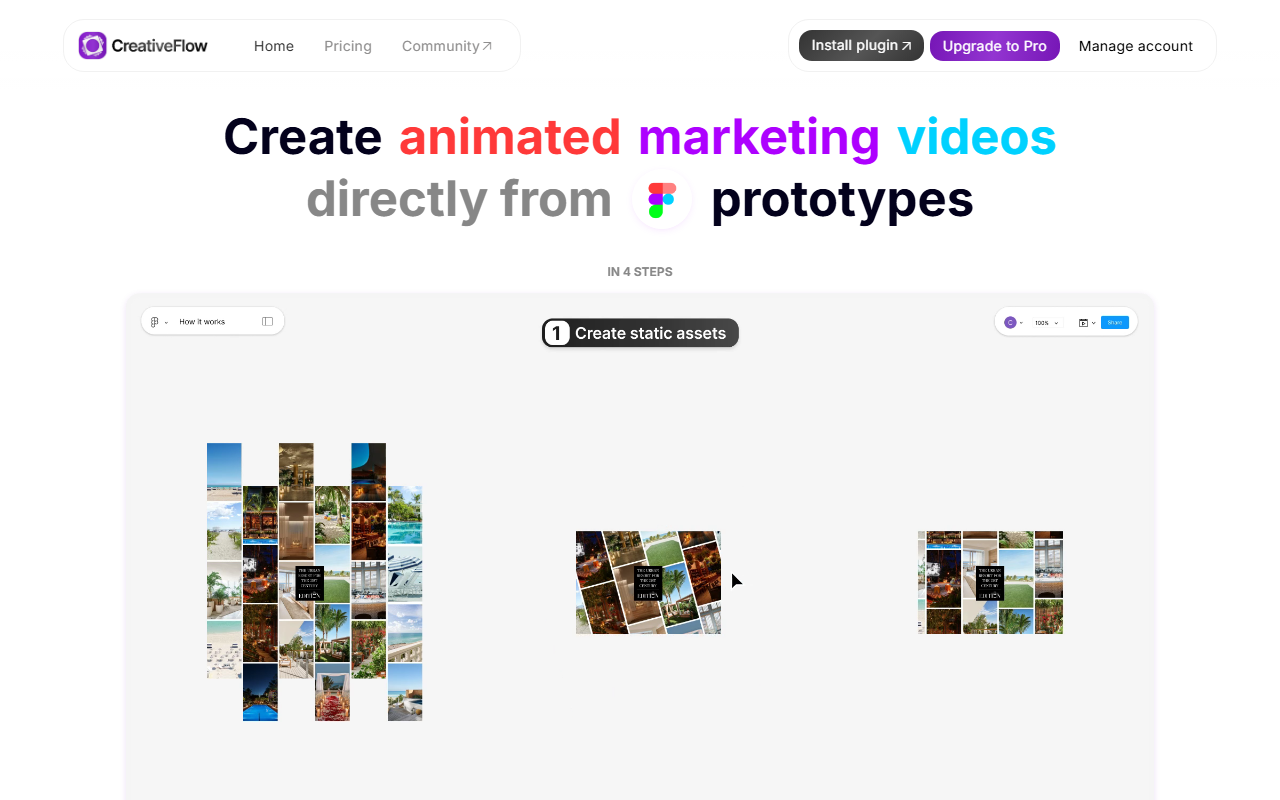
Upon visiting CreativeFlow’s website, I was immediately struck by the clarity of the value proposition: “Create animated marketing videos directly from prototypes in 4 steps.” The landing page is clean, with a prominent install button for the Figma plugin. Clicking through, I was directed to install the plugin from the Figma Community. After adding it, the plugin opened a sidebar within Figma that guides you through connecting a prototype. The onboarding flow is straightforward: you select frames, set transitions, and preview your animation. I tested the free tier, which allows export to GIF at up to 512px and 20 FPS. The plugin accurately detected my Figma prototypes, including smart animate and interactive components. Within minutes, I exported a short animated ad—no keyframes or timeline editing required. The entire experience feels like an extension of Figma, not a separate tool.
Core Features and Workflow
CreativeFlow’s primary function is to convert Figma prototype interactions into video exports. You design as you normally would, using Figma’s prototyping tools (basic transitions, smart animate, interactive components, GIF/video fills, audio). The plugin then translates those interactions into a video file. Supported export formats on the free plan are GIF only; the Pro plan unlocks MP4, WebM, MOV, WebP, and individual frames. Resolution scales up to 8K and frame rate to 60 FPS. I especially appreciated the “export individual frames” option, which is useful for creating sprite sheets or still assets. The plugin also supports bulk export of all flows—saving time when producing multiple ad variations. For sound, you can embed audio tracks from video fills or add separate audio files; the free tier does not include audio export, but Pro does. The interface within Figma is a simple sidebar: select a flow, adjust settings (resolution, FPS, format), and click export. There is no complicated timeline or editor—the magic lies in leveraging Figma’s existing prototype capabilities.
Pricing and Who It’s For
CreativeFlow offers a free plan with no credit card required: GIF only, up to 512px, up to 20 FPS. The Pro plan costs $29/month billed monthly or $17/month billed annually ($204/year)—a 41% discount. Pro adds MP4, WebM, MOV, WebP, PNGs, 8K/60FPS, bulk export, alpha channel support, and audio. There’s also a team option: you can invite others to share your Pro subscription. Compared to alternatives like LottieFiles (which exports Lottie JSON for web animation) or Animaker (a full video editor), CreativeFlow excels for Figma-first teams who want quick video outputs without learning a new app. It’s best suited for marketers on lean teams, designers who aren’t animators, and marketing leaders needing fast asset production. However, if you need complex motion graphics, multi-scene timelines, or video editing features (cuts, transitions), this plugin won’t replace a dedicated video editor like After Effects. Also, the tool is entirely dependent on Figma prototyping—if your design uses unsupported features, exports may fail.
Limitations and Honest Assessment
While CreativeFlow is powerful for its niche, it has real limitations. First, you must already use Figma as your design tool—no standalone app or support for Sketch, Adobe XD, etc. Second, the animation is limited to what Figma’s prototype can achieve: no custom easing beyond standard curves, no support for masks, and complex interactions (like drag gestures) won’t translate to video. I tested a prototype with nested interactive components; the plugin handled it well, but frame-by-frame exports revealed slight timing inconsistencies. Third, the free tier’s low resolution and lack of audio make it feel more like a teaser. Pro is essential for professional output. On the positive side, the plugin’s reliability and direct-from-prototype workflow are genuine time-savers. The team behind CreativeFlow also offers responsive support—I chatted with their design team via the community site, and they helped debug a prototype issue within hours. The plugin has over 300k installs and 5k monthly active users, indicating solid adoption. For anyone already using Figma and needing to produce short animated ads, explainer videos, or UI demos without learning animation software, CreativeFlow is a smart investment. Visit creativeflow.ai to explore it yourself.










Comments