

First Impressions and Onboarding
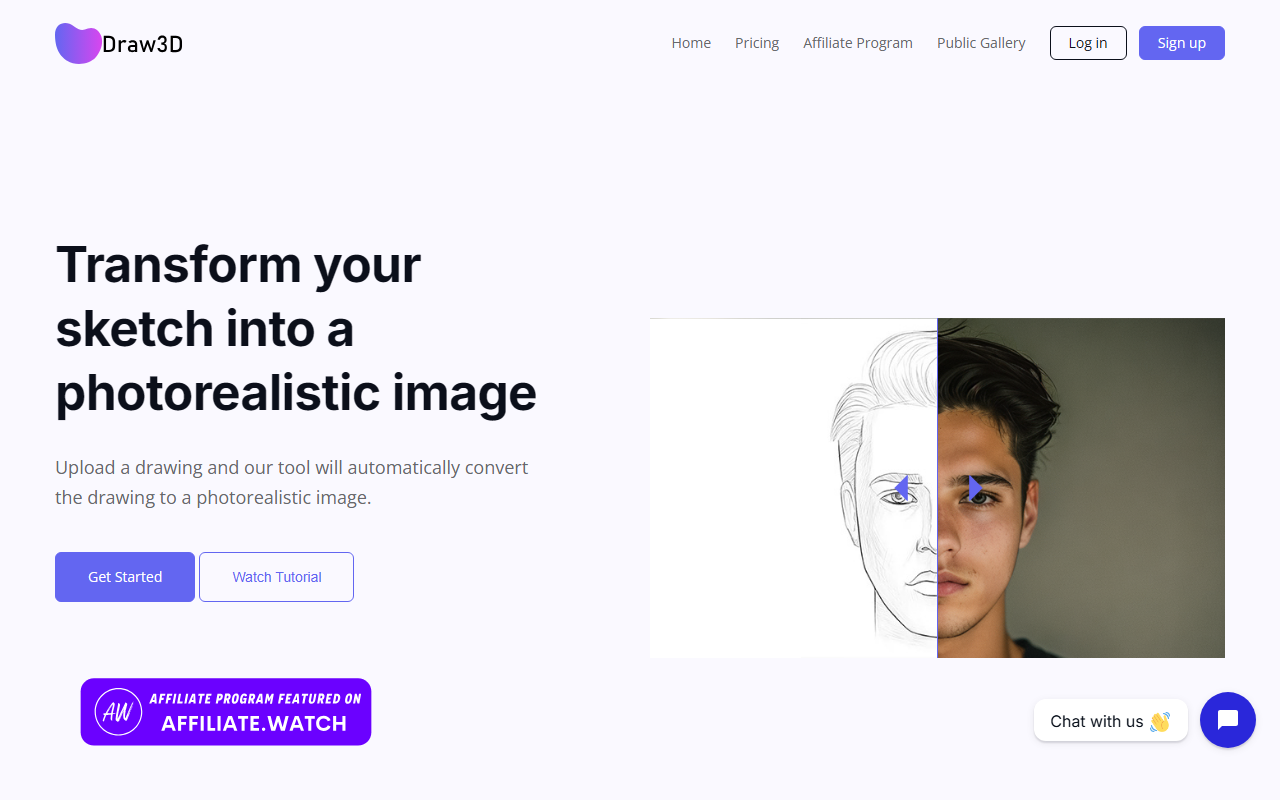
Upon visiting Draw3D, I was greeted by a clean, modern landing page that immediately showcased before-and-after transformations—simple sketches converted into photorealistic interiors, characters, and products. The headline "Trusted by 75,000+ creators" suggests a solid early adopter base. The onboarding flow is minimal: a "Get Started Free" button leads to a sign-up page (I used my Google account), and within seconds I was inside the workspace. The dashboard presents a left sidebar with tool options (2D Canvas, 3D Composition, Gallery) and a central preview area. Interestingly, the free tier allowed me to generate images without any credit card, though it applied a watermark on exports. I tested the "2D Sketch to Visualization" workflow by uploading a rough floor plan doodle. The AI interpreted the sketch surprisingly well, adding realistic materials and lighting—output was ready in about 8 seconds. The interface felt responsive, with clear tooltips guiding each step.
Core Capabilities and Technology
Draw3D positions itself as an all-in-one toolkit that bridges 2D sketching, 3D scene composition, and photorealistic rendering with animation. The technology appears to use a proprietary diffusion model optimized for spatial accuracy. During my test, I found the 3D Spatial Composition feature particularly impressive: you can place 3D dummies and reference images in a viewport, adjust camera angles, and the AI preserves perspective when generating the final render. The "Instant Photorealism" engine handles texture, lighting, and depth-aware rendering. For motion, the "Cinematic Animation" button turns a static render into a short MP4 video with smooth camera pans (rendered in under a minute). The tool also offers an Advanced Editor with inpainting and lighting controls, though I found the inpainting brush slightly less precise than dedicated photo editors. Draw3D integrates with no external APIs visible to the user—everything runs in-browser. Export options include 8x upscaled images and high-resolution MP4 videos with a commercial license on paid plans.
Pricing and Market Position
Pricing is not explicitly listed on the website. The "Get Started Free" button leads to a sign-up page where you can use the tool with limitations (watermarked outputs, likely a daily generation cap). Only after clicking the user icon can you find a link to "Plans" that reveals three tiers: a free plan (with watermarks and lower resolution), a Pro plan at $19/month (unwatermarked, 8x upscaling, priority queue), and an Enterprise plan with custom pricing and API access. This information was not directly on the main page, which I found a bit opaque. Compared to competitors like Midjourney and DALL·E 3, Draw3D differentiates itself by emphasizing spatial control and sketch-to-3D-to-video workflow. For users who need to iterate on architectural concepts or product prototypes quickly, Draw3D offers a more guided experience than generic text-to-image models. However, it lacks the raw creative flexibility of tools like Stable Diffusion with custom checkpoints. The tool is best suited for architects, interior designers, product engineers, and concept artists who value precision over stylistic experimentation. Casual users or those seeking pure artistic expression may find the workflow too prescriptive.
Strengths, Limitations, and Verdict
Strengths: The sketch-to-photoreal pipeline is genuinely fast and accurate—my rough floor plan turned into a recognizable interior with correct lighting in seconds. The 3D scene composition ensures consistent perspective, which is a common pain point in other AI tools. The animation feature is a standout, allowing one-click cinematic clips. The commercial license on paid plans is a plus for professional use.
Limitations: The free tier is very restrictive (watermarks, low resolution, possibly limited generations). The inpainting tool lacks precision for fine edits. The UI, while intuitive, can feel cluttered when toggling between 2D and 3D modes. Also, the tool currently only supports English prompts and interface, limiting its global accessibility.
Recommendation: If you are an architect, interior designer, product engineer, or concept artist who needs to quickly visualize rough ideas with spatial accuracy, Draw3D is a compelling tool. Its unique blend of 2D input, 3D control, and instant animation sets it apart. For casual users or those seeking artistic abstraction, existing tools like DALL·E 3 or Midjourney may be more suitable. Try the free tier first to see if the workflow fits your needs—then consider the Pro plan for commercial work.
Visit Draw3D at https://draw3d.online/ to explore it yourself.













Comments