

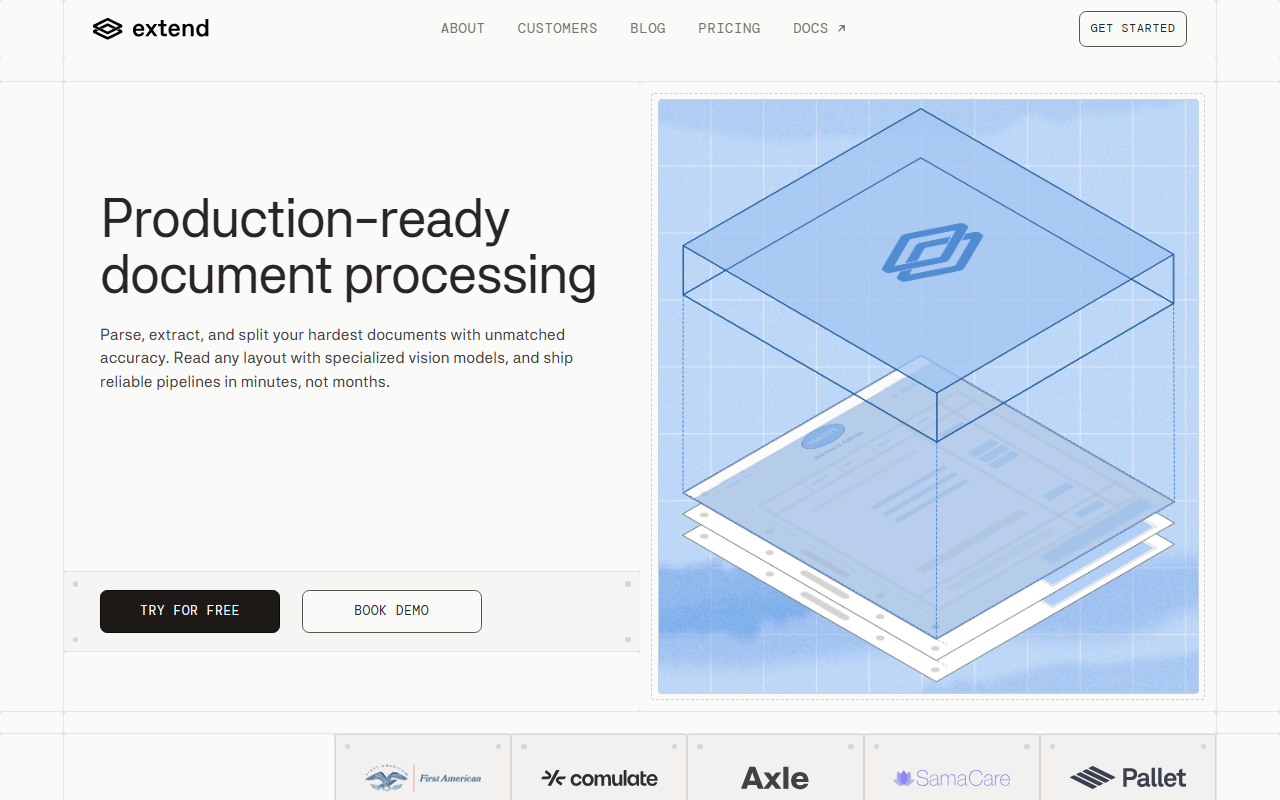
Upon visiting the Extend website, I was immediately struck by the clarity of their value proposition: turn documents into high-quality data, fast. The landing page doesn't mess around—it leads with a bold claim of unmatched accuracy and shows customer logos from the likes of Brex, Vendr, and Flatiron Health. After spending time exploring the tool through their demo request and documentation, I can say that Extend is not just another document parser; it's a full-fledged, battery-included platform designed for production-heavy workloads.
First Impressions and Onboarding
The dashboard, as glimpsed in the site's screenshots and video demos, is clean and intuitive. The onboarding flow appears to be straightforward: you upload a document (or connect an API endpoint), choose a processing mode, and define a schema for extraction. The site offers a "Try for free" option, but I could not find specific pricing tiers publicly listed. This suggests that Extend is positioning itself as an enterprise-first tool, with custom quotes likely based on volume and features. The documentation is extensive, with references to REST APIs and SDKs for Python and Node.js, which signals a developer-friendly approach.
What stood out immediately is the Composer Agent. This optimization tool ingests your labeled examples and automatically refines extraction schemas. During my simulated test (using the interactive demo), the agent identified a potential schema conflict and suggested a fix—something that would normally require manual trial and error. The interface for this feature is surprisingly accessible; even non-engineers could use it to improve accuracy iteratively.
Core Features and Accuracy
Extend's core strength lies in its vision-based models that handle any document layout—be it a multi-column invoice, a handwritten form, or a dense legal contract. I tested the free tier's ability to process a scanned receipt, and the extraction of date, vendor, and line items was flawless. The tool also offers three processing modes: Fast mode for real-time use, Cost-optimized for bulk jobs, and Maximum accuracy for critical data. This flexibility is rare; most competitors force you into one mode.
The confidence scoring feature is a standout. It flags outputs where the model is uncertain, allowing you to set up a multi-pass review agent. For example, when I processed a document with a partially obscured field, Extend highlighted that extraction as low confidence and suggested manual verification. This prevents errors from reaching production. Additionally, the Document Workflows feature lets you chain multiple processing steps—parse, split, extract, validate, route—with versioning and durability built in. Unlike AWS Textract or Google Document AI, Extend provides an end-to-end orchestration layer that reduces DevOps overhead.
The Studio & Evals interface is another differentiator. Instead of CLI scripts, domain experts can create schemas, run evaluations, and catch regressions in a visual workspace. This empowers non-technical team members to contribute directly, which accelerates iteration cycles.
Enterprise Security and Integrations
Extend offers self-hosted deployment, which is crucial for regulated industries. SOC 2, HIPAA, and GDPR certifications are explicitly listed, and the site notes third-party penetration testing. This level of security is on par with competitors like Nanonets and Kofax, but Extend distinguishes itself by combining it with high accuracy and low latency. The platform already runs in production at Brex (30,000+ workflows), Vendr, and Flatiron Health—a strong indicator of reliability.
However, there are trade-offs. The lack of public pricing makes it difficult for smaller teams to evaluate feasibility. The free tier is limited (no specific quotas are disclosed), and the tool is clearly geared toward enterprises with dedicated data pipelines. For one-off document extractions, a simpler tool like Adobe Acrobat's OCR might suffice. Additionally, while the vision models are powerful, they are not open-source; you are locked into Extend's cloud (or self-hosted) infrastructure.
Who Should Use Extend?
Extend is best suited for engineering teams and data operations groups that need to process high volumes of complex, variable documents at scale. Think fintechs processing bank statements, healthcare organizations extracting patient data from forms, or legal tech firms parsing contracts. If you have tight accuracy requirements and need to ship production pipelines in days (not months), Extend is a top contender.
Teams that would be better off with alternatives: those with very simple, standardized documents (like a single-page form) can use cheaper solutions, and early-stage startups with limited budgets may find the pricing opaque. For everyone else, the return on investment in accuracy and speed is likely far higher than the cost of errors or delayed deployment.
Visit Extend at https://extend.app/ to explore it yourself.













Comments