

First Impressions and Setup
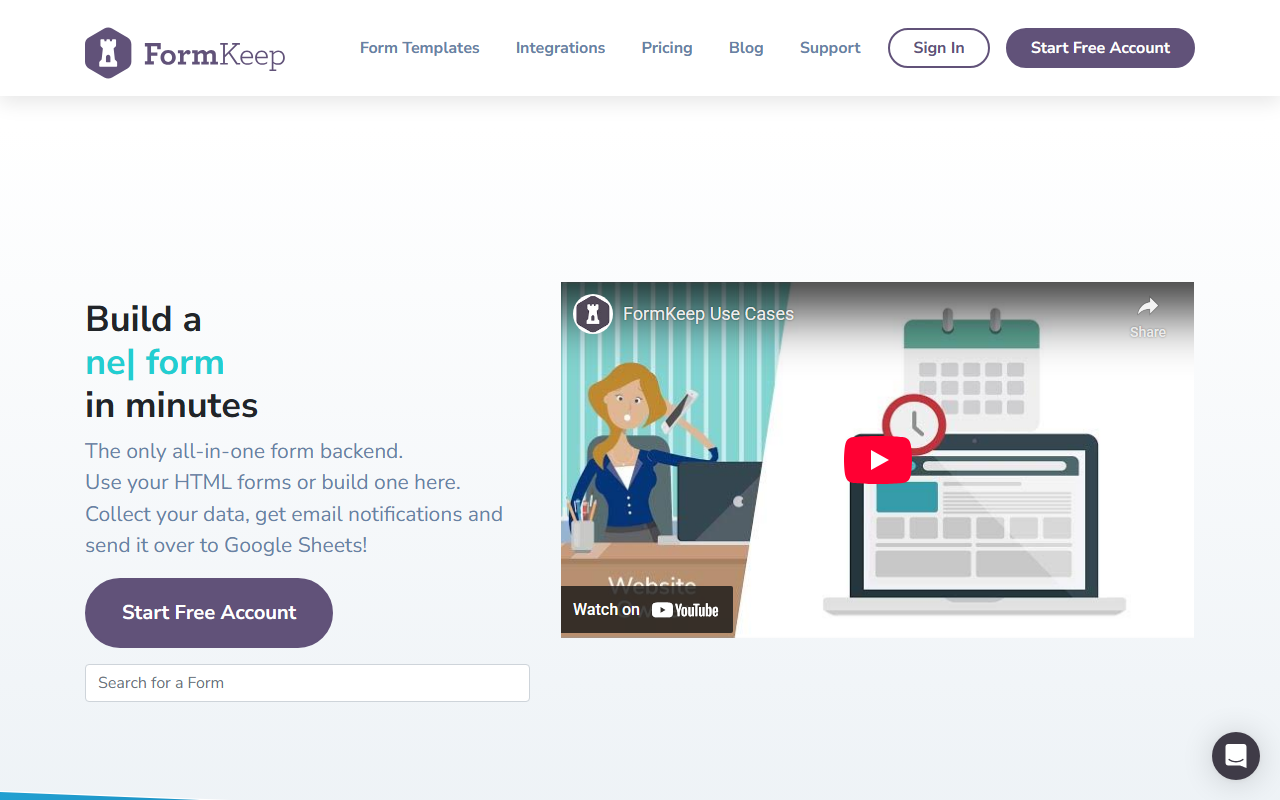
Upon visiting the FormKeep website, I was immediately struck by its clean, developer-oriented pitch: “Change an existing HTML form ACTION to point to FormKeep. Done.” That promise of zero-friction integration is rare in the form-backend space. The landing page features a simple hero section with a sign-up prompt, a feature grid, and a pricing table. No tedious onboarding flow or trial step – just a straightforward call to action.
I clicked “Start Free Account” and found the form builder: a visual drag-and-drop interface that lets you build a form in seconds. But the real star is the endpoint-based approach. You can take an existing HTML form (say, on a static site) and simply change its action attribute to your unique FormKeep URL. No JavaScript libraries, no iframes. When I tested this with a basic contact form, data started appearing in the dashboard almost instantly. The dashboard organizes submissions, shows email notifications, and lets you connect external apps with a few clicks.
Core Features and Integrations
FormKeep offers a robust set of features that cover both basic and advanced needs. At the core lies automatic spam filtering – a must for any public form. I tested it with a few dummy spam payloads, and they were blocked before reaching my inbox. You also get email notifications (daily on the free tier, realtime on paid), an auto-responder feature to follow up with submitters, and custom thank-you messages or redirects.
What sets FormKeep apart from simpler tools like Google Forms is its deep integration ecosystem. Native connectors include Google Sheets, Slack, and Zapier. The Webhooks feature allows you to pipe submission data into any HTTP endpoint, which is invaluable for custom workflows. I particularly liked the ability to set up dynamic field rules – for example, showing a file upload field only when a specific option is selected. This adds logic without requiring JavaScript. File attachments are handled seamlessly, and the mobile-friendly forms adapt automatically.
FormKeep also includes a visual form builder for those who prefer a drag-and-drop approach. However, the primary value is for developers who want to keep full control over their form layout while outsourcing the backend logic. Compared to alternatives like Typeform (which requires embedding its own UI) or Webflow's native forms (only within its ecosystem), FormKeep is refreshingly agnostic.
Pricing and Value
FormKeep’s pricing is transparent and competitive. The Free tier costs $0 per month and includes spam protection, 50 submissions monthly, a branded thanks page, daily email notifications, and 1-month retention of data. This is generous for low-traffic personal projects or prototyping. The Essential plan at $4.99/month jumps to 1,000 submissions, removes branding, adds dynamic field rules, webhooks, and file attachments – but only includes one form. For $19.50/month, the Professional plan bumps submissions to 10,000, adds realtime notifications, all integrations (like Zapier), and auto-responders, with three forms. The Premium tier at $59/month handles up to 100,000 submissions, team members, phone support, and permanent data retention, plus ten forms.
One limitation I noticed: the free tier's 50-submission cap can be restrictive for even a small business blog if it gets moderate traffic. Also, the per-form limit on lower plans means you’ll need to upgrade quickly if you manage multiple sites. However, the pricing scales well and is significantly cheaper than custom serverless solutions like AWS API Gateway + Lambda (which incur hidden costs). FormKeep essentially handles infrastructure, spam, and storage for a flat fee.
Who Should Use FormKeep?
FormKeep is best suited for developers and designers who need a lightweight, reliable form backend without managing servers or writing API glue. It’s ideal for static sites, simple landing pages, or any project where you want to keep full HTML/CSS control while offloading data collection. The visual builder also makes it accessible to less technical users who need a quick hosted form.
However, if you require complex conditional logic, multi-page surveys, or heavy customization of the submission form itself (beyond dynamic field rules), you might find FormKeep too basic. Tools like Typeform or JotForm offer more advanced form logic and design flexibility but require embedding their own interface. Similarly, if you need to handle thousands of submissions for free, open-source options like Formspree (though with fewer integrations) might fit better.
Overall, FormKeep excels at one thing: being an invisible, robust backend for your existing HTML forms. The spam filtering works, the integrations are solid, and the pricing is fair. For a developer who wants to ship a contact form in minutes without any backend code, it’s a no-brainer. Start with the free tier to test the waters, then upgrade as your submission volume grows.
Visit FormKeep at https://formkeep.com/ to explore it yourself.













Comments