

First Impressions and Onboarding
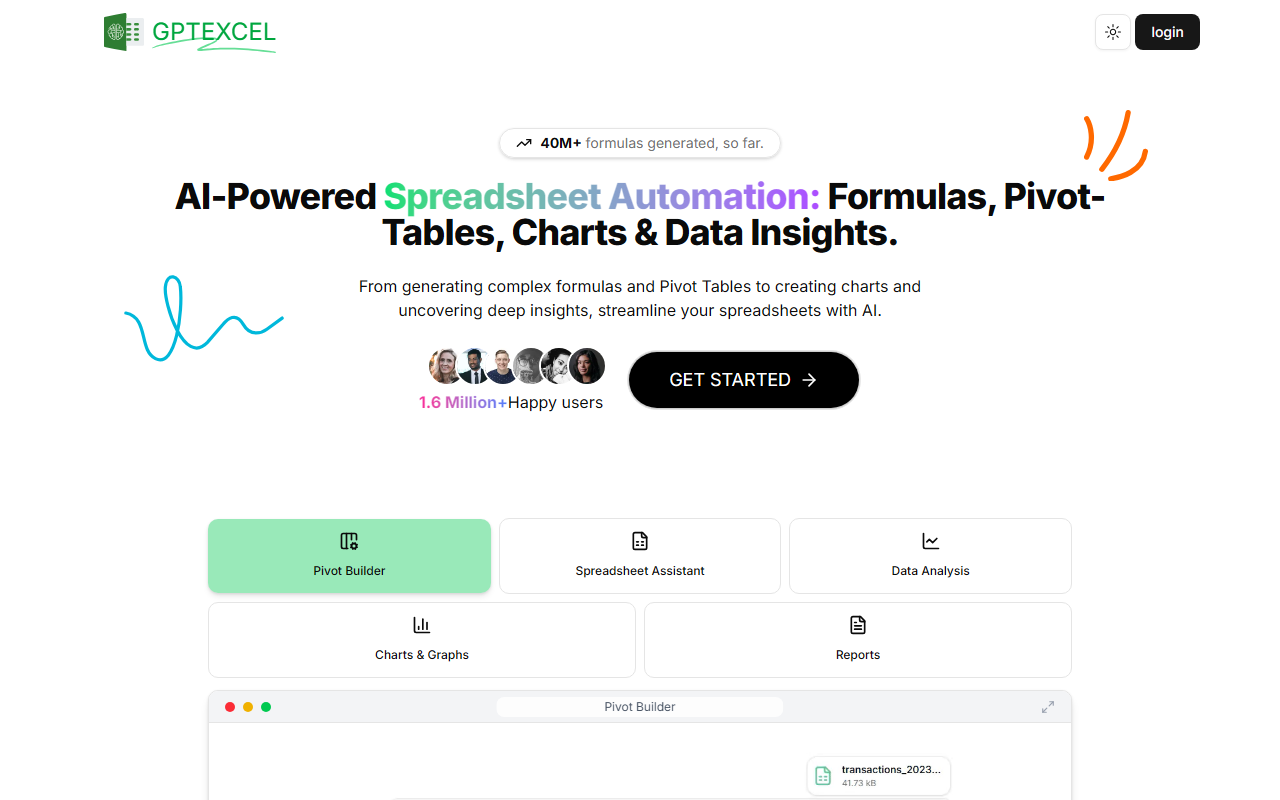
Upon visiting the GPT Excel website at gptexcel.uk, I was greeted by a clean, modern dashboard that immediately communicates scale: “40M+ formulas generated” and “1.6 Million+ Happy users.” The toggle for dark/light theme is a nice touch for late-night productivity sessions. Sign-up is straightforward — you can log in with Google or email, and once inside, the interface presents a sidebar with main tools: Formula Generator, Script Generator, SQL Query Generator, Regex Generator, and Template Generator. There’s also a dedicated Pivot Builder and a chat window for interacting with uploaded files. I started with the free tier, which grants 10 AI chat messages per 30 days and 4 tool uses per 12 hours — enough to get a feel for the platform but tight for regular use. The onboarding flow includes a quick tutorial highlighting how to generate formulas by describing the task in natural language, which I tested immediately by typing “Calculate total sales per region from columns A and B using SUMIF.” Within seconds, the AI produced a correct Excel formula, annotated with explanation. That first interaction was impressive and set a high bar.
Core Features and Workflow
GPT Excel is more than a formula generator. It’s a multi-tool suite for anyone working with spreadsheets. The Formula Generator handles Excel, Google Sheets, LibreOffice Calc, and Airtable; I threw nested IF statements and VLOOKUP approximations at it, and it returned accurate, well-structured formulas every time. The Script Generator (VBA, Apps Script, Airtable scripts) is a standout — I asked for a Google Apps Script to send an email when a cell value changes, and the AI produced a complete, debug-ready block. For data professionals, the SQL Query Generator is a bonus: describe a query in plain English (e.g., “Show orders placed in the last 30 days by customer”), and it generates SQL compatible with MySQL, PostgreSQL, and others. The Regex Generator simplifies data validation patterns, and the Template Generator builds table structures for Excel or Sheets. A newer feature is the Chat with your file: I uploaded a 5MB CSV of sales data, and the AI answered questions like “What’s the average order value?” and “Which region had the highest growth?” with charts and reports. The chart generation is basic but functional — it creates bar, line, and pie charts directly from your data. Performance was snappy on the free tier, though larger files (up to 100MB on Pro Plus) would benefit from the paid plans. One limitation I observed: the free tier file upload limit of 5MB means you can’t analyze hefty datasets without upgrading.
Pricing and Value Proposition
GPT Excel offers three pricing tiers, with a 30% discount for annual billing. The Free tier ($0) includes 10 AI chat messages per month and 4 tool uses every 12 hours, plus file uploads up to 5MB. This is enough for light testing but quickly runs out. The Pro plan costs $6.30/month billed annually ($9 monthly) and provides 3,000 AI chat messages and tool uses per month, files up to 50MB, and full access to all features. The Pro Plus plan at $12.60/month annually ($18 monthly) bumps limits to 10,000 messages/tool uses and 100MB file uploads, plus unlimited usages of pivot tables and data analysis. Compared to competitors like SheetAI or Bolo, which focus narrowly on formula generation, GPT Excel’s breadth is a strong differentiator — it covers scripts, SQL, regex, and templates in one subscription. However, competitors often offer unlimited messages at a similar price point. For example, SheetAI’s Pro plan ($19/month) gives unlimited formula generation but lacks script or SQL tools. GPT Excel’s pricing feels fair for an all-in-one assistant, especially for power users who need automation across platforms. One notable absence: the website does not publicly list API access or enterprise plans, which may limit integration into large workflows. The FAQ confirms support for over 50 languages, making it globally accessible.
Final Verdict and Recommendations
After spending time with GPT Excel, I can confidently say it’s one of the most versatile AI office tools I’ve tested. Its ability to generate formulas, scripts, SQL, regex, and templates — all within a single interface — saves hours of manual coding and Googling. The chat feature that analyzes uploaded files and produces reports is a genuine productivity booster. Strengths include multi-platform support (Excel, Sheets, Calc, Airtable), a clean UI, and responsive AI that understands natural language. Limitations are real: the free tier is too restrictive for regular use, and the lack of API documentation suggests it’s aimed at individual users rather than enterprises. Also, while the AI handles common tasks well, I noticed occasional hiccups with very complex nested formulas or obscure SQL dialects — so always double-check outputs. Who should try it? Office workers, data analysts, and small business owners who regularly deal with spreadsheets and want to automate repetitive tasks. Who should look elsewhere? Enterprise teams requiring API integration or unlimited usage without caps. Overall, GPT Excel is a worthy investment for the Pro or Pro Plus tier if your workflow spans multiple spreadsheet platforms. Visit GPT Excel at https://gptexcel.uk/ to explore it yourself.













Comments