

First Impressions and Interface
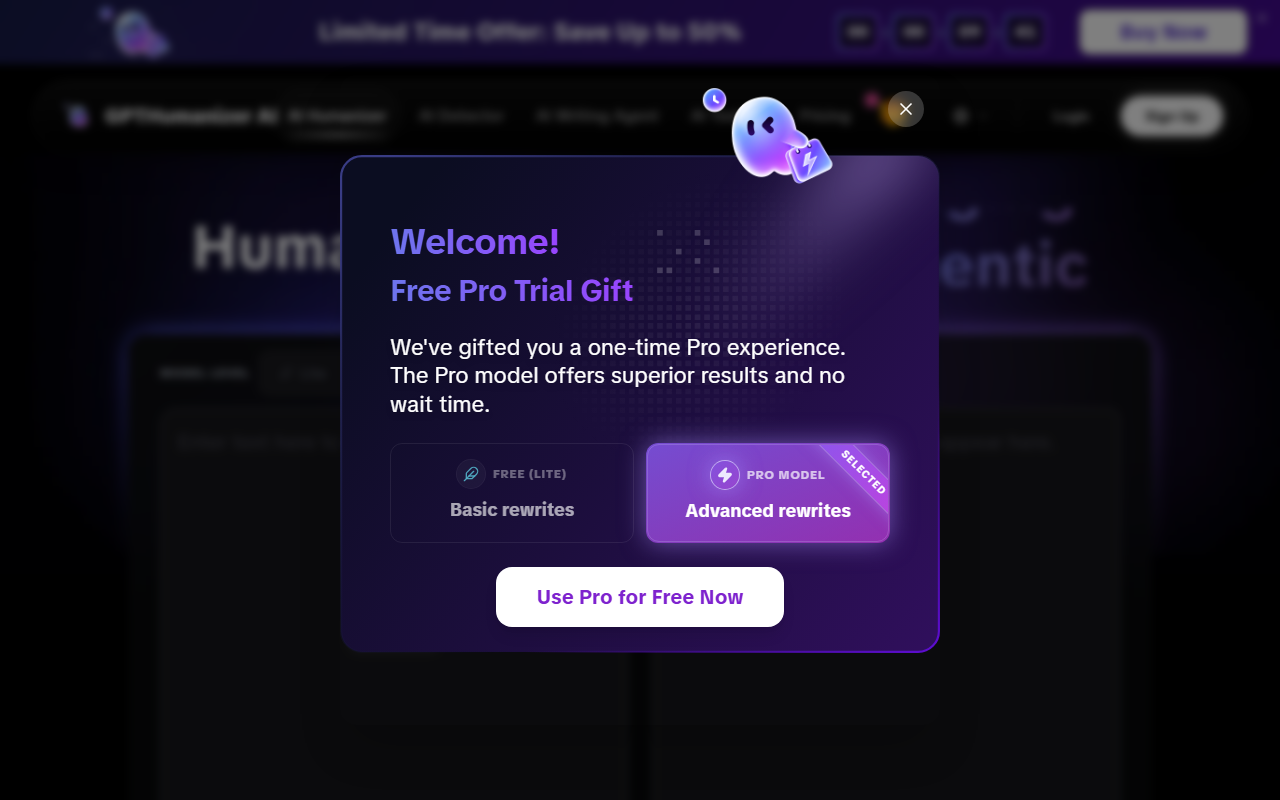
Upon visiting gpthumanizer.ai, the landing page immediately presents a clean, modern dashboard with a prominent text input area and clearly marked buttons for 'Check AI' and 'Humanize'. The homepage features a language switcher (EN, CN, JP, ES, PT, DE, FR) and a navigation bar linking to the AI Humanizer, AI Detector, AI Translator, Word Counter, AI Citation Checker, and AI Writing Agent—all pointing to a suite of tools beyond just humanization. I appreciated that the free tier requires no sign-up; you can paste text and start right away. The interface includes model level toggles: Lite, Pro, and Ultra, with an additional 'Style' dropdown (though only 'General' was visible during my test). Below the input area, a sample 'before and after' section demonstrates how the tool rewrites GPT-5 output, giving immediate context for the tool's capability.
What GPTHumanizer Does and How It Works
GPTHumanizer is designed to convert AI-generated text—from ChatGPT, Claude, Gemini, and others—into more natural, human-like writing while preserving original meaning, tone, and intent. The tool uses a multi-level approach: Lite for quick cleanup (unlimited free, no sign-up), Pro for deeper rewriting, and Ultra for the most thorough humanization. The site claims the rewrite engine works at sentence and paragraph levels, improving flow, phrasing, and readability without resorting to 'typo tricks' or hidden characters. It also includes a built-in AI detector to check whether text appears machine-generated before and after humanization. During my testing of the Lite model with a paragraph from a GPT-5 sample, the output noticeably smoothed out repetitive phrasing and added slight disfluencies (e.g., 'You don't need to spend much money just for you to have a perfect weekend')—a classic humanization move. Multilingual support covers 11 languages, including Spanish, which expands its utility for non-English content creators.
Pricing, Strengths, and Limitations
Pricing: The Lite model is explicitly free and unlimited with no sign-up. Pro and Ultra options require creating an account (the site prompts 'Sign Up' to upgrade), but exact pricing is not publicly listed on the website. The page mentions 'Unlimited Free Lite Model' and 'Lite, Pro, and Ultra Modes' as features, but no dollar amounts are given—only a call-to-action to 'Upgrade' after login. This lack of transparent pricing for advanced tiers is a limitation for potential buyers.
Strengths: The tool’s biggest draw is its genuinely free, no-sign-up Lite tier, which is rare among AI humanizers that typically limit free usage or require registration. The built-in AI detector adds utility for users who want to verify their output. The 'before and after' examples are concrete and illustrate real improvements in flow. Media recognition from outlets like AP News, Street Insider, and Digital Journal lends some credibility. The option to choose between Lite, Pro, and Ultra gives flexibility depending on how thorough a rewrite you need.
Limitations: The free model, while unlimited, felt somewhat basic in my tests—the rewriting was light and occasionally introduced awkward phrasing (e.g., 'for you to have a perfect weekend' instead of 'to have a perfect weekend'). The Style dropdown only showed 'General' during my session, suggesting other styles (blog, email, professional) may require Pro or Ultra. There is no API mentioned on the site, limiting integration for developers. The lack of transparent pricing for Pro/Ultra is a downside for serious users considering upgrades.
Market Position and Final Verdict
GPTHumanizer competes with tools like Undetectable AI, WriteHuman, and StealthWriter. Unlike Undetectable AI, which heavily markets its ability to bypass AI detectors, GPTHumanizer emphasizes 'natural rewriting' and readability over evasion. It best suits casual users—bloggers, students, and content creators—who need a quick, free way to refine short AI drafts without committing to a paid plan. For professional writers or agencies requiring advanced control (tone, style, API access), alternatives with more robust paid tiers (e.g., Originality.ai or Quillbot) may be better. GPTHumanizer delivers on its core promise: a free, unlimited humanizer with no friction. The Lite model works fine for light editing, but power users should test Pro/Ultra before subscribing, given the opaque pricing. Overall, it’s a solid entry-level tool in a crowded space.
Visit GPTHumanizer at https://gpthumanizer.ai/ to explore it yourself.










Comments