

First Impressions and Onboarding
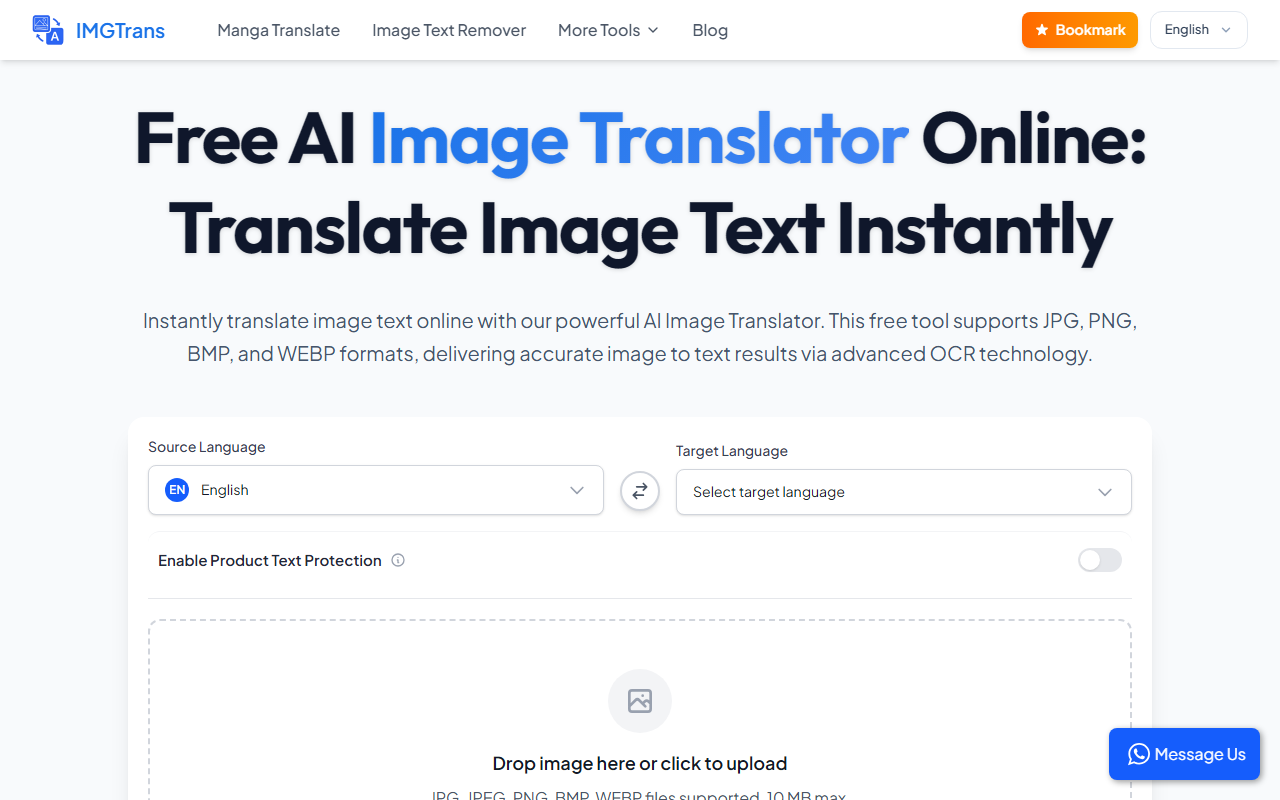
Upon visiting ImageTranslator at its clean, minimal website, I was greeted by a straightforward interface: a file upload area, two dropdown menus for source and target languages, and a “Translate” button. The onboarding is instantaneous—no sign-up required, no account creation. I uploaded a test JPG photo of a Japanese restaurant menu. The tool accepted the file (under 10 MB) and immediately displayed the original image alongside the extracted text in the source language (Japanese) and the translated text in English. The entire process took under five seconds. The dashboard shows exactly what you need: upload, select languages, and get results. There are no tutorials or pop-ups, which I appreciate for a tool this simple.
Translation Quality and Language Support
ImageTranslator uses advanced OCR (Optical Character Recognition) technology to extract text from images before feeding it into a translation engine. While the site doesn’t specify which translation model it uses (likely Google or a similar API), the results on my menu test were decent. The OCR captured kanji and kana accurately, and the English output was grammatically coherent, though it missed some context-dependent nuances. The language list is extensive—over 100 languages, including less common ones like Yucatec Maya and Hmong Daw. During my test, I also tried a scanned PDF converted to PNG; the OCR struggled slightly with low-contrast text, but the overall accuracy remained acceptable for general use. Unlike competitors like Google Translate’s app or Microsoft Translator, which offer camera-based real-time translation, ImageTranslator focuses purely on static image uploads, making it a reliable second option when you have a screenshot or a photo already saved.
Strengths and Limitations
The biggest strength is the price: it is completely free with no apparent daily limits. You can upload images in JPG, PNG, BMP, and WEBP formats. The language coverage is remarkable, and the tool works quickly even on modest internet connections. However, there are notable limitations. First, there is no batch processing—you must translate each image one at a time. Second, advanced features like preserving the original image layout or font styling in the output are absent; you only get plain translated text below the image. Third, I did not find any API or pricing page, indicating this is likely a free, ad-supported tool without enterprise capabilities. Also, the website mentions “AI” but provides no details on which AI models power the OCR or translation, which may raise trust concerns for privacy-sensitive users.
Who Should Use ImageTranslator?
This tool is ideal for casual users who need quick, one-off translations from photos—travelers translating signs, students deciphering foreign documents, or anyone without access to a subscription service. It is also suited for those who want to avoid installing apps or signing up. However, professionals handling large volumes of image translations, such as localization teams, should look elsewhere (e.g., ABBYY FineReader for OCR plus a dedicated translation memory tool). ImageTranslator offers no integration with workflows, no batch upload, and no editable output formats like DOCX or XLIFF. For a free, no-hassle image translation solution, it delivers exactly what it promises, but do not expect it to replace a full-featured translation platform.
Visit ImageTranslator at https://imagetranslator.com/ to explore it yourself.













Comments