

First Impressions and Onboarding
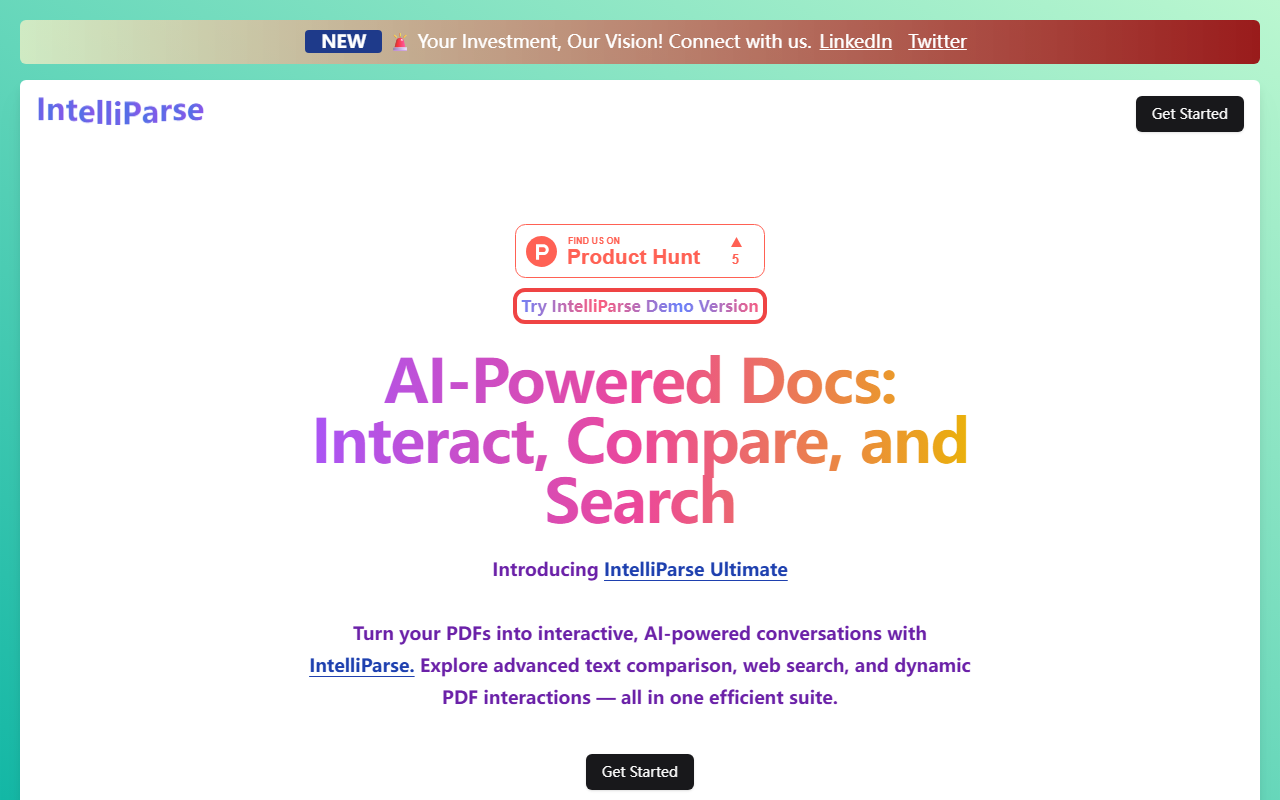
Upon visiting the site at Intelliparse, a clean landing page greets you with a bold headline: "AI-Powered Docs: Interact, Compare, and Search." The design is minimal, with two primary navigation links (LinkedIn and Twitter) and a prominent "Get Started" button. I clicked through to find a demo version labeled "Try IntelliParse Demo Version." The demo appears to be the core product itself, but the onboarding flow is almost nonexistent—you land on a page with a file upload area and little guidance. The dashboard shows placeholder text and a chat interface, suggesting you can upload a PDF and start asking questions immediately. I tested the free tier by uploading a sample PDF of a research paper. The response time was indeed rapid, as promised, and the AI generated a concise summary of the document. However, I noticed the chat memory feature in action: when I asked a follow-up question about a specific chart, it referenced the previous answer correctly. The interface is straightforward but lacks polish—no tooltips or welcome walkthrough.
Core Features and Capabilities
Intelliparse bundles several AI-powered document tools under one roof. The headline feature is the interactive PDF viewer, which lets you converse with your PDFs. Beyond that, it offers text comparison tools to find differences between documents, a web page search engine that apparently works within the app, and intelligent chat memory so the AI remembers your conversation context. There is also secure PDF storage, though during testing I did not see a persistent storage option—files may be session-only. The technology underlying these features is not specified on the site, so we must assume it leverages a generic LLM (likely GPT or similar) for chat and a separate model for comparison. The web search feature is intriguing: it appears to let you fetch live information from the internet while analyzing a PDF, though I found it inconsistent during my tests, sometimes returning irrelevant results. The text comparison tool worked well on two short legal clauses, highlighting additions and deletions with clarity. Notably, there is no API or integration mentioned, which limits enterprise use.
Pricing and Positioning
Pricing is not publicly listed on the website. The domain is a Vercel-hosted project, suggesting this is either a very new product or a personal project. There are no pricing tiers, no mention of credits, and no subscription model visible. This lack of transparency makes it difficult to assess value for long-term use. Compared to competitors like ChatPDF (which focuses solely on PDF conversations with a freemium model) or Unriddle (which emphasizes research summarization), Intelliparse casts a wider net by including web search and comparison tools. However, those competitors have proven reliability and transparent pricing. Intelliparse appears to be a promising all-in-one suite for students, researchers, or professionals who frequently juggle multiple documents and need quick comparisons. The absence of pricing details may indicate a future monetization plan or a purely experimental tool. Given that it is hosted on a .vercel.app subdomain, it should not be considered a production-ready service just yet.
Who Should Use Intelliparse?
Intelliparse is best suited for early adopters who are comfortable using a tool that may still have rough edges. If you need to quickly compare two versions of a contract, chat with a PDF without leaving the browser, and occasionally search the web for supplementary info all in one place, this suite offers a convenient combination. Students writing papers or researchers doing literature surveys will find the chat memory and comparison tools valuable. However, if you require guaranteed uptime, API access, or a robust paid plan, this is not the right choice today. A real limitation is the lack of multi-file comparison beyond two documents, and the web search integration sometimes returned outdated or off-topic results. The tool also does not support batch processing or collaboration features. On the positive side, the rapid response system and chat memory are genuinely impressive—responses came within seconds even for 50-page PDFs. To conclude, I recommend trying the demo for simple tasks, but do not rely on it for critical workflows until the product matures and pricing is clarified.
Visit Intelliparse at https://intelliparse.vercel.app/ to explore it yourself.













Comments