

First Impressions and Onboarding
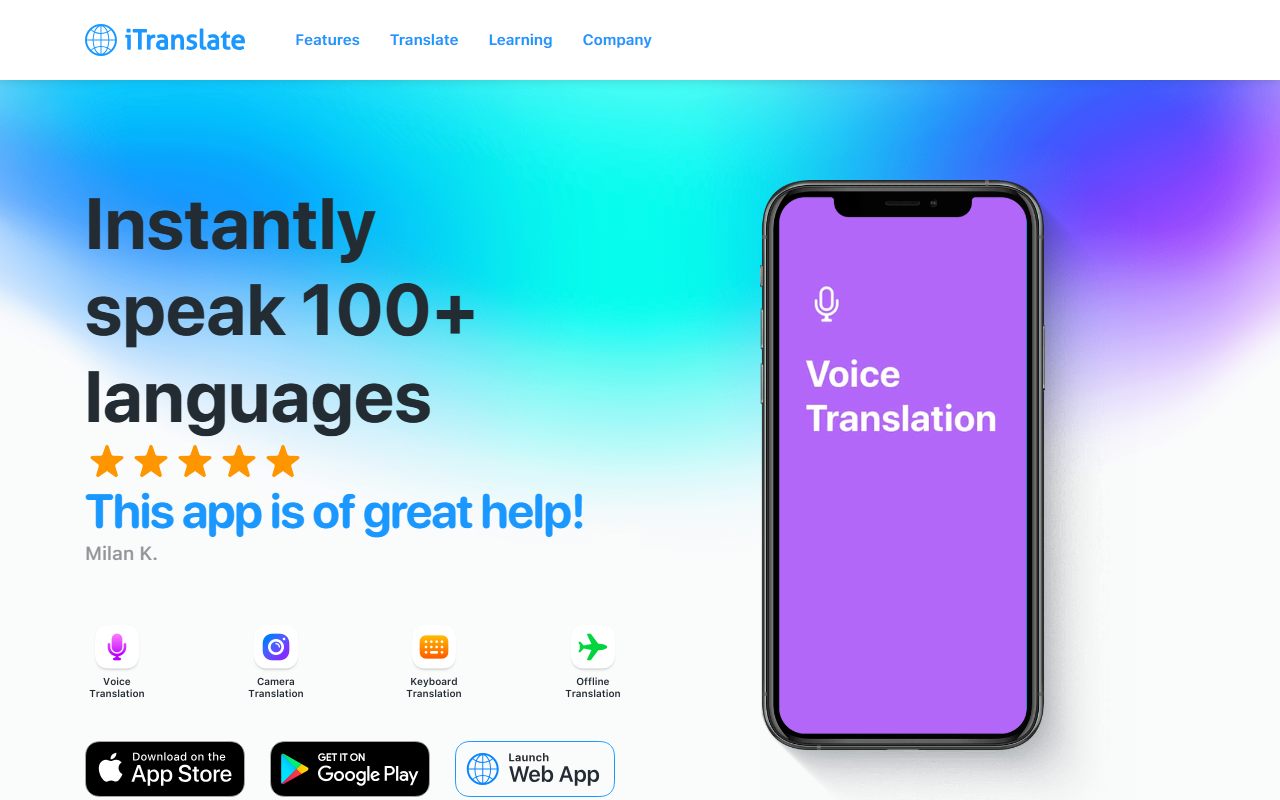
Upon visiting iTranslate’s website, I noticed a clean, app-centric landing page that immediately highlights user testimonials and key features. The page prominently shows the mobile app ratings—484K reviews on iOS and 396K on Android—which speaks to its widespread adoption. The dashboard is not directly shown, but the site walks you through the core modes: text translation, voice translation, camera translation, offline translation, and a keyboard extension. Sign-up is offered via a free trial, though the pricing structure is not publicly listed on the website, only a “Sign In” and “Free trial” call-to-action. As a user, you can start translating immediately via the web app or download the native apps. I tested the web version briefly; the interface is minimal with a source and target language selector and a text input box, making it easy to get started.
Core Translation Features
iTranslate’s main draw is its breadth of translation methods. Text translation supports over 100 languages with autocomplete and alternative translations to provide context. Voice translation works by speaking directly into the app, and it now offers offline voice support in four languages. Camera translation lets you point your phone at menus, signs, or cards for instant overlay translation. The offline mode is a standout for travelers trying to avoid roaming charges, covering many popular languages without internet. The keyboard extension integrates with messaging apps, allowing in-line translation without switching contexts. I found the keyboard extension particularly useful; it saves time when chatting with friends who speak a different language. Additionally, iTranslate includes a verb conjugator, transliteration for non-Latin scripts, and a phrasebook of common phrases. All these features are available across iOS, Android, macOS, and a web app, ensuring you can translate on whatever device you have.
Pricing and Additional Features
While the website emphasizes a free trial, exact pricing is not publicly listed. Based on typical translation app models, iTranslate likely operates on a subscription basis with a free tier that includes basic features and a premium tier for unlimited translations, offline packs, and advanced integrations. The app also bundles several sister products: iTranslate Converse (real-time conversation translation), iTranslate Lingo (language learning), iTranslate Voice (voice-only translation), and Typeright (writing assistant). Privacy is explicitly stated as a core value, with a privacy policy that promises to keep user data safe. For frequent travelers, medical staff, or business professionals, the suite of features—especially the offline and camera modes—offers genuine utility. However, without transparent pricing on the homepage, potential users must sign up or download the app to discover costs, which can be a friction point.
Strengths, Limitations, and Verdict
Strengths: iTranslate’s multi-platform support is excellent; having the same experience on phone, tablet, desktop, and watch is rare among translation tools. The camera translation and offline mode are reliable and positioned well for real-world situations like dining abroad or reading signs. The privacy focus is a strong differentiator compared to free competitors like Google Translate, which uses data for advertising. The keyboard extension is a thoughtful addition that reduces app-switching.
Limitations: The lack of transparent pricing on the website is frustrating. Most alternatives, such as Microsoft Translator or Google Translate, offer robust free tiers without forcing a subscription. iTranslate’s free trial may limit usage after a certain number of translations or features, and the exact cost of premium remains unclear until you register. Also, while the app is highly rated, the voice translation quality can sometimes lag behind Google’s neural models in less common language pairs.
Verdict: iTranslate is best suited for travelers, students, and professionals who need a reliable offline translation companion and prioritize privacy over cost. If you already use Google Translate and are happy with it, iTranslate may not offer enough to justify a switch. But if you value cross-device consistency, a keyboard extension, and a privacy-first policy, iTranslate is worth the free trial. Visit iTranslate at https://itranslate.com/ to explore it yourself.










Comments