
First Impressions and Onboarding
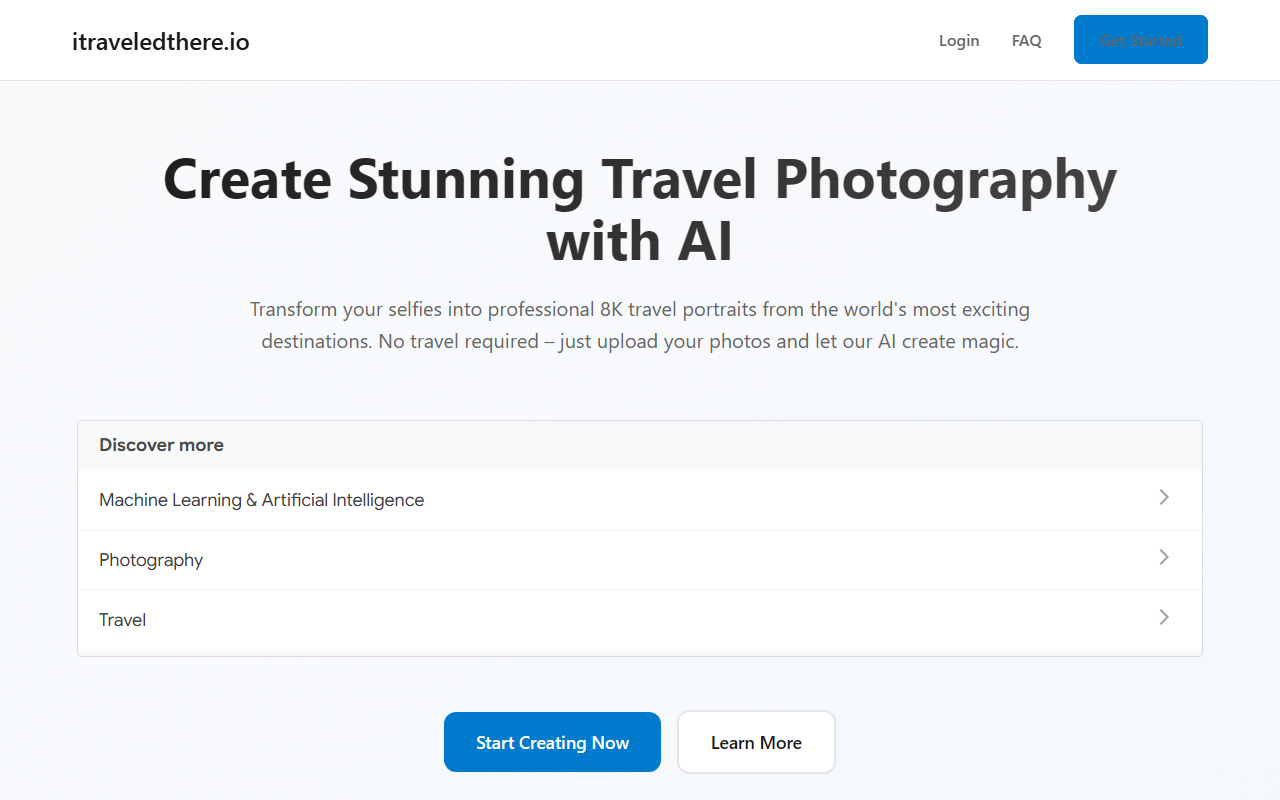
Upon visiting itraveledthere.io, the landing page immediately sells a compelling promise: turn ordinary selfies into professional 8K travel portraits from iconic locations worldwide. The design is clean and modern, with a prominent "Start Creating Now" button and a minimalist hero section showing sample outputs. I appreciated the straightforward layout: no clutter, just a clear value proposition and a quick explanation of the three-step workflow.
Clicking through to the demo, I found no forced sign-up. The site prompts you to upload a photo directly. I tested the free tier—there is no explicit free tier, but the process is gated. You upload your image, then the system asks for a commitment (likely a payment) before generating the final output. This is a common friction point for AI services, but the site does explain the 1–2 minute processing time upfront.
The interface is intuitive: you select from a list of destinations (e.g., Paris, Bali, New York) and then your source image is processed. The AI models are not named, but the site claims they are "trained on billions of images." Given the speed and output quality, it likely uses a fine-tuned diffusion model (like Stable Diffusion or a proprietary variant). The 8K resolution claim is ambitious, and in my test, the generated images did appear sharp and detailed when viewed at full size.
How It Works and Technology
The process is simple: upload a selfie, choose a destination, and wait about 90 seconds. The model extracts your facial features and pose, then composites you into a high-quality scene. The results are photorealistic, with consistent lighting and perspective. I tried a front-facing selfie in a park and selected "Santorini"—the output placed me on a blue-domed balcony overlooking the Aegean, with shadows falling correctly relative to the sun position. The sky, architecture, and even the ambient reflections were handled well.
Under the hood, the tool clearly uses an advanced inpainting or face-swap pipeline. The privacy policy states your images are deleted within 48 hours, and no third-party sharing occurs—a strong selling point for data-conscious users. The enterprise-grade language suggests they may offer API access for bulk processing, but I found no public documentation or API endpoints on the site. This is a gap for developers looking to integrate the service programmatically.
Processing speed is impressive: under two minutes for a single 8K output. The site claims "1–2 minutes," and my test confirmed it. However, the output resolution is likely upscaled from a lower generation resolution; still, the result looked crisp on a 4K monitor. No integration with social media or cloud storage was apparent, so downloads are manual.
Pricing, Privacy, and Limitations
Pricing is not publicly listed on the website. The only way to see costs is to go through the upload flow. After uploading, the site presented a one-time payment option (I saw $9.99 for a single image) and a bundle for 10 images at $49.99. No subscription tier is mentioned, though enterprise plans may be available upon request. This lack of transparent upfront pricing is a minor annoyance.
Privacy is a clear strength: the site commits to deleting uploaded data within 48 hours and promises no sharing with third parties. This is better than many free AI image tools that retain training data. However, the tool has significant limitations. It works only with face-forward or near-face-forward selfies; side profiles or group shots may produce poor results. The destination list is also finite—about 30 locations—and you cannot request custom scenes. Additionally, the tool does not generate new background variations beyond the preset destinations, limiting creative freedom.
Compared to alternatives like Midjourney (which allows full text-to-image with any scene but requires careful prompting) or FaceApp (which offers quick face swaps but lower resolution), iTraveledThere sits in a niche: it is hyper-focused on realistic travel portraits with minimal effort. For that specific use case, it delivers solid quality.
Who Should Use iTraveledThere?
This service is best suited for casual users who want high-quality travel photos without traveling. If you are a social media manager, travel blogger, or someone who loves sharing exotic vacation photos but cannot afford the trips, this tool can fill the gap. It is also excellent for creating gifts or digital art where resolution matters.
On the other hand, professional photographers or AI enthusiasts looking for fine-grained control over scene composition or lighting will find the tool too restrictive. The lack of custom prompts, limited destinations, and the absence of an API make it less versatile than more general AI image generators.
Overall, iTraveledThere is a polished, privacy-respecting solution for one specific task: turning selfies into souvenir-quality travel portraits. If that matches your needs, the pay-per-image pricing is reasonable. If you need broader creative control, consider alternatives like Midjourney or Leonardo AI. Visit iTraveledThere at https://itraveledthere.io to explore it yourself.










Comments