

First Impressions: A Sparse Landing Page
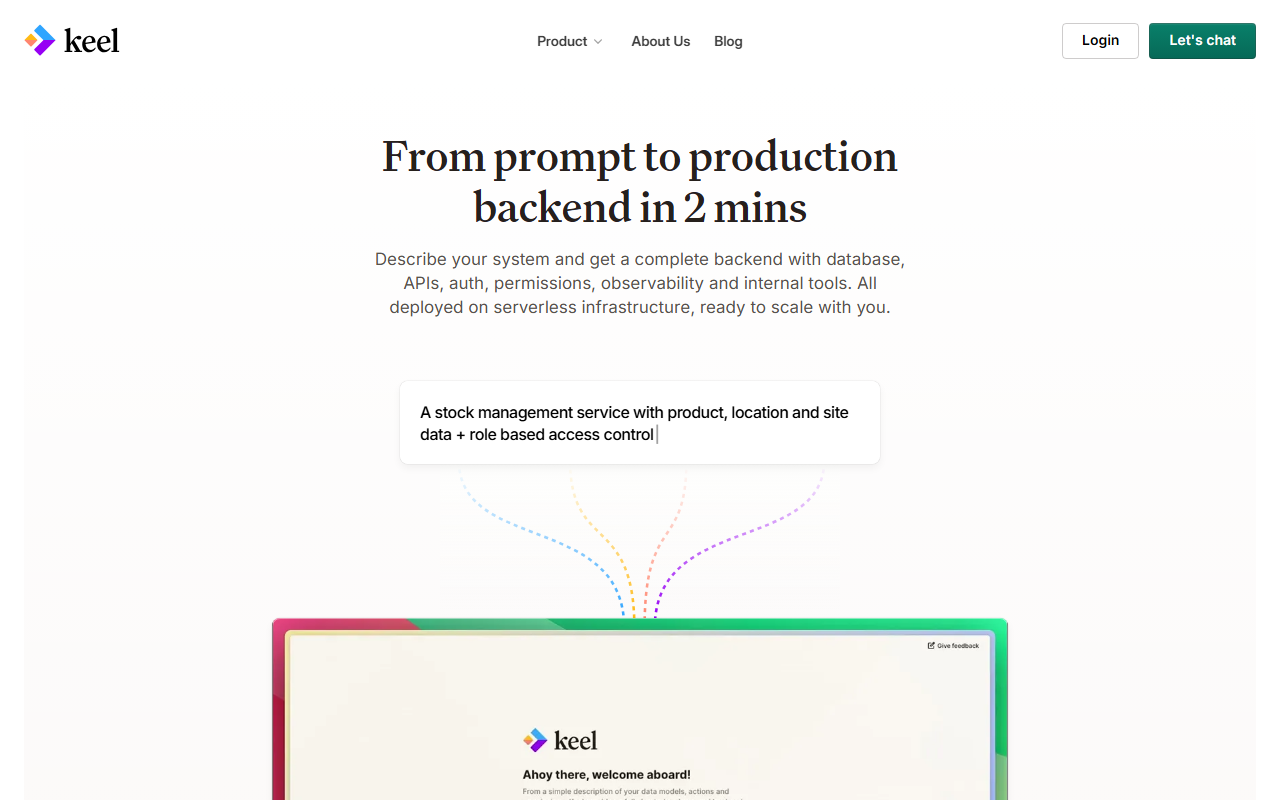
Upon visiting Keel at keel.so, I was struck by the monotony of the homepage. The entire page consists of the phrase “The Operations Platform for fast moving teams” repeated dozens of times, broken only by a minimal navigation bar with links labeled Product, About Us, Blog, Login, and Let’s chat. There is no hero section, no product screenshots, no feature list, and—critically—no mention of artificial intelligence or programming. For a tool categorized under Text AI > AI Programming, this lack of substance is unsettling. The site feels like a placeholder or a very early-stage beta that has not yet published any meaningful content.
What Does Keel Actually Do?
The only clue is the repeated tagline: “The Operations Platform for fast moving teams.” This suggests Keel aims to help teams manage workflows or automate operational tasks. However, nowhere on the page does it explain how AI fits in. Is it an AI code assistant? A DevOps automation tool? A project management suite with AI features? The website offers zero answers. I clicked every visible link; the Product page leads to the same repetitive content, as do About Us and Blog. Without a demo, documentation, or even a description, I cannot verify any AI programming functionality. The tool may well be a legitimate operations platform, but from a reviewer’s perspective, it fails the first test: clarity of purpose.
Strengths and Limitations
Strengths: If the tagline is taken at face value, Keel clearly targets fast-moving teams that prioritize speed. The site is lightweight and loads quickly, and the “Let's chat” link suggests a human sales or support team is ready to engage. But these are indirect positives, not evidence of product quality.
Limitations: The biggest limitation is the complete absence of information. There is no pricing page; I could not find any tier details or even a hint of a free trial. No API documentation, no integrations list, no case studies. The site does not reveal what models or underlying technology the tool uses. Without these details, it is impossible to judge whether Keel is an AI programming tool worth your time. Competitors like GitHub Copilot or Cursor, for contrast, offer clear use cases, pricing (Copilot starts at $10/month), and technical specifics. Keel provides none of that.
Who Should Try Keel?
Given the current state, I cannot recommend Keel to anyone seeking a proven AI programming assistant. The tool is best suited for extremely curious early adopters willing to contact the team via the “Let's chat” link and ask for a private demo. Developers who need a working AI code companion today should look at established alternatives. Keel remains a mystery—one that may or may not deliver on its promise. I hope the team will soon populate the site with concrete information, but as of this review, the tool is not reviewable in any meaningful sense. Visit Keel at https://keel.so/ to explore it yourself.













Comments