

First Impressions and Onboarding
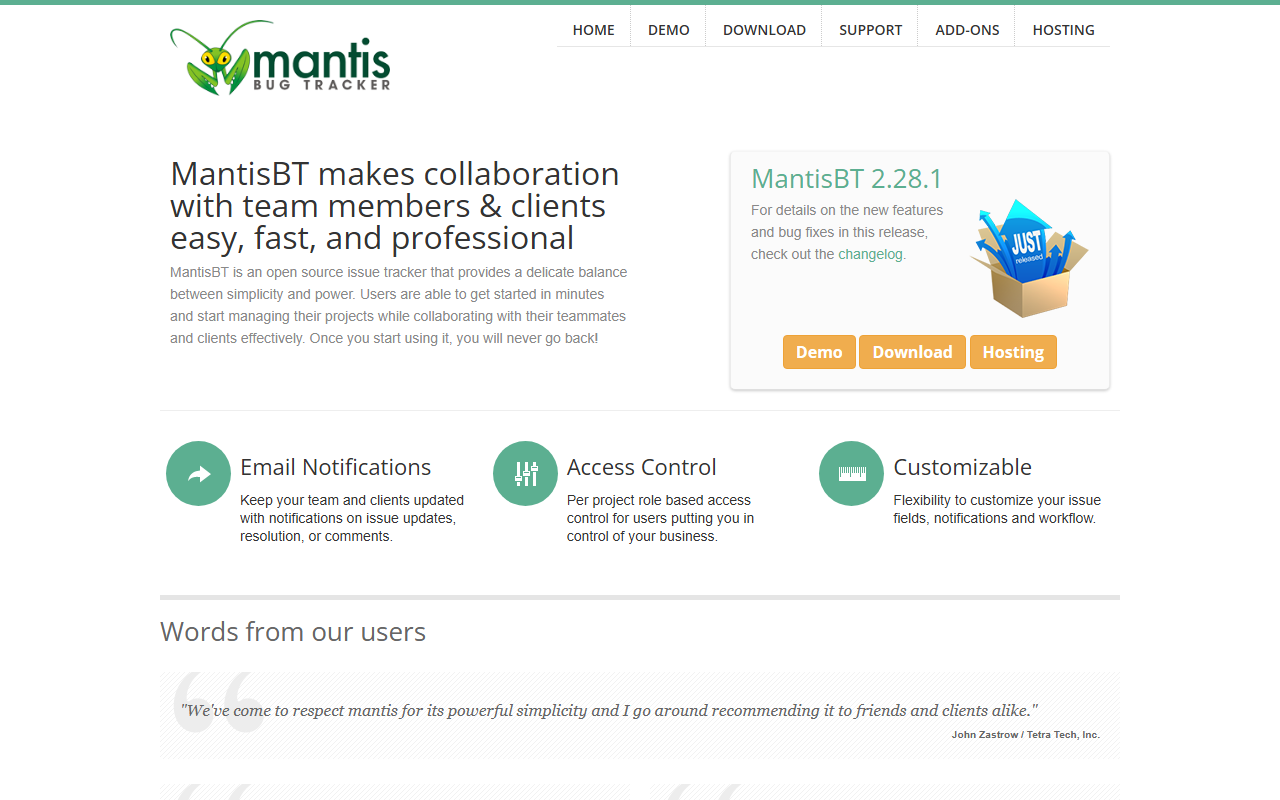
Upon visiting the MantisBT website, I found a straightforward landing page with clear calls to action: Demo, Download, and Hosting. The open-source nature is front and center, which appeals to developers wary of vendor lock-in. I clicked the Demo link and was taken to a live instance running MantisBT 2.28.1. The interface is utilitarian—think early 2000s web apps—but functional. I was able to create an account and submit a test bug report in under two minutes. The form fields are intuitive: category, reproducibility, severity, and a rich-text description. The onboarding flow is minimal but effective; you don't need a manual to file your first issue. However, there is no AI-assisted auto-fill or smart suggestion—this is purely a manual tracking tool.
Core Features and Workflow
MantisBT focuses on the essentials of issue tracking. Email notifications keep team members and clients informed of changes. The access control system offers per-project role-based permissions, which is critical when external stakeholders need limited visibility. The platform is highly customizable: you can add custom fields, tailor notification triggers, and define issue status transitions. This flexibility is a strength, but it requires administrative effort. I tested the workflow by assigning an issue to a colleague (simulated) and resolving it; the update propagated instantly. One notable absence is any form of AI integration—no intelligent prioritization, duplicate detection, or natural language summaries. For an AI programming tool, MantisBT feels like a productivity aid rather than a smart assistant. It does what it promises, but it doesn't learn from past issues or suggest resolutions.
Pricing and Deployment Options
MantisBT is completely open source, so the software itself is free. Pricing is not publicly listed on the website for hosting services, but third-party hosting partners (like those listed on the site) may charge monthly fees. If you self-host, your only costs are server infrastructure and maintenance. The download page provides the latest release along with an administrator's guide. Docker images and manual installation are supported. Compared to hosted competitors like Jira Software Cloud (starting at $7.75/user/month) or GitHub Issues (free with public repos), MantisBT offers unmatched cost savings for teams willing to manage their own deployment. However, there is no official cloud subscription model on the website, which might deter teams looking for a turnkey solution.
Who Should Use MantisBT?
MantisBT excels for small to medium-sized development teams, especially those working on open-source projects or with tight budgets. Its simplicity is its greatest strength—you can train new members in minutes. The per-project access control makes it suitable for agencies that collaborate with multiple clients. However, if you expect AI-powered features like automated bug triage, natural language search, or code-snippet analysis, look elsewhere. Tools like Jira with its machine learning add-ons or Linear’s AI suggestions are more advanced. The UI is dated and lacks modern conveniences like dark mode or real-time collaborative editing. In conclusion, MantisBT is a reliable, no-frills issue tracker best suited for AI programmers who want to manage tasks without overhead—not an AI tool itself, but a solid foundation for project management. Visit MantisBT at https://mantisbt.org/ to explore it yourself.













Comments