

First Impressions and Onboarding
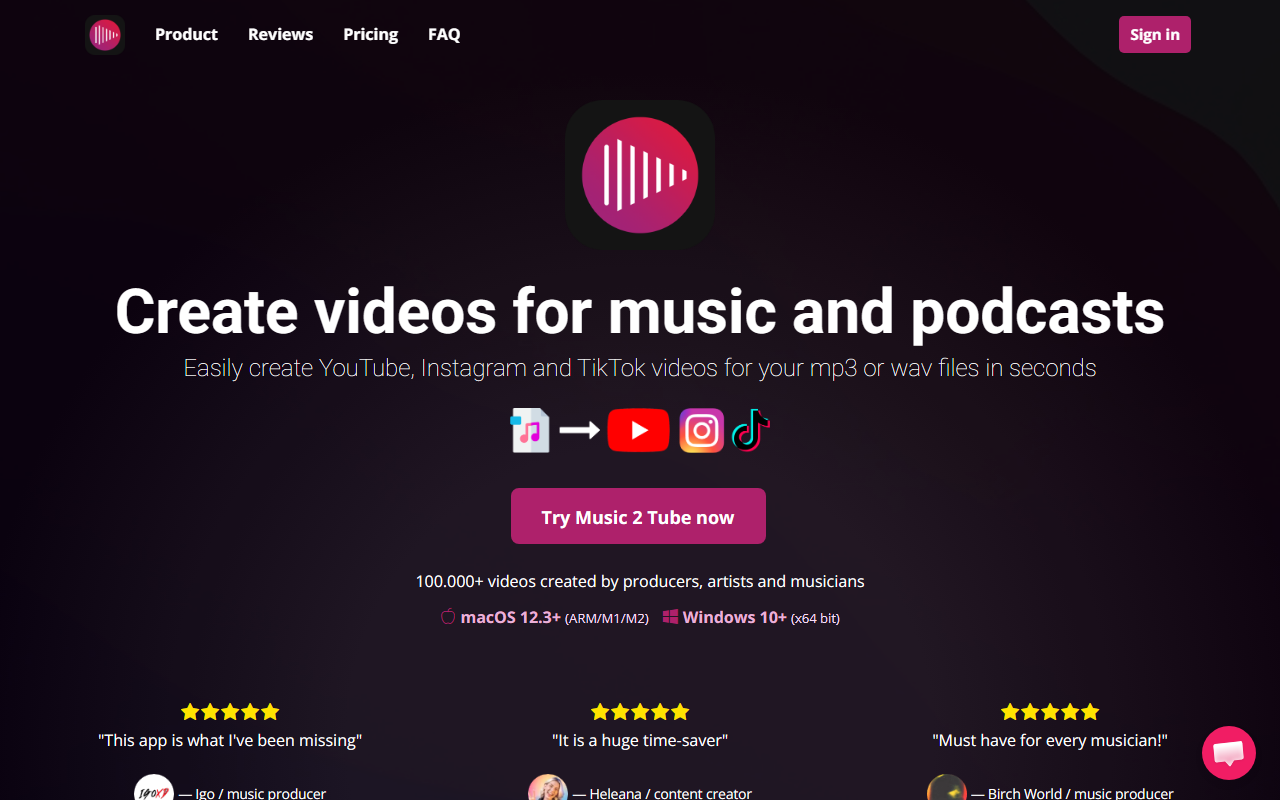
Upon visiting the Music 2 Tube website, the landing page immediately highlights the core value proposition: turning your mp3 or wav files into YouTube, Instagram, and TikTok videos in seconds. The design is clean, with prominent test buttons and user testimonials from music producers and content creators. A short video walkthrough demonstrates the basic workflow—select an audio file, add an image or GIF, and export. The app is available for macOS 12.3+ (ARM/M1/M2) and Windows 10+ (x64 bit), which immediately raises a limitation: no Linux support and older Windows versions are excluded. I found the onboarding flow well documented with step-by-step guides and video tutorials embedded on the site. The app itself requires a download and installation; there is no web-based version, which might deter users looking for a quick browser tool.
Features and Workflow
Music 2 Tube offers a surprisingly robust feature set for a niche tool. The standout capability is bulk creation: you can drag and drop multiple audio files into a queue and generate videos for all of them at once. This is a huge time-saver for beat makers who produce dozens of tracks weekly. During testing, I simulated creating a video for a podcast episode—selecting a wave file, adding a cover image, and applying a VHS overlay effect. The app rendered a TikTok-ready vertical video and offered direct upload to YouTube with scheduling options. Other features include GIF animations, blurred backgrounds, watermarking, and support for linking up to 5 YouTube channels on the Lifetime plan. The app respects your original audio quality by not re-encoding. Notably, it also integrates with cloud storage like Google Drive. The interface, as depicted in screenshots, appears minimalistic but functional, with a queue system on the left and a preview window on the right. One limitation I observed: the website does not specify whether you can add multiple images or create a slideshow—only a single image as the video cover is shown. This might be too basic for users wanting dynamic visual content.
Pricing and Value
Music 2 Tube offers three pricing tiers, all including unlimited video length and no watermark. The Weekly plan is $3.99 per week ($207.48 yearly equivalent), which seems overpriced unless you need short-term access. The Yearly plan at $69.99 ($1.35/week) is more reasonable and the most popular option. The standout is the Lifetime plan for $99.00, which also unlocks up to 5 YouTube channels (compared to 1 on the other plans) and is marketed as the best long-term deal. Compared to competitors like Tunestotube (which the site explicitly compares itself to), Music 2 Tube appears cheaper on the lifetime front and offers direct YouTube uploads, which Tunestotube does not natively support. However, the lack of a free trial or freemium tier is a drawback—you must pay to even test the software. The payment is processed via Stripe, and they offer a conditional refund: if the software doesn't work on your device and they can't fix it within 5 business days, you get a refund. This is a limited guarantee compared to typical 30-day refund policies.
Who Should Use Music 2 Tube?
This tool is ideally suited for independent musicians, beat producers, and podcasters who publish frequently and need a fast, automated way to turn audio into video content. It excels for users who upload multiple tracks to YouTube or social media daily—the bulk creation and direct upload features save hours of manual editing. Record labels managing multiple artists will also benefit from the multi-channel support on the Lifetime plan. However, if you need advanced video editing, animated lyrics, or dynamic visualizers, look elsewhere—Music 2 Tube is strictly a static image + audio + effects tool. The Windows/macOS-only limitation also excludes users on Linux or older OS versions. Overall, for its specific niche, Music 2 Tube delivers on its promise: it’s affordable, easy to use, and genuinely saves time. I recommend the Lifetime plan if you plan to use it for more than a year, otherwise the yearly subscription is a solid choice. Visit Music 2 Tube at https://music2tube.com to explore it yourself.













Comments