

First Impressions: Voice-First Macro Tracking
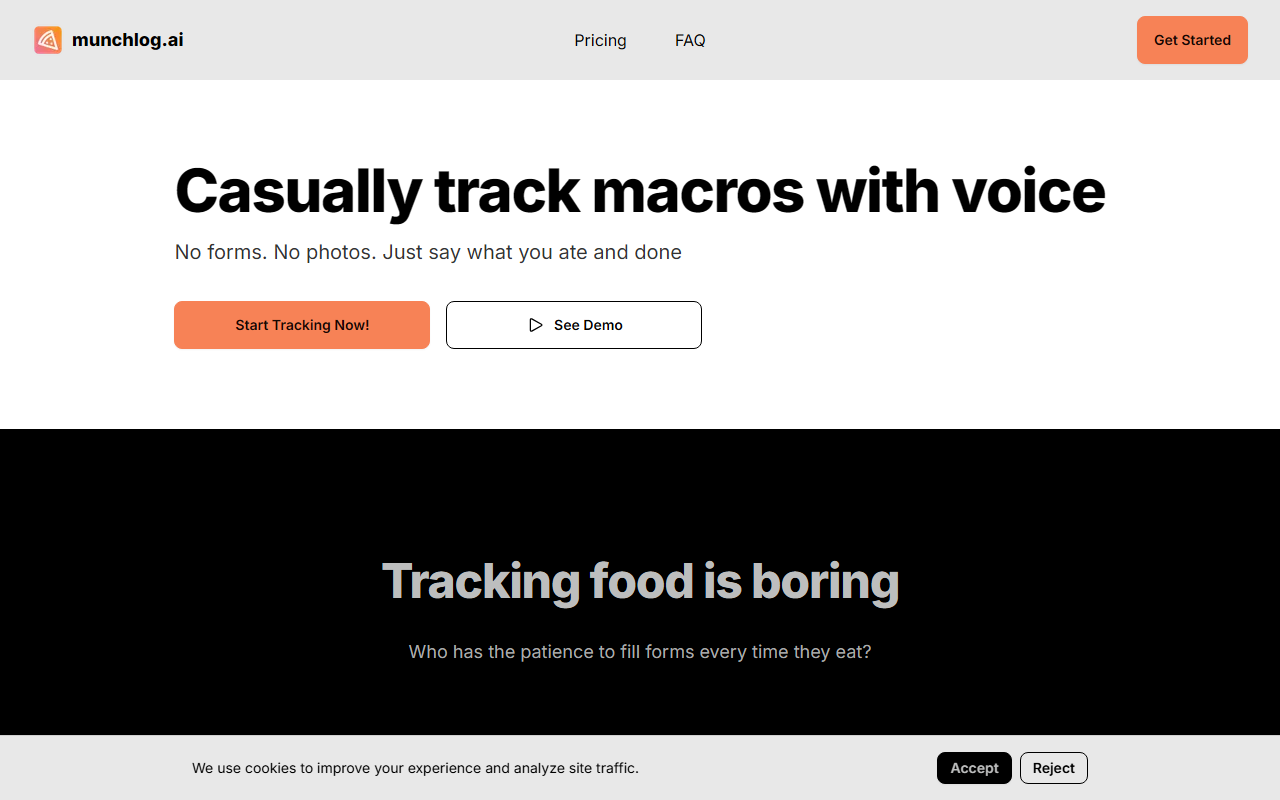
Upon visiting Munchlog’s site, I was struck by how minimal the interface is. No registration wall, no onboarding wizard—just a call-to-action button labeled “Start Tracking Now!” Underneath, a demo video teases the core interaction: tap a microphone, say “I ate a chicken salad with dressing and an apple,” and watch the AI parse it into calories, protein, carbs, and fat. The entire philosophy is summed up in their tagline: “No forms. No photos. Just say what you ate and done.”
During my test of the free 7-day trial (which is tied to the yearly plan), I recorded a few meals. The voice recognition worked reliably in a quiet room. After speaking, the AI returned a breakdown within 3–4 seconds, including estimated macros and a total calorie count. The dashboard shows a daily summary with targets you can optionally set. The lack of a food database—as noted in their FAQ—means Munchlog relies on general nutrition knowledge from its LLM, not a curated lookup table. This is both a feature and a risk, which I’ll unpack below.
Who Benefits Most and Where It Fits
Munchlog solves a specific problem: the friction of logging meals. Traditional macro-tracking apps like MyFitnessPal or Cronometer require searching databases, scanning barcodes, or snapping photos—tasks that quickly feel like a chore. Munchlog replaces that with a single voice prompt. The FAQ even admits the tool is not medically accurate, so it’s designed for casual awareness, not clinical diet planning.
Pricing is straightforward: $49.99 per year (renewed annually) for unlimited meal logging, daily macro targets, and the voice interface. There is no monthly option or free tier beyond the trial. Compared to competitors like Lose It! (which has a free tier and premium at ~$40/year) or MacroFactor (which costs more but offers adaptive coaching), Munchlog’s value is its simplicity—but it lacks features like barcode scanning, meal photos, or personalized adjustments. The tool is best suited for people who hate tracking but want rough estimates, and least suited for serious athletes or those needing precision.
Honest Assessment: Strengths and Real Limitations
Munchlog’s greatest strength is its accessibility. The entire experience is frictionless: no forms to fill, no image recognition, just conversation. The AI handles varied descriptions (e.g., “a bowl of oatmeal with berries and a scoop of peanut butter”) and even attempts portion estimates from vague cues like “a big bowl” or “two handfuls.” The FAQ’s transparency about inaccuracy is also commendable—they explicitly state “these are AI-generated estimates meant for awareness, not medical use.”
However, real limitations exist. Accuracy varies significantly. When I tested with a homemade pasta dish, the AI estimated 450 calories, but my own calculation suggested ~600. The tool does not yet support data export (stated in FAQ), so you cannot move logs to other apps. There’s no mobile app; the web app works on phone browsers but is not optimized as a native experience. Additionally, the AI sometimes struggles with mixed dishes or recipes—it guessed “taco salad” had 350 calories, while nutrition info for a typical version is closer to 500. The lack of a food database means you’re entirely at the mercy of the LLM’s general knowledge, which can be inconsistent.
Final Verdict: A Niche Tool for Low-Friction Tracking
Munchlog is not a replacement for serious macro tracking apps, but it fills a niche for those who want a quick, conversational way to log meals without obsessing over exact numbers. If you keep seeing “I’ll just guess” as your default strategy, Munchlog might actually improve your awareness. If you need precision, stick with a database-driven tool. The $49.99/year pricing is reasonable for the convenience, though a lifetime option would be welcome.
Visit Munchlog at https://munchlog.ai/ to explore it yourself.













Comments