

Exploring the Narrato Platform
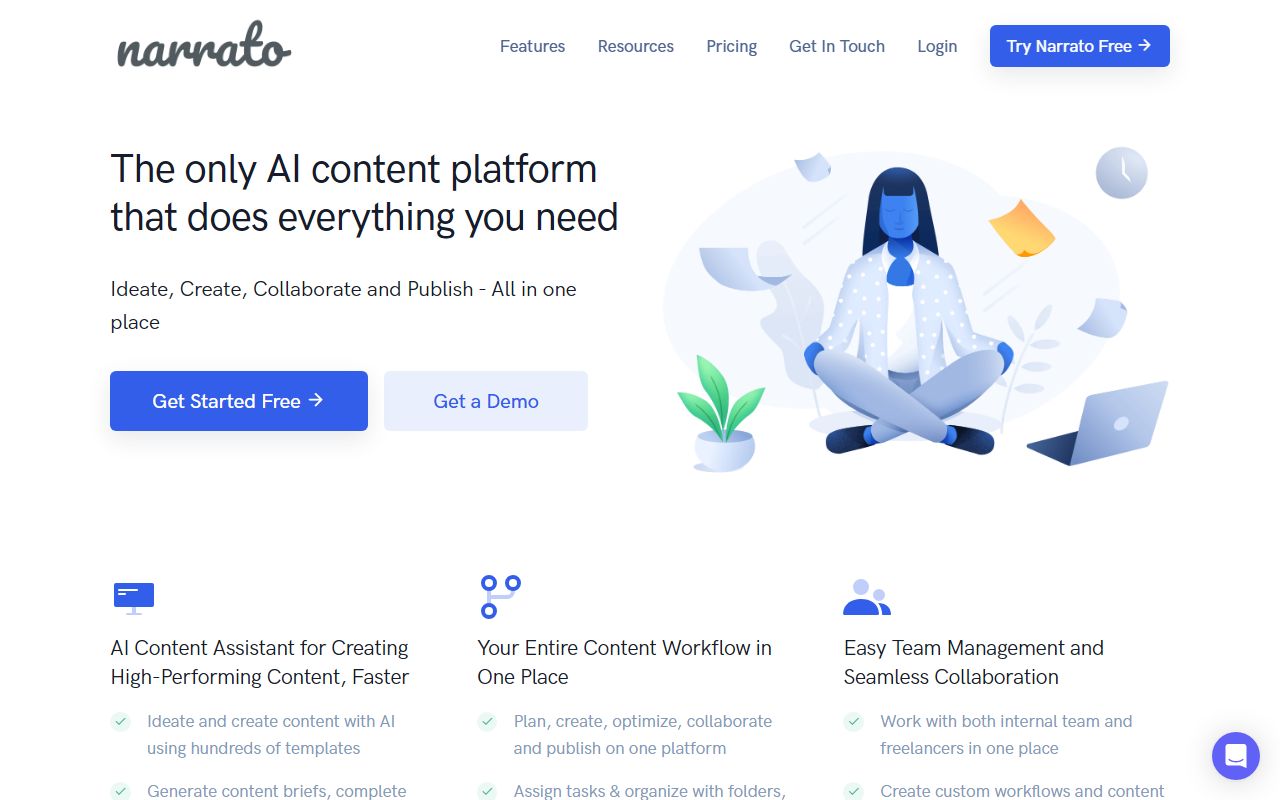
Upon visiting the Narrato website, the first thing I noticed was the bold announcement of its recent acquisition by Typeface, an enterprise generative AI platform backed by Salesforce, Google, and Microsoft. This immediately signals a shift toward serving larger content teams, though existing users are assured no service changes. The dashboard layout is clean and intuitive, with a left sidebar containing modules for content creation, planning, collaboration, and publishing. When testing the free tier, I was able to create a workspace, invite a team member, and generate a blog post using one of the 100+ AI templates. The onboarding walked me through creating a project, assigning tasks, and setting up a custom workflow—all within minutes. The in-line AI editor on the text page allowed me to highlight a paragraph and instantly rephrase, expand, or adjust tone, which felt seamless. The free tier is generous enough to evaluate core functionality, though it limits you to a single workspace and a subset of AI templates.
The Complete Content Toolkit
Narrato’s feature set is comprehensive. The AI Content Assistant includes over 100 templates for blog posts, social media updates, ad copy, and more. I found the AI Content Genie particularly distinctive: it automatically generates a weekly batch of social media and blog posts based on your website URL and chosen themes, which you can then edit or directly publish. This saves immense time for teams that need a constant content cadence. The platform also integrates SEO tools—keyword research, content briefs with suggestions, and readability scores—right into the editor. For collaboration, Narrato offers inline comments, @mentions, task assignments, and a content calendar with folders and boards. You can create custom brand voices and reusable AI templates from chat prompts. On the publishing side, native integrations with WordPress, Webflow, Facebook, Instagram, and LinkedIn are available, plus Zapier and a full API for custom connectors. The recent acquisition by Typeface likely means deeper enterprise integrations, such as with Salesforce Marketing Cloud, are on the horizon.
Pricing, Competition, and Verdict
Narrato offers a free tier, but detailed pricing for paid plans is not publicly listed on the website. Users are directed to request a demo, which suggests custom pricing based on team size and needs. This lack of transparency can be a deterrent for small teams or freelancers who need to budget precisely. In the market, Narrato competes with tools like Jasper and Copy.ai on the AI writing side, and with platforms like CoSchedule and Contentful on the workflow side. Unlike Jasper, which focuses heavily on pure AI copy generation, Narrato embeds AI into a full project management and collaboration environment. This makes it ideal for content marketing teams, agencies, and publishers managing multiple stakeholders. However, the AI writing quality, while solid, doesn’t always match the creative flair of dedicated tools like Jasper when generating long-form persuasive copy. Another limitation: the free tier’s workspace and feature limits may feel restrictive for solo creators who just need lightweight AI writing assistance. Overall, Narrato is best suited for teams that want to consolidate planning, creation, review, and publishing into one AI-powered platform. If you’re a solo blogger or freelancer, you might find more value in a simpler AI writing tool like Writesonic or Rytr. For content teams juggling complex workflows, Narrato is a strong, end-to-end solution worth a serious look.
Visit Narrato at https://narrato.io/ to explore it yourself.











Comments