
First Impressions and Onboarding Experience
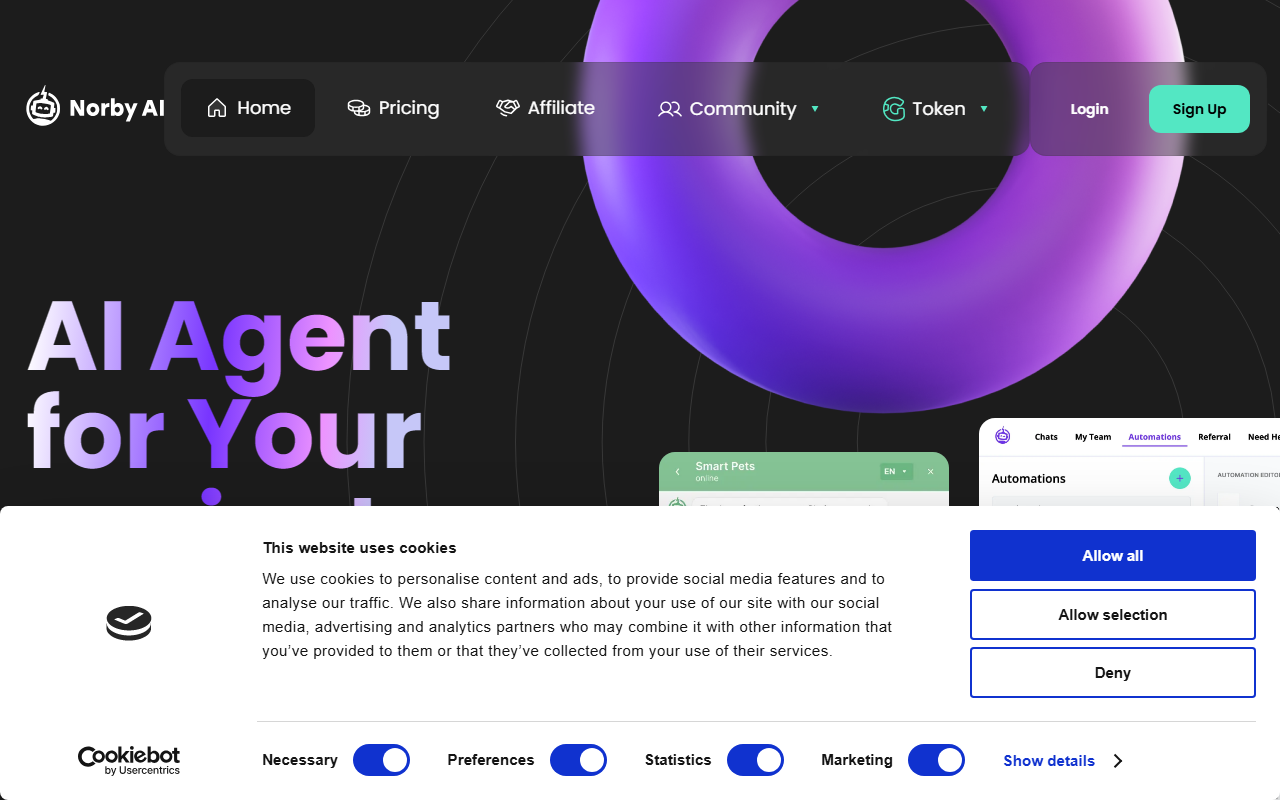
Upon visiting the Norby website, I immediately noticed the clean, focused layout. The call-to-action is clear: “Try it - It’s free.” I signed up for an account, confirming my email as instructed. The onboarding flow lists five straightforward steps: register, confirm, create automation, add widget, then enjoy. In less than two minutes, I was inside the dashboard. The interface is minimal but not sparse—the key training area is front and center. I pasted a dummy product description directly into the training field, and within a few seconds, Norby said the AI had learned from my content. I then tested a simple customer question via the preview chat. The response was accurate and included a suggested product card. That level of speed and simplicity genuinely impressed me.
Core Features and Performance
Norby leverages its own technology plus the full ChatGPT model to deliver responses. The core workflow is elegantly simple: you paste your business content (FAQs, docs, product descriptions), and the chatbot ingests it immediately. There is no need to format or structure data—just raw text works. Customization options are basic but effective. You can change the main brand color via a hex code, and the widget adapts instantly. Norby supports 17 languages, which for a small-business tool is a significant asset. During my test, I tried switching the chatbot to German by simply asking it to reply in that language; it did so without additional setup. The tool is built to scale, claiming to handle thousands of concurrent conversations without issue. I did not stress-test this, but the promise is clear. One limitation: while Norby integrates with Telegram, Discord, and Instagram, the setup requires technical assistance from their developers. That means non-technical users cannot plug and play on social platforms as easily as on a website widget.
Pricing, Integrations, and Market Position
Norby operates on a freemium model. The free plan includes unlimited chat and one “automation” (i.e., one trained chatbot). Additional automations cost €0.17 per day—roughly €5.10 per month. That is extremely affordable compared to competitors like Tidio (Lyro AI starts at €29/month) or Intercom’s Fin (pricing starts at $39/month). Norby’s pricing is refreshingly transparent. The tool also offers an affiliate program for earning commissions. Besides the website widget, Norby can be integrated into Telegram, Discord, and Instagram—but these integrations require help from the Norby team, which adds a layer of friction. For context, Tidio offers direct social media integrations out of the box. Norby positions itself as a no-code solution for non-technical users, but the reliance on developer assistance for certain integrations undermines that message a bit. Still, for website-only use, the setup is completely self-service.
Who Should Use Norby and Final Verdict
Norby is best suited for small business owners, solopreneurs, and non-technical founders who need a quick, affordable chatbot to answer common support and sales questions. The free plan is generous enough to test thoroughly. However, I observed a few limitations: the training is limited to plain text input—you cannot upload PDFs or link directly to documentation pages. Also, the customization is sparse; you cannot modify the chatbot’s personality or response style beyond the color. For more advanced needs (e.g., complex workflows or deep CRM integration), you would be better served by a dedicated platform like Zendesk Answer Bot. Norby is not a writing assistant in the traditional sense—it is a support automation tool. But for its intended purpose, it delivers remarkable value with almost zero setup friction. I recommend Norby to any small business that wants to offload basic customer inquiries without hiring a developer or paying a monthly subscription premium.













Comments