

First Impressions and Interface
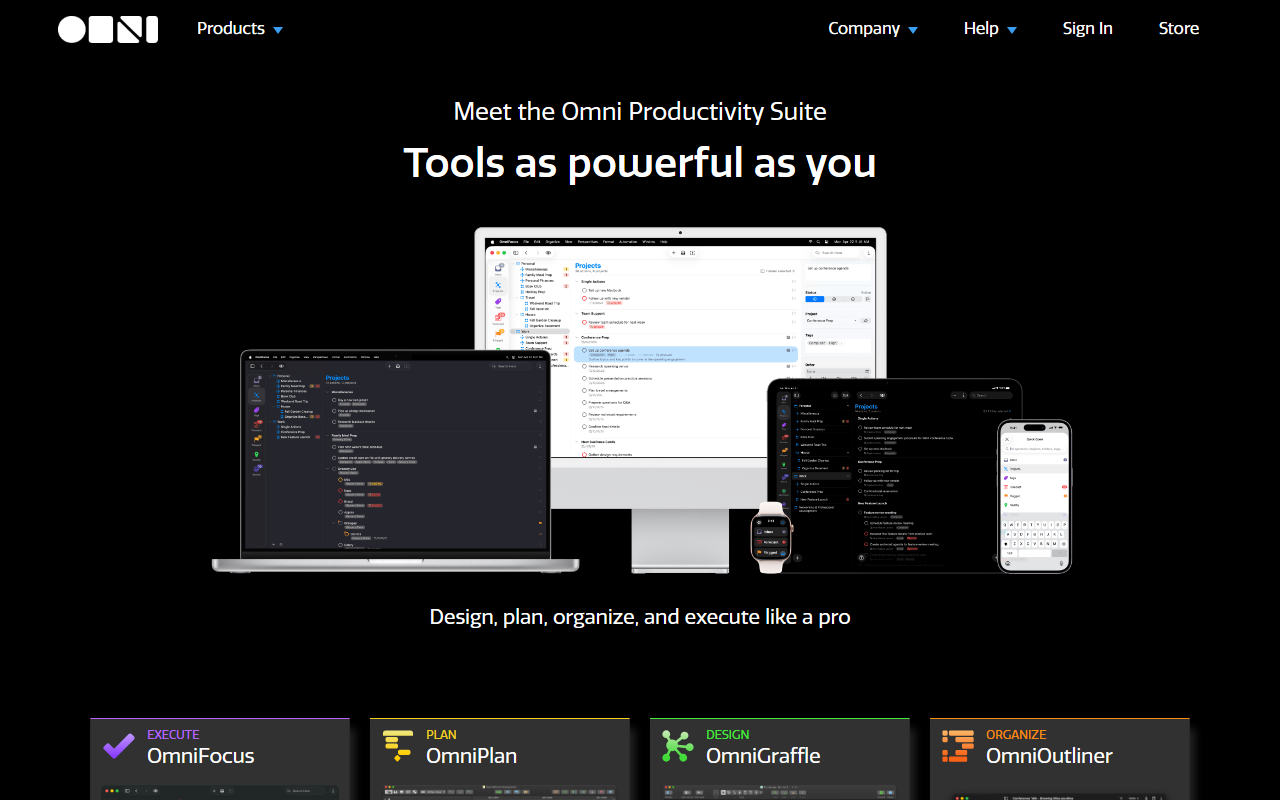
Upon visiting the Omni Group website, I was greeted by a clean, Apple-inspired design that immediately conveys professionalism. The navigation is straightforward, listing four flagship products: OmniFocus, OmniPlan, OmniGraffle, and OmniOutliner. Each promises to help users “design, plan, organize, and execute like a pro.” The site itself does not reveal any AI capabilities; instead, it focuses on traditional productivity, task management, project planning, diagramming, and outlining. The absence of AI features suggests that the “Text AI > AI Office” category may be a misclassification, but the suite still serves professionals who need robust organizational tools.
I downloaded trial versions for macOS and iOS to test the user experience. The OmniFocus onboarding walkthrough is thorough but not overwhelming, guiding you through perspectives, tags, and project hierarchy. The interface is dense—every button and menu serves a specific purpose—which can be intimidating at first but rewards deep exploration. The dashboard shows a clean list of tasks with quick entry and powerful filtering options. I observed that syncing via Omni Sync Server is seamless, keeping data consistent across devices.
Core Product Breakdown
OmniFocus is the centerpiece: a task manager built for GTD enthusiasts. It offers custom perspectives, repeating tasks, and a nested project structure. Unlike simpler to-do apps, it forces you to define context and defer dates, making it ideal for heavy workloads. OmniPlan targets project managers with Gantt charts, resource leveling, and critical path analysis—comparable to Microsoft Project but more intuitive on Mac. OmniGraffle excels at diagramming and rapid prototyping, with stencil libraries and vector tools that rival Lucidchart or Sketch. OmniOutliner is a flexible outliner for brainstorming, note-taking, or creating structured documents, similar to MindNode but more focused on hierarchy than mind maps.
All four apps integrate with each other via drag-and-drop and have deep Apple ecosystem support—AppleScript, Shortcuts, and even Vision Pro. Notably, there is no web-based version; everything runs natively on macOS and iOS. This is both a strength (performance) and a limitation (no cross-platform for Windows or Linux users).
Pricing and Positioning
Pricing is not publicly listed on the website. Individual product purchases are handled through the Mac App Store or the Omni store. Historically, OmniFocus Standard costs around $49.99 and Pro $99.99, while OmniPlan and OmniGraffle are similarly priced. OmniOutliner is the least expensive at about $29.99. The lack of transparent pricing on the main site may frustrate potential buyers. Compared to alternatives like Things 3 (for OmniFocus) or Asana (for team project management), the Omni suite feels more powerful but less accessible. It is best suited for solo professionals or small teams who are deeply invested in the Apple ecosystem and need offline-first, highly customizable tools.
Strengths include deep integration with Apple’s hardware (e.g., Touch Bar, Apple Pencil) and the ability to handle complex workflows without relying on internet connectivity. Limitations are clear: no cloud-only collaboration, no web client, and a steep learning curve. The company has been around since 1994, which adds credibility but also means the UX can feel dated compared to modern web-based apps.
Who Should Use It?
If you are a power user who owns a Mac and an iPhone or iPad, and you value offline reliability and deep customization over trendy AI features, the Omni Productivity Suite is a serious contender. Project managers, designers, writers, and programmers will each find a tailored app. However, if you work in a Windows-dominated environment, require team-wide real-time collaboration, or expect AI-driven suggestions, look elsewhere. For those who embrace the Apple ecosystem and demand professional-grade organization without monthly subscriptions, Omni Group’s tools are worth the investment. Visit Omni Group at https://omnigroup.com/ to explore it yourself.













Comments