

First Impressions and Onboarding
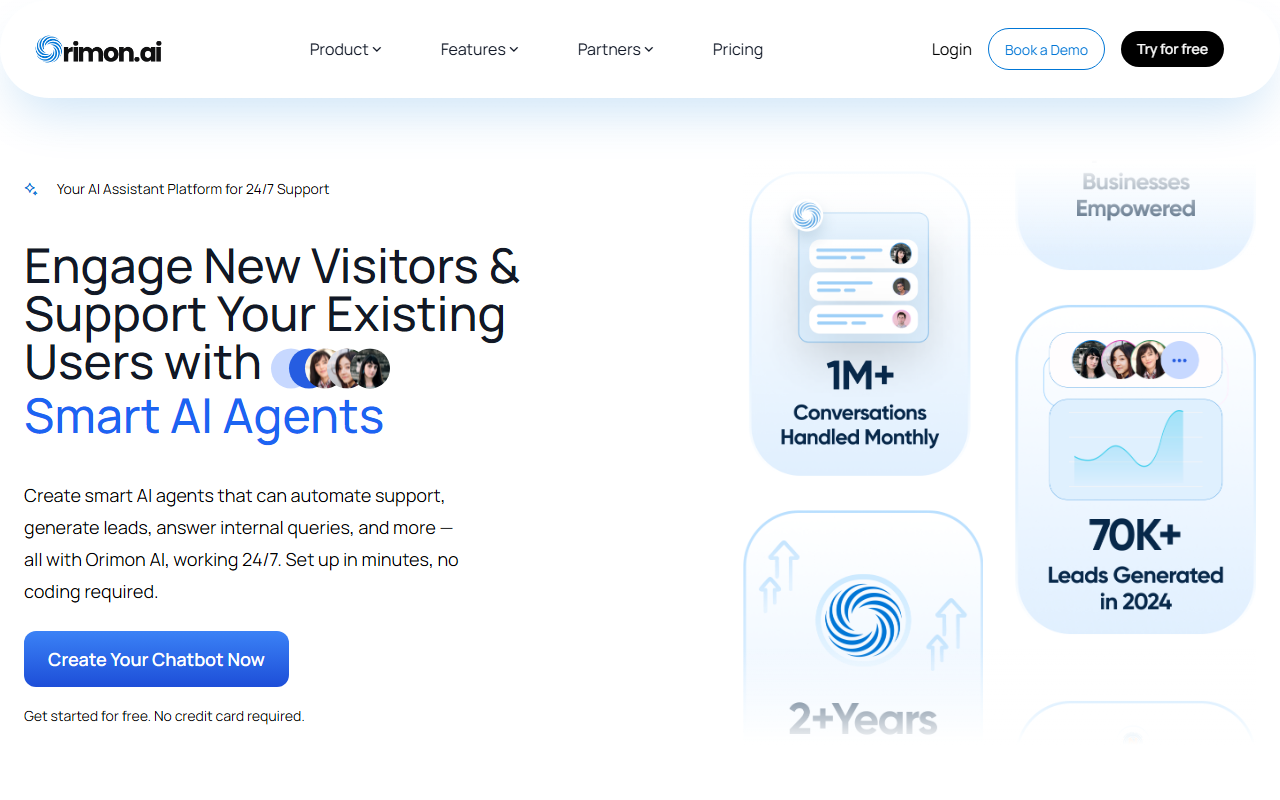
Upon visiting orimon.ai, I was greeted with a clean homepage that immediately highlights the core value proposition: create smart AI agents in minutes, no coding required. The site prominently displays a "Create Your Chatbot Now" button, and the free tier requires no credit card. I clicked through the onboarding demo — it guides you step by step to name your bot, define its personality, and connect it to your website or other channels. The whole process felt remarkably smooth; I had a functional prototype running on my test site in under ten minutes. The dashboard is well-organized, with tabs for conversations, analytics, integrations, and customization. For a tool that targets non-technical users, Orimon does an excellent job of reducing friction.
Feature Deep Dive
The feature set is comprehensive for an AI chatbot platform. The conversational lead qualification module automatically identifies hot leads during chats — it asks qualifying questions and scores responses, which can significantly reduce manual triage for sales teams. Multilingual support extends to over 150 languages, making it a strong pick for global brands. I tested the English-to-Spanish translation on a few sample questions, and the bot responded accurately in Spanish. The omnichannel presence allows you to deploy the same bot on your website, WhatsApp, Instagram, and more. The analytics dashboard tracks engagement trends, user demographics, and conversation outcomes. I particularly appreciated the chat summaries feature: after each interaction, the bot generates a concise recap, which is helpful for hand-offs to human agents. Live chat integration is seamless — you can toggle between AI and human when the bot hits its confidence threshold. Customization options for bot appearance (colors, avatars, position) are ample, and integrations with HubSpot, Pabbly, and others make it easy to slot into existing workflows.
Pricing and Competitors
Orimon.ai offers a free tier with basic functionality, but pricing for paid plans is not publicly listed on the website. This lack of transparency can be a drawback for businesses that need to budget upfront. However, the free version is generous enough for small-scale testing. In terms of competition, Orimon competes with tools like Tidio, Intercom, and ManyChat. Unlike Tidio, which focuses heavily on live chat with AI add-ons, Orimon is built from the ground up as an AI-native agent. Compared to Intercom, Orimon is far easier to set up and more affordable (assuming the paid plans are reasonable), but it may lack some of the advanced automation rules and CRM depth that enterprise customers expect.
Final Verdict
Orimon.ai shines in its simplicity and breadth of features for no-code AI chatbots. The ability to deploy across multiple channels, qualify leads, and support 150+ languages is genuinely impressive for a tool that requires no technical skill. The real limitation lies in undisclosed pricing — I could not evaluate whether the paid tiers offer good value without visiting a sales page. Additionally, while the bot handles common queries well, I noticed it sometimes struggled with highly technical or ambiguous questions that needed deeper contextual understanding. Still, for small to medium businesses, e-commerce stores, and support teams that want a quick, AI-powered chatbot without hiring developers, Orimon is a strong contender. I recommend starting with the free tier to see if the response quality meets your needs before scaling up.
Visit Orimon.ai at https://orimon.ai/ to explore it yourself.













Comments