

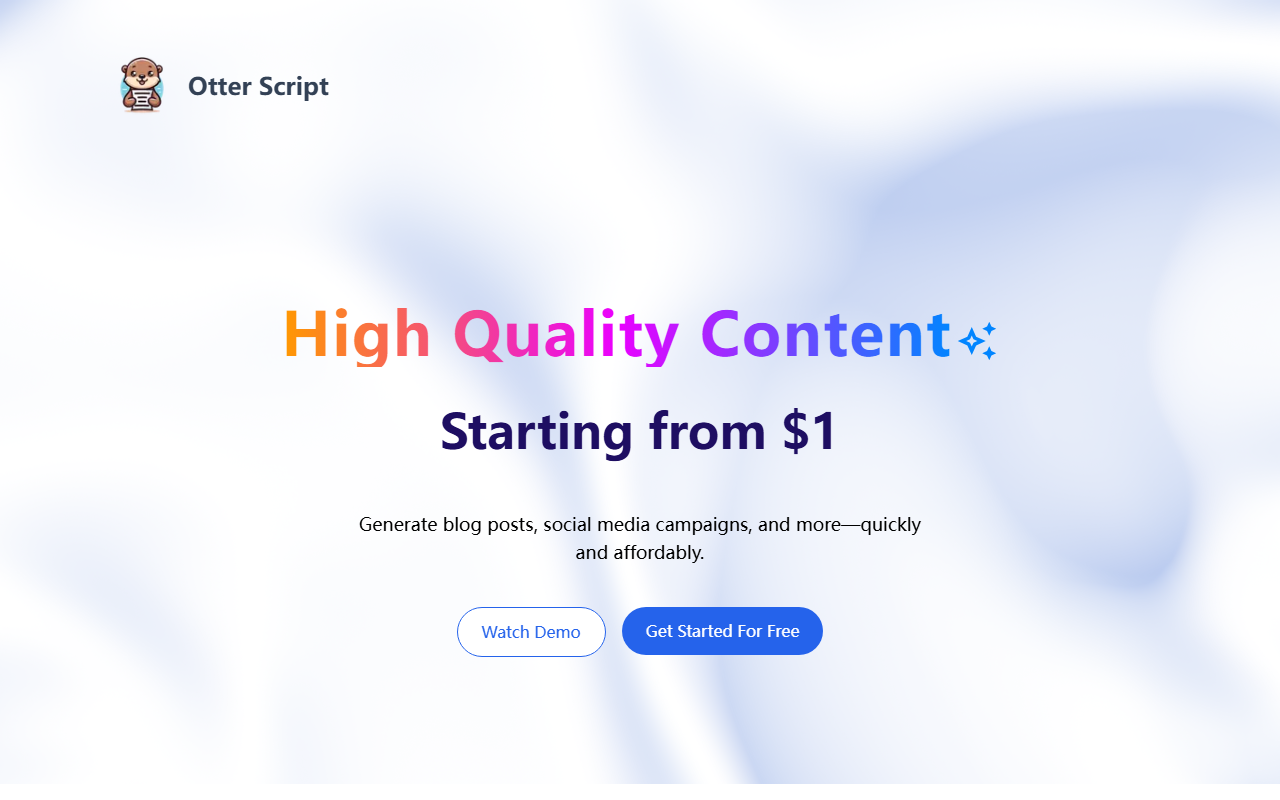
First Impressions: A Clean, No-Nonsense Dashboard
Upon visiting Otter Script's website, I was struck by the straightforward layout. The landing page immediately highlights the pay-per-use model—no subscriptions, no commitments. The navigation is minimal: a pricing breakdown, feature cards, and calls to action. There's no lengthy onboarding flow; you can start generating content right from the "Get Started For Free" button. The interface is clutter-free, which suggests the tool prioritizes speed over feature bloat.
What Otter Script Does Best: Flexible, Affordable Content Generation
Otter Script is an AI writing assistant focused on four core outputs: SEO-optimized blog posts, multi-platform social media campaigns, personalized cold emails, and authentic reviews. Each use case has a fixed per-unit price—$1 per blog post, $3 per 30-day social campaign, and $1 per 10 cold emails or reviews. This unbundling is rare among AI writing tools and directly addresses the pain point of unused subscription quotas.
During my testing of the free tier, I generated a sample blog post. The output included a headline, meta description, SEO-friendly slug, and even image suggestions. The tone matched my brand guidelines, and the keyword suggestions felt relevant. The social media campaign generator produced 30 days of posts for LinkedIn, X, and Facebook, complete with hashtags and image prompts—all within seconds.
Pricing, API Access, and Market Positioning
The pricing is refreshingly transparent. For $30, you get 30 blog posts, 10 social campaigns, 300 cold emails, or 300 reviews. There is no tiered subscription; you simply buy credits as needed. The site also mentions API access—though you must contact them for details. This positions Otter Script as a viable alternative to tools like Jasper or Copy.ai, which often require monthly commitments. Unlike those competitors, Otter Script focuses on lightweight, bulk-oriented workflows without a steep learning curve.
Strengths, Limitations, and Final Verdict
Strengths: The pay-per-use model eliminates wasted spending. The CSV export/import feature is a boon for teams handling large volumes. Custom workflow creation (free, upon request) adds flexibility. The tool is also featured on Product Hunt, AI Tools, and Automateed, lending some credibility.
Limitations: The feature set is narrow—no long-form writing, no rewriting or paraphrasing tools, and no plagiarism checker. The interface lacks advanced customization options (e.g., tone sliders). Also, the quality of AI-generated reviews may raise ethical concerns depending on use case.
Who should use it: Freelancers, startups, and small marketing teams who need consistent, high-volume content without recurring fees. Avoid if you require sophisticated editing features or enterprise-grade integrations.
Visit Otter Script at https://otterscript.vercel.app/ to explore it yourself.













Comments