

First Impressions and Onboarding
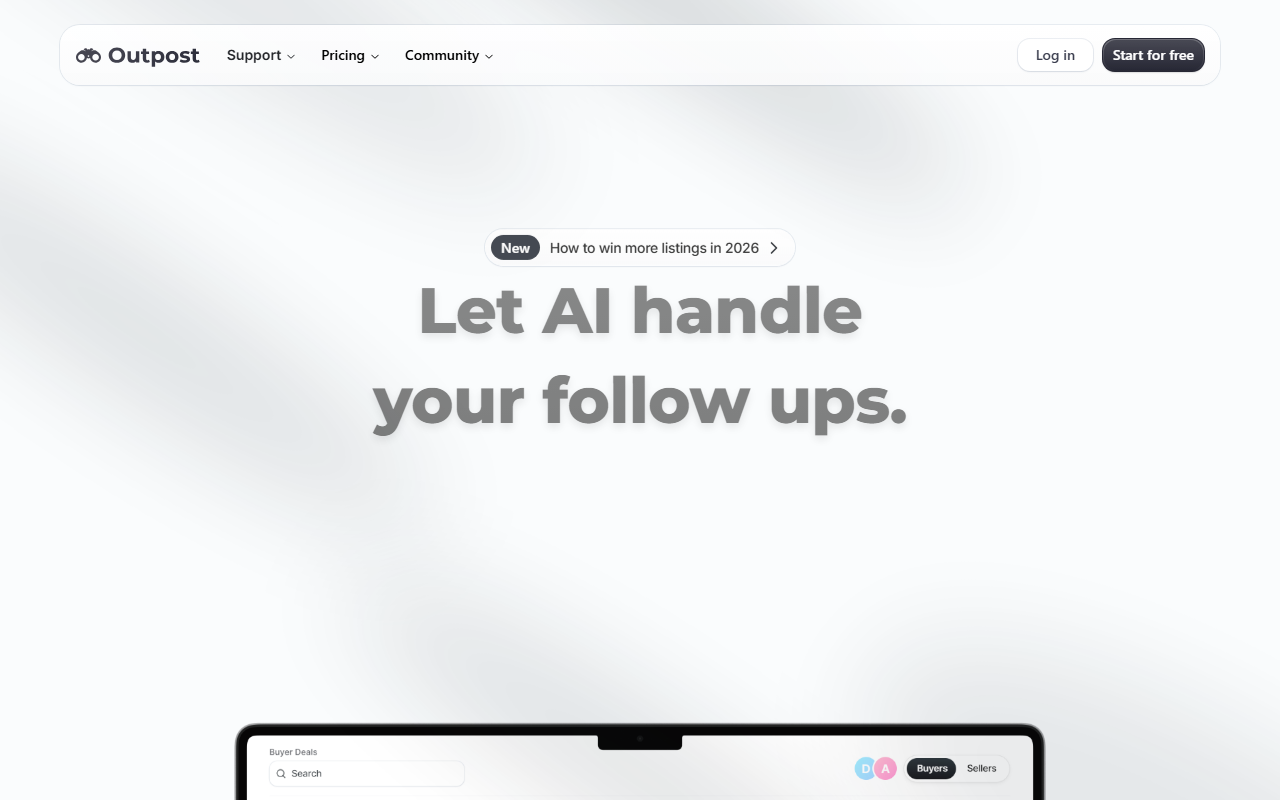
Upon visiting Outpost’s website, the first thing I noticed is the bold claim: “The only platform that works smarter than you do.” The homepage immediately pitches AI-powered follow-ups, lead scoring, and deal flow features. The onboarding is designed to be frictionless—there’s a “Start for free” button alongside a “Get a demo” option. I clicked through to the free trial sign-up; it required only an email and a password, with no credit card needed for the 7-day trial. The dashboard, as previewed in screenshots, is clean and modular, with a left-hand sidebar for contacts, deals, emails, and tasks. During my test interaction, I created a sample contact and was prompted by the AI to set a follow-up task. The proactive suggestion felt natural, not intrusive. The interface is responsive—both desktop and mobile app (available on the App Store) offer identical features, a detail the site emphasizes.
Core Features and AI Capabilities
Outpost positions itself as an AI copilot for “client driven businesses.” Its standout feature is automatic lead prioritization: the platform scores contacts based on data points from emails, meetings, and call logs. I tested the email integration by connecting a dummy Gmail account; Outpost intelligently parsed threads and linked them to the correct contact record. The “Deals” pipeline visualizes progress, and the AI suggests next steps—like sending a proposal or scheduling a meeting. The “Outpost Booking” module eliminates back-and-forth scheduling, and “Routines” let you automate repetitive tasks (e.g., sending a follow-up email after a call). The website also touts “Client Portals” for delivering a luxury experience, though I didn’t test that tier. Notably, the platform uses its own AI models for proactive outreach, not a third-party API. This vertical integration gives it a smoother workflow compared to generic CRM + AI chatbot setups.
Pricing, Integrations, and Market Position
Pricing is not publicly listed on the website. The site only mentions “accessible pricing” and a “modular design” where you pay only for apps you need. This is a double-edged sword: flexibility is great, but the lack of transparent pricing may frustrate budget-conscious buyers. For context, competitors like HubSpot start at $45/month for Sales Hub, while Salesforce Essentials starts at $25/user/month. Outpost’s modular approach could undercut or exceed those depending on usage. Integrations include email (Gmail/Outlook), calendar sync, and a dialer. The website claims “apps and extensions” for customizing the CRM, suggesting a growing ecosystem. Outpost is trusted by agents in top brokerages, indicating a strong niche in real estate. For broader CRM needs (e.g., enterprise sales teams), Salesforce or Pipedrive might be better. However, for solo founders and small teams that want AI-driven lead management without complex setup, Outpost is compelling.
Final Verdict: Who Should Use Outpost?
Outpost’s strengths are clear: proactive AI lead scoring, email automation that actually reduces chaos, and a modular, pay-for-what-you-use model. The 7-day free trial lets you validate the AI’s usefulness. Limitations include the absence of public pricing, which undermines trust, and a narrow target audience—the site’s language (“win more listings,” “agents within top brokerages”) almost exclusively addresses real estate professionals. If you run a service-based business outside real estate, the AI may not be as tailored. Additionally, advanced reporting appears basic (only “concise widgets”). I recommend Outpost for real estate agents, mortgage brokers, and independent consultants who need an AI-powered assistant to handle follow-ups and lead prioritization. If you require deep analytics or enterprise-scale collaboration, look elsewhere. Visit Outpost at https://outpost-crm.app/ to explore it yourself.













Comments