

First Impressions and Onboarding
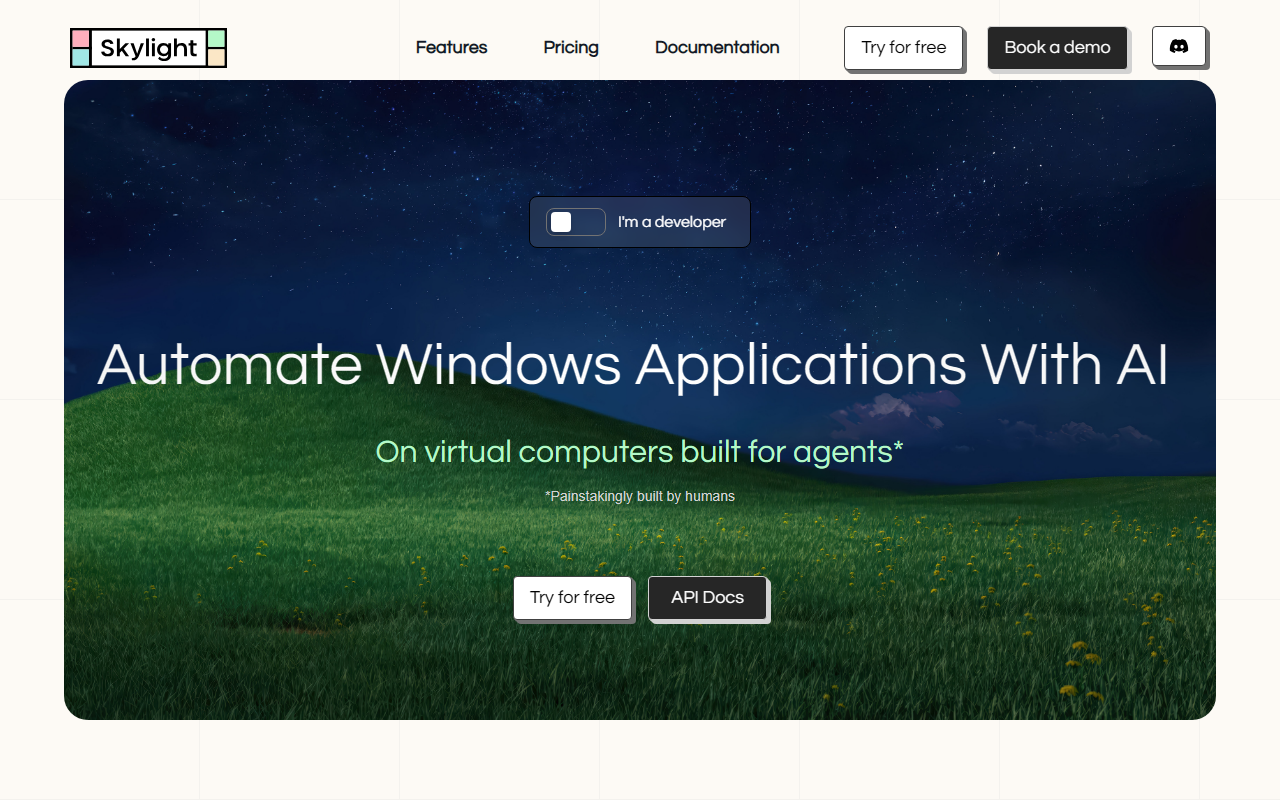
Upon visiting the Picocrowd website, I landed on a crisp, developer-centric page that immediately zeroes in on the product: Skylight. The headline, 'Automate any Windows application,' is backed by a three-step workflow and a prominent 'Try for free' button. Clicking through leads to the documentation and a playground area—no credit card is required for the first $5 worth of credits. I created an account and was instantly given access to a virtual Windows machine in the browser. the dashboard is minimal: a remote desktop view, a chat-style input bar for natural language commands, and a sidebar with file uploads and agent logs. The onboarding flow is smooth, though I wish there was a quickstart tutorial beyond the API docs. I tested the built-in agent by typing 'Open Notepad and write Hello World'—within seconds, the agent navigated the Windows desktop, opened Notepad, and typed the text. The human-in-the-loop prompt appeared before it saved the file, which I confirmed. This real-time interaction was impressive and gave me a tangible sense of how the platform works.
Architecture and Core Features
Skylight is more than a simple RPA tool—it is a cloud-hosted Windows environment built from the ground up for AI agent orchestration. The platform follows three steps: spin up a virtual Windows instance (each comes pre-configured with remote access and custom app installation), drive it with an AI agent via API (screenshots, clicks, typing, keyboard commands), and supervise through live streaming and safety guardrails. The Playground offers a no-code way to deploy the built-in agent, which is powered by an underlying model that interprets visual screenshots and executes actions. For developers, the core value lies in the API and SDKs. Skylight provides Python and Typescript SDKs that can be used natively as an MCP server. The Interaction API enables manual remote control (programmatic mouse clicks, input, screenshots) or full agentic control with a single line of code. I appreciated the 'Instance Knowledge Base' feature—the VM retains state and learns from repeated tasks. Other highlights include persistence (stop and resume VMs without data loss), live streaming, and the ability to orchestrate multiple concurrent desktops. The platform also supports file uploads and downloads directly from the instance. Notably, every destructive action triggers a human-in-the-loop prompt, adding a layer of safety that is critical for production workflows.
Pricing Details
Picocrowd offers clear, usage-based pricing. The Free tier gives $5 in credits with unlimited concurrent computers, unlimited interactions, and community support—no credit card needed. The Pro tier costs $20/month and includes $20 worth of credits, file uploads, and priority 1-to-1 support. Enterprise pricing is custom. Beyond credits, compute is billed per minute: $0.005 per minute for active computers and $0.0005 per minute for hibernated ones. Each agent step (screenshot, click, type, etc.) costs $0.003, and each file transfer costs $0.05. This granular breakdown is fair for the infrastructure provided, but heavy usage can escalate quickly. For example, a 30-minute automated workflow with 500 agent steps would cost roughly ($0.005*30) + ($0.003*500) = $0.15 + $1.50 = $1.65 per run. Compared to running your own Windows VMs plus managing agent infrastructure, this pricing is competitive, especially for small to medium testing scenarios. However, for large-scale rollouts, the Enterprise plan with custom pricing may be more economical.
Strengths, Limitations, and Alternatives
Picocrowd's greatest strength is its simplicity and focus. The platform abstracts away the complexity of provisioning and maintaining Windows VMs while providing purpose-built APIs for agentic control. The human-in-the-loop feature and live streaming make it safe and inspectable, unlike many black-box automation tools. The 10M+ API interactions and 30k+ instances launched signal community trust and traction. However, limitations exist. First, the tool is Windows-only—any workflow that requires macOS or Linux is unsupported. Second, the built-in agent's performance depends on the underlying model; I occasionally saw the agent misclick or misinterpret a UI element, requiring human correction. Third, the cost model is not ideal for long-running persistent VMs; hibernation helps but active minute costs add up. Competitors include Browserbase (for web automation) and traditional RPA suites like UiPath, but Skylight occupies a unique niche: AI-agent-native Windows automation. It is best suited for developers and teams automating legacy desktop applications, testing Windows software, or building custom agent workflows. If you need cross-platform agent support or prefer open-source tooling, look at Playwright or Puppeteer combined with a VM service. Picocrowd is a polished option for those who want to deploy AI agents on Windows without infrastructure headaches.
Visit Picocrowd at https://picocrowd.com/ to explore it yourself.













Comments