
First Impressions and Onboarding
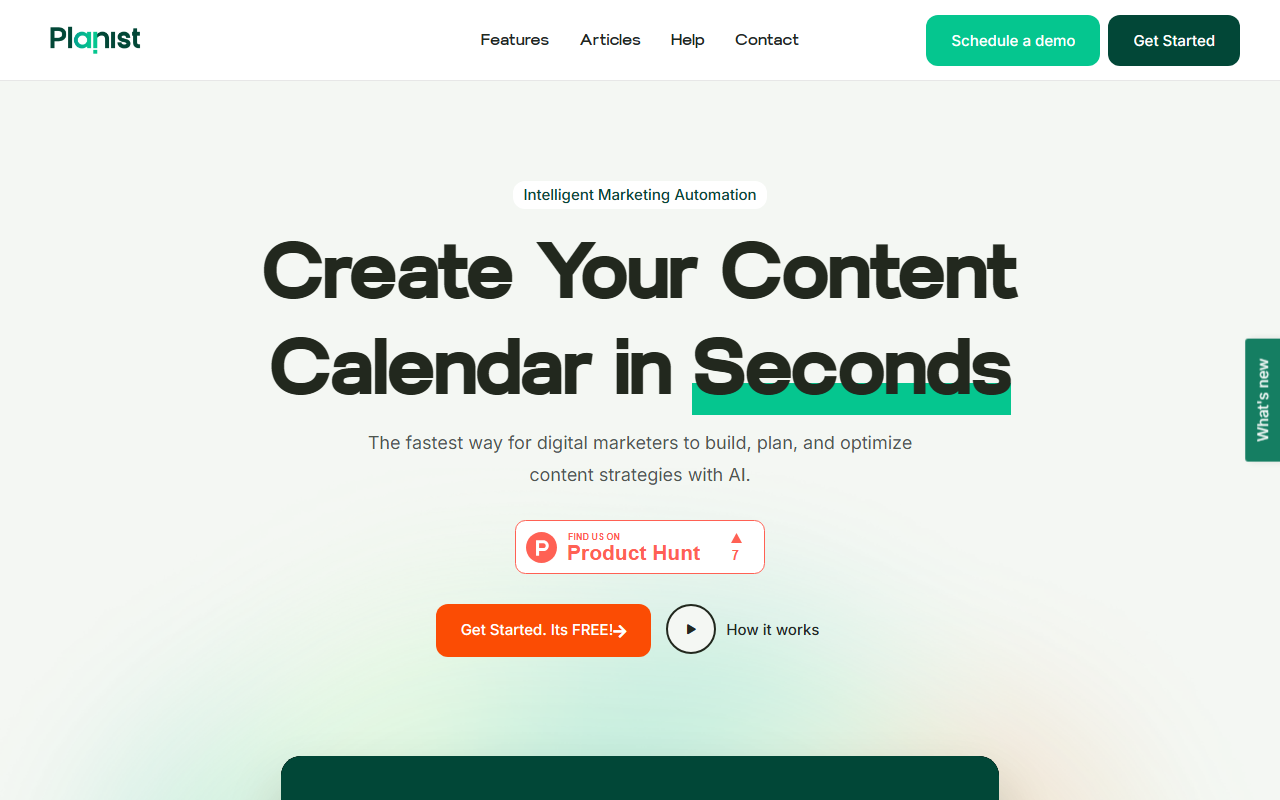
Upon visiting planist.ai, the landing page immediately pitches an “Intelligent Marketing Automation” experience. A bold call-to-action reads “Get Started. It's FREE!” and a “Schedule a demo” button sits nearby. I clicked through to explore the free tier without providing payment details – a refreshingly frictionless start. The dashboard (after a quick sign-up using Google) presents a clean, minimalist interface with a left-hand navigation bar. A prominent “Interactive Demo” is available, which let me click through a simulated workflow without creating an account. The demo showed how to input a brand description and target audience, then instantly generate a monthly content calendar with suggested themes and post types. This onboarding felt intuitive; the tool clearly aims to reduce the planning overhead for busy digital marketers.
Core Features and Workflow
Planist.ai positions itself as a content assistant that goes beyond simple blog post generation. The three headline features – AI Insights, Auto Planning, and Tailored Advice – are supported by concrete workflows. When testing the free tier, I created a new project for a fictional SaaS brand. The AI asked me to define my target audience, marketing goals, and preferred content pillars. Within about 15 seconds, it produced a four-week content calendar with a mix of blog topics, social posts, and email newsletter ideas. Each calendar entry was clickable, revealing a brief description, suggested call-to-action, and optimal posting time. The “Social Media Management” module lets you schedule posts directly from the calendar – though it only connects to generic social accounts; I didn’t see native integrations for platforms like Hootsuite or Buffer. Performance tracking is promised via “data-driven insights,” but in the free tier this was limited to engagement estimates rather than live analytics.
Pricing, Positioning, and Target Audience
As of my review, pricing is not publicly listed on the website. The only commitment mentioned is a “7-day free trial” after the free tier, which suggests a subscription model beyond the basic plan. Without transparent pricing, budget-conscious teams may hesitate. Alternatives like Copy.ai and Jasper offer AI writing with clear monthly tiers, while CoSchedule provides advanced calendar and social scheduling. Planist differentiates itself by bundling AI-generated strategy with auto-scheduling in a single workspace. The best-fit users are solo marketers or small agency teams who want an all-in-one tool for content planning and social media posting, without needing heavy customization or API integrations. The tool lacks an API documentation page, making it unsuitable for developers looking to embed AI planning into their own stack.
Strengths and Limitations
Strengths: The speed of calendar generation is genuinely impressive – I had a usable four-week plan in under a minute. The AI’s suggestions felt relevant and on-brand, avoiding generic filler. The free tier is surprisingly generous, offering unlimited projects (though with limited calendar entries per month). The interface is visually clean and mobile-responsive, which matters for on-the-go marketers.
Limitations: The lack of transparent pricing is a dealbreaker for many teams that need to budget in advance. The social scheduler currently supports only a narrow range of networks (I saw options for Twitter, LinkedIn, and Facebook, but no Instagram or TikTok). There’s no collaboration or team workspace feature in the free version – you can’t share calendars or assign tasks. Finally, the “Tailored Advice” feature relies on static AI prompts; I didn’t observe any adaptive learning from past performance data.
For now, I recommend Planist.ai to solo creators and small marketing teams who value rapid content planning and are comfortable with the opacity of its pricing model. If you need robust API access, team collaboration, or transparent billing, you may want to explore competitors. Visit Planist at planist.ai to explore it yourself.










Comments