

First Impressions and Onboarding
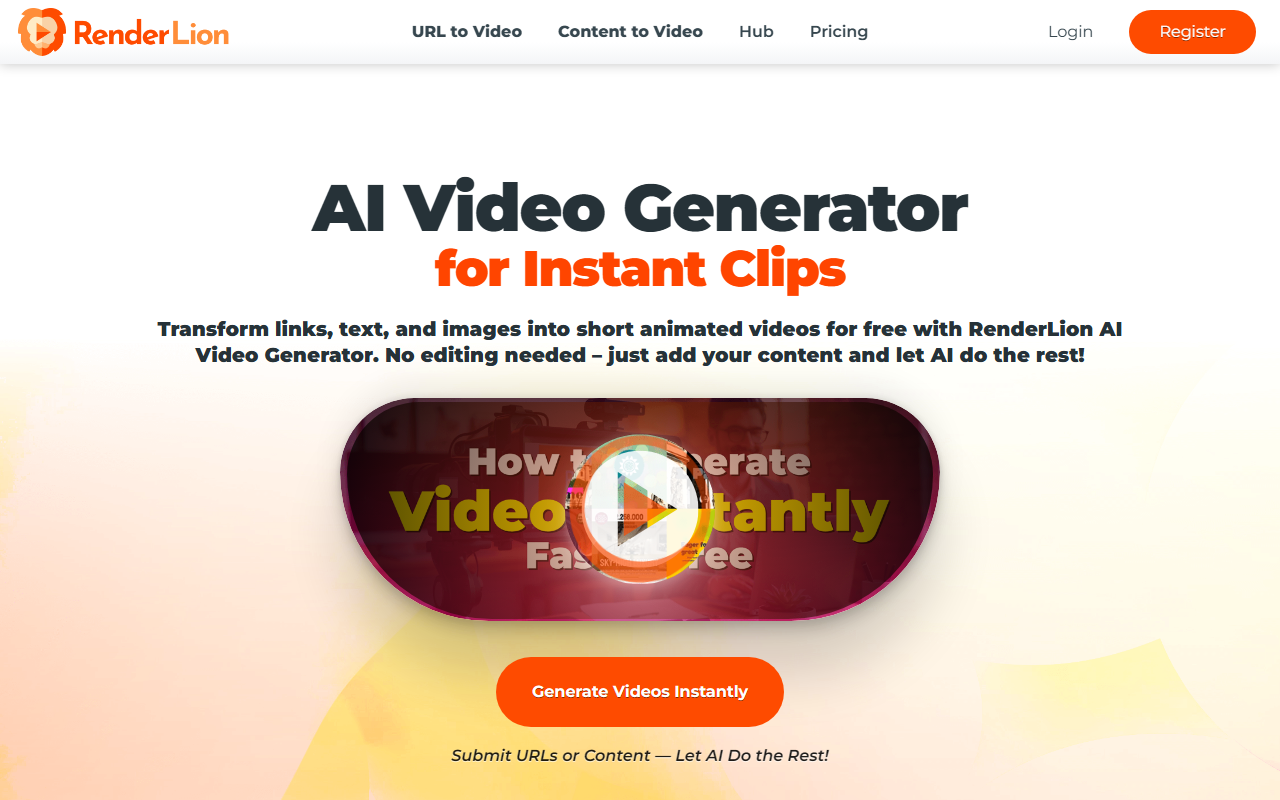
Upon visiting RenderLion's homepage, I was greeted by a clean, single-page layout that immediately pushes you toward action. The hero section offers two clear paths: “URL to Video” and “Content to Video,” with a prominent call-to-action to register or log in. I opted to test the free tier without signing up — interestingly, the tool prompts registration only when you attempt to generate a video. The dashboard is minimal: a simple input field where you paste a URL or type text, plus a few style toggles. The entire flow feels designed for speed, reflecting the tagline “No editing needed.” I submitted a blog post URL from my own site, and within about 30 seconds, the AI returned a preview — a short animated summary with stock visuals, auto-generated voiceover, and background music. The interface is intuitive enough that even a complete novice could navigate it in under a minute.
How RenderLion Works and Key Features
RenderLion describes its process in five steps: submit, customize, generate, render, download. The AI behind the scenes appears to use pre-trained models for natural language processing and scene detection — it extracts key points from your text or URL, then matches them with a library of animations and audio. The customization options are modest but practical: you can adjust styles (e.g., color scheme, font), add your logo, choose voiceover type, and pick background music. The “New Instant Roar” feature regenerates multiple previews from the same input, giving you a handful of variations to choose from. Notably, the tool supports multiple output formats — square for Instagram, portrait for TikTok, landscape for YouTube — and renders in 1080p. I tested the “Images to Video Maker” by uploading three product photos; the AI created a slideshow with transitions and a branded intro, though the animation felt a bit generic. The biggest draw is the promise of unlimited free usage, which the site claims with “Generate Freely.” However, I noticed a watermark in the free version’s lower right corner — a typical trade-off. No API or advanced integration (e.g., with social schedulers) was visible, limiting this to a standalone web tool.
Pricing, Limitations, and Market Position
RenderLion’s pricing is not publicly listed beyond the free tier. The site states “RenderLion's AI Video Generator is free to use,” but there is no mention of a paid plan or premium features. This is a double-edged sword: it’s genuinely free to experiment, but the lack of transparency around future pricing or usage caps (e.g., daily limits, resolution restrictions) raises questions. The watermark on the free tier suggests a potential upgrade path. Compared to competitors like Invideo AI or Lumen5 — both of which offer free tiers with paid upgrades for higher quality and more control — RenderLion is simpler but also more limited in customization. Invideo, for instance, provides extensive template libraries and brand kits; RenderLion offers only basic brand focus (logo, colors). The tool’s strength is its sheer speed and zero learning curve, making it ideal for small business owners, freelancers, and social media managers who need quick, no-fuss clips. For power users requiring granular control over scenes, timing, or voiceover scripts, RenderLion will feel restrictive. The “651,300+ Short Videos Generated” counter adds social proof, but exact figures are unverifiable.
Final Verdict and Recommendations
RenderLion delivers on its core promise: transform any content into a short animated video in minutes, for free. I found it especially useful for turning a blog post into a 30-second TikTok snippet and for creating a product announcement video without touching a timeline editor. The biggest strength is the frictionless experience — no credit card needed, no complex dashboard. The main limitations are the watermark on exports and the lack of API or batch processing, which disqualifies it for high-volume or professional editing workflows. I recommend RenderLion to three specific groups: content creators who need rapid social media clips, small businesses with minimal budgets, and marketers testing video formats before committing to a paid tool. If you need advanced features like custom voice clones, multi-track editing, or integration with Adobe, look elsewhere. For quick, AI-powered video creation, RenderLion is worth a try — especially since it costs nothing. Visit RenderLion at https://renderlion.com/ to explore it yourself.










Comments