

First Impressions and Onboarding
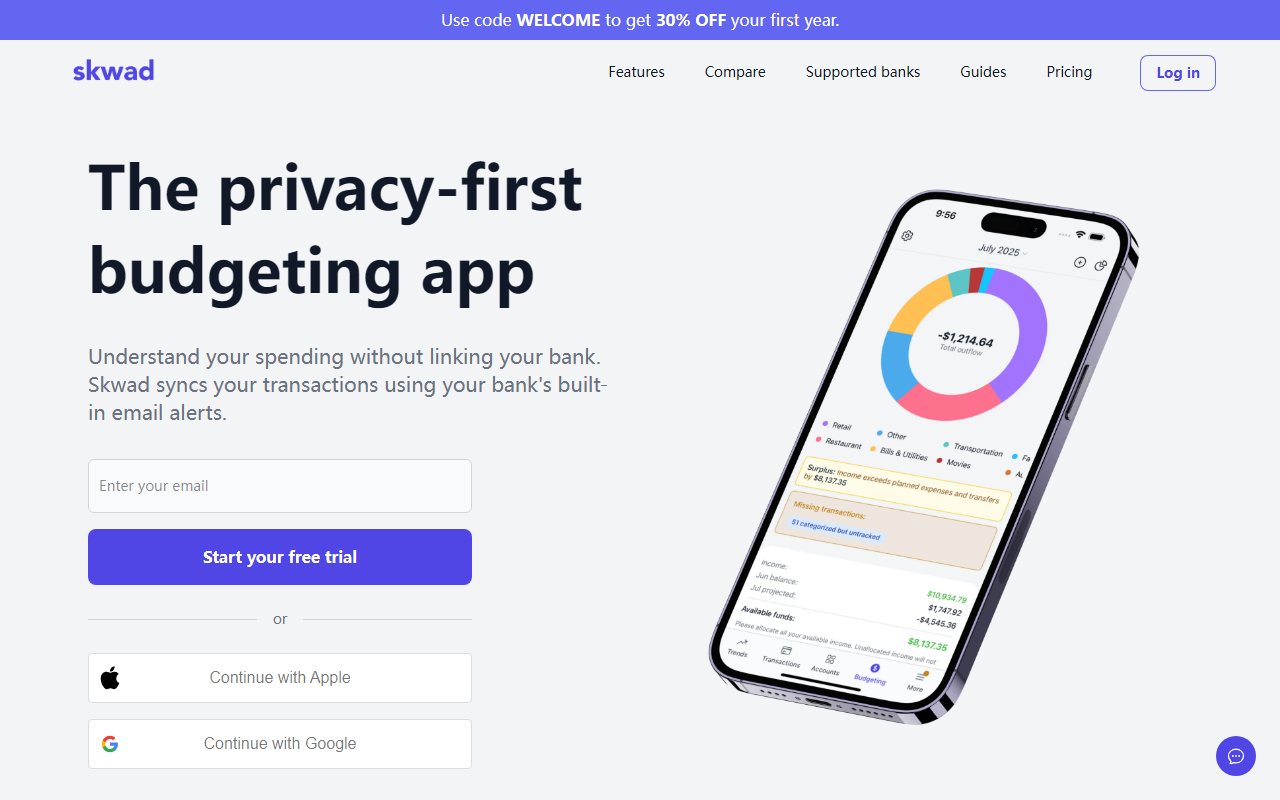
Upon visiting Skwad's website, I immediately noticed the emphasis on privacy. The headline "The privacy-first budgeting app" is front and center. The sign-up flow is smooth: you can continue with Apple or Google, or start a free trial. I chose the free trial option, and within minutes I had a dedicated Skwad email address. The dashboard is clean and minimal, with a sidebar showing accounts, budgets, transactions, and reports. Unlike most budgeting apps, Skwad doesn't ask for banking credentials upfront. Instead, it guides you through forwarding email alerts from your bank to your Skwad address. I set up an alert for my credit card and within seconds the test transaction appeared, already categorized. The speed is impressive compared to competitors that refresh on a schedule.
Core Features and Workflow
Skwad solves the problem of tracking expenses without compromising your bank login. It parses email alerts from over 80% of North American banks. You can also import CSVs, OFX, or QIF files from legacy tools like Mint. The receipt scanner extracts line items and categorizes them automatically. I tested it with a grocery receipt—the OCR accurately picked up every item and matched categories. For couples, the "Multiplayer mode" lets you share accounts and budgets in real time; your first companion is free. The bank statement converter turns PDFs into Excel, which is handy for tax season. Optionally, you can link banks via Plaid or MX for those who prefer direct sync, but the core value is the password-free email method. Skwad also offers widgets for iPhone and Mac to check balances at a glance.
Privacy Positioning and Market Context
Skwad positions itself against incumbents like YNAB, Monarch Money, and the now-defunct Mint. These apps typically require giving third-party aggregators (Plaid, MX) full access to your bank account—including account numbers, legal name, and transaction history. Skwad argues this violates bank terms and exposes you to risk if credentials are leaked. Instead, Skwad receives only the transaction data that you intentionally forward. The company states it never sells data or pushes loans. Forbes Advisor Canada gave it 4.9/5 for "Best for not linking your bank." While this approach is more secure, it has a limitation: you must set up email alerts manually for each bank. Some smaller banks may not support detailed email alerts, though Skwad provides guides. Compared to Actual Budget (open-source) or Simplifi (by Quicken), Skwad offers a middle ground: convenience without password sharing.
Pricing, Limitations, and Verdict
Pricing is not publicly listed on the website, but during sign-up I saw a promo: use code WELCOME for 30% off your first year. The free trial appears limited in features (likely capped transactions). The full plan seems to be an annual subscription—no monthly option mentioned. A clear strength is instant transaction syncing, even for older banks that break with Plaid. A limitation: the email method works best if your bank sends line-item alerts; some banks only send a generic charge alert with no merchant name. I noticed that for my Discover card, the alert only said "Purchase at Unknown Merchant"—Skwad couldn't categorize it. The solution is to switch to a bank with detailed alerts. Skwad is best suited for privacy advocates, couples, and Canadians (where banks are notoriously incompatible with US-focused apps). It's less ideal for users who want full automated tracking without any manual setup or who have banks with poor alert systems. Overall, Skwad delivers on its promise and is a worthy alternative to traditional budgeting tools.
Visit Skwad at https://skwad.app/ to explore it yourself.













Comments